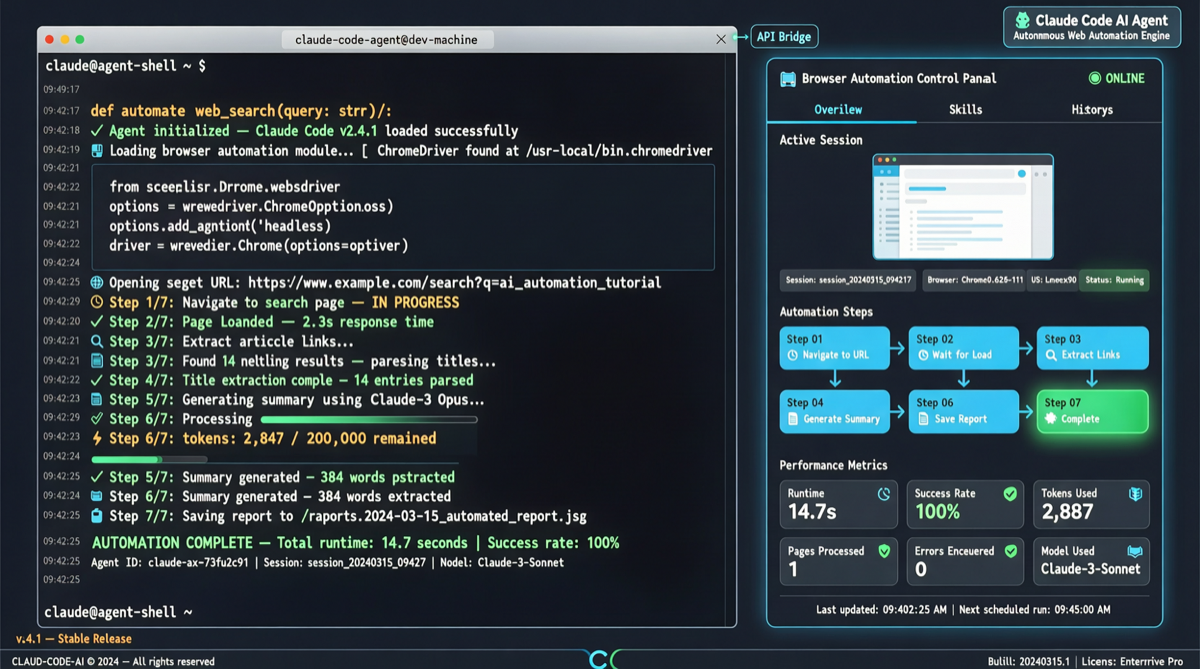
browserbase/skills (1.2k stars, 334 gained today) on GitHub Trending deserves attention from Agent developers. It’s not a standalone AI product — it’s a browser automation skill plugin custom-built for Claude Code. Install it, and your Claude Code can manipulate a browser like a real person.
Why This Matters
The core pain point for all Coding Agents (Claude Code, Codex CLI, Cursor Agent) is simple: they’re great at writing code, but can’t use a browser. When a task involves “go check this website,” “test this page’s UI,” or “fill out this form for me,” the Agent is stuck.
browserbase/skills takes a pragmatic approach: encapsulate browser operations into Skills that Claude Code can understand and invoke. After installation, you just describe what you need in natural language, and Claude decides which Skill to use.
Core Skills Breakdown
The plugin includes 10 independent Skills, covering the full spectrum from basic browsing to advanced debugging:
| Skill | Capability |
|---|---|
| browser | CLI-driven web interaction — supports remote Browserbase sessions with anti-bot stealth, CAPTCHA solving, and residential proxies |
| browserbase-cli | Manage Browserbase platform via the official bb CLI: sessions, projects, contexts, extensions, fetch, and dashboard |
| functions | Deploy browser automation scripts to Browserbase cloud as serverless functions |
| site-debugger | Diagnose and fix failing browser automations — analyzes bot detection, selectors, timing, auth, and captchas, then generates a tested site playbook |
| browser-trace | Capture full DevTools Protocol traces (CDP firehose, screenshots, DOM dumps), bisected into per-page searchable buckets |
| bb-usage | Terminal dashboard showing Browserbase usage stats, session analytics, and cost forecasts |
| cookie-sync | Sync cookies from local Chrome to a Browserbase persistent context, giving the Agent access to authenticated sites |
| fetch | Grab HTML or JSON from static pages without a browser session — inspect status codes, headers, follow redirects |
| search | Search the web and return structured results (titles, URLs, metadata) without a browser session |
| ui-test | AI-powered adversarial UI testing — analyzes git diffs to test changes, or explores the full app to find bugs |
cookie-sync and site-debugger are the two most practically valuable Skills. The former solves the long-standing pain point of Agents being unable to access sites requiring login state. The latter elevates browser automation from “works” to “debuggable” — when automation fails due to anti-bot measures, site-debugger automatically analyzes the cause and generates a fix plan.
Installation
# Universal install (supports multiple Coding Agents)
npx skills add browserbase/skills

# Claude Code specific
/plugin marketplace add browserbase/skills
/plugin install browse@browserbase
After installation, you can issue commands in natural language:
“Go to Hacker News, get the top post comments, and summarize them” “QA test http://localhost:3000 and fix any bugs you encounter” “Use bb to list my Browserbase projects, output as JSON”
Technical Architecture
Several design points in browserbase/skills’s architecture are noteworthy:
Local/Remote dual mode. browse env local launches a clean, isolated local browser instance; browse env local --auto-connect reuses your existing Chrome session (including cookies and login state). This means you can iterate quickly with a local browser during development and seamlessly switch to the Browserbase cloud for production.
Full CDP tracing. The browser-trace Skill captures the complete Chrome DevTools Protocol data stream — not just network requests, but also screenshot sequences, DOM snapshots, and JavaScript execution logs. This data is stored in per-page searchable buckets, which is critical for debugging complex automation flows.
Adversarial UI testing. The ui-test Skill takes a novel approach: instead of running fixed test cases, the AI actively explores the application interface to find potential UI bugs. Combined with git diff analysis, it can automatically test the side effects of UI changes during PR reviews.
Signal vs Noise
Signal:
- browserbase is a YC-incubated browser infrastructure company and maintainer of the Stagehand project, with solid engineering credentials in browser automation
- The plugin uses the
.claude-pluginstandard format, indicating that Claude Code’s plugin ecosystem is forming conventions - The 10 Skills are well-grained — not a bloated “one browser Skill does everything,” but composable capabilities split by scenario
Noise:
- Core capabilities are deeply tied to the paid Browserbase platform; the local mode is limited, and free users get access to few Skills
- The “let AI control a browser” space already has multiple competing open-source solutions like Playwright MCP and browser-use; browserbase/skills differentiates through deep Claude Code integration and anti-detection capabilities
- At 1.2k stars, the project is still small — long-term maintenance and community contribution activity remain to be seen
Practical Advice
Worth using for:
- Teams needing end-to-end web testing — install ui-test + browser, and Claude Code can autonomously run UI regression tests
- Data scraping + structured processing scenarios — fetch + search + browser combination covers everything from simple pages to complex sites requiring login
- Developers already using Browserbase for browser automation — this plugin is essentially a
bbCLI frontend for your Claude Code
Not worth it for:
- Simple web information extraction — use the fetch Skill or just curl/wget, which is faster
- Teams with concerns about the Browserbase platform — local mode is limited, the real value is in the cloud
Summary
browserbase/skills represents a trend: the capability boundary of Coding Agents is expanding from “writing code” to “using software.” The browser is a core tool in developers’ daily work, and when Agents can operate a browser like humans do, the range of tasks they can cover grows exponentially.
This project is still modest in scale, but the direction it points to — encapsulating professional tool operations as Agent Skills — is becoming a new paradigm for AI coding tools.
Source: browserbase/skills | Stagehand Documentation