What does Claude Code do by default when asked to locate how a feature is implemented inside a VS Code codebase?
It spawns an Explore agent and begins grepping, globbing, listing (ls), and reading files—one file at a time. Result: 52 tool calls, 1 minute 37 seconds, 89.4K tokens consumed, and ~15 files read.
Same task—with CodeGraph installed: 3 tool calls, 17 seconds, 56.6K tokens, and 0 files read.
That’s a 94% reduction in tool calls and an 82% speedup.
This isn’t benchmark cheating—it’s a fundamental shift in underlying strategy.
Code Knowledge Graph vs. Brute-Force Search
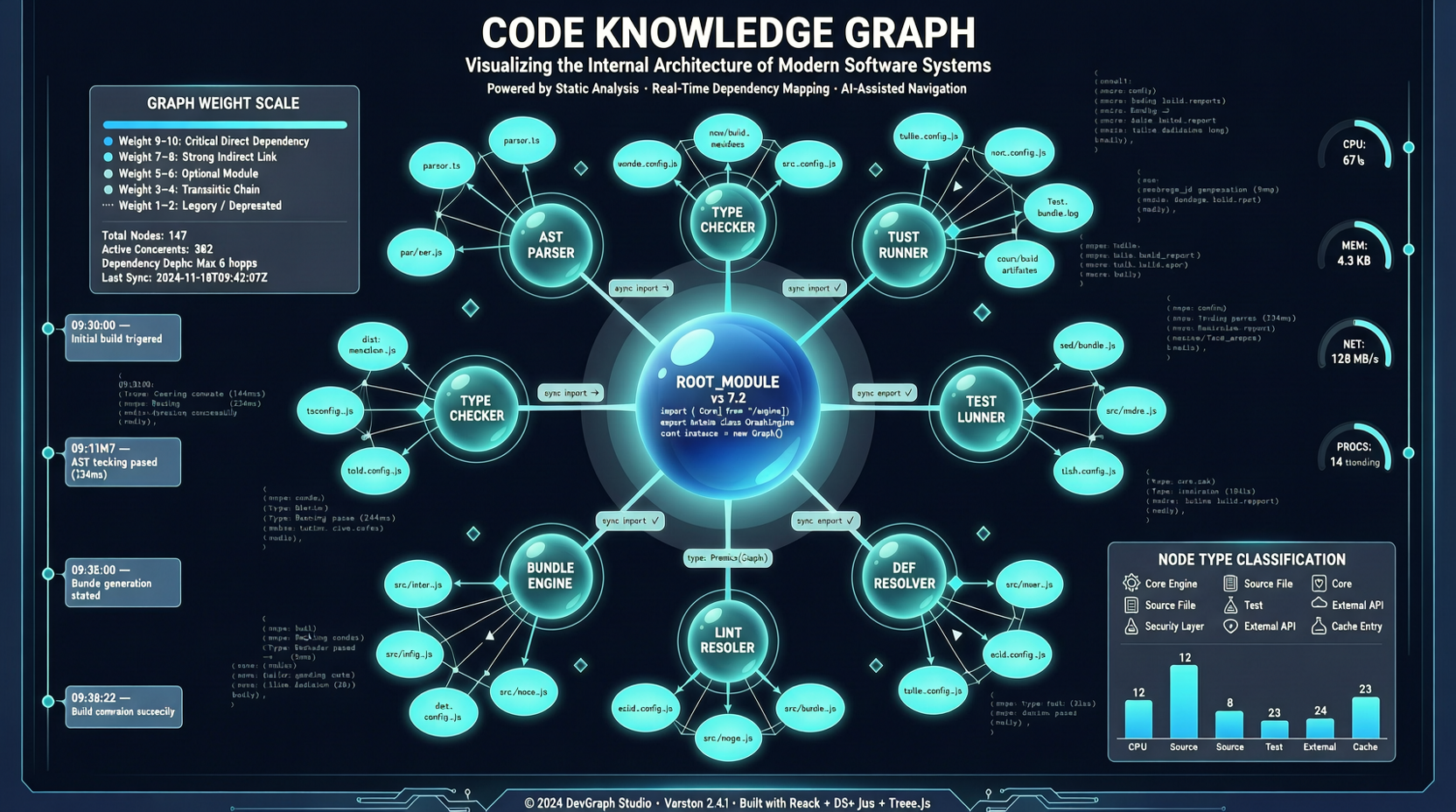
CodeGraph’s core idea is simple: instead of forcing agents to perform brute-force searches through the filesystem every time, pre-build a “map” of the codebase—capturing symbol relationships, call graphs, and structural hierarchies—all indexed upfront.
When the agent needs information, it queries the graph directly—not by scanning files.
Run codegraph init -i to initialize your project in one click. The interactive installer automatically configures Claude Code, Cursor, Codex CLI, and opencode.
Then, when the agent needs to explore code, it invokes the codegraph_explore tool—and receives structured answers instantly, eliminating the need for manual grep and glob.
Benchmark Results
The author conducted comparative tests across six real-world codebases, all using Claude Opus 4.6 (1M context) + Claude Code v2.1.91. For each test, the same Explore agent was spawned and asked the identical question:
| Codebase | With CodeGraph | Without CodeGraph | Improvement |
|---|---|---|---|
| VS Code (TS) | 3 calls, 17s | 52 calls, 1m 37s | ↓94%, ↑82% |
| Excalidraw (TS) | 3 calls, 29s | 47 calls, 1m 45s | ↓94%, ↑72% |
| Claude Code (Python+Rust) | 3 calls, 39s | 40 calls, 1m 8s | ↓93%, ↑43% |
| Claude Code (Java) | 1 call, 19s | 26 calls, 1m 22s | ↓96%, ↑77% |
| Alamofire (Swift) | 3 calls, 22s | 32 calls, 1m 39s | ↓91%, ↑78% |
| Swift Compiler (Swift/C++) | 6 calls, 35s | 37 calls, 2m 8s | ↓84%, ↑73% |
Average: 92% fewer tool calls, 71% faster execution.
The most compelling result comes from the Swift Compiler test—where a knowledge graph comprising 25,874 files and 272,897 nodes enabled the agent to complete the task in just 6 calls and 35 seconds—versus 37 calls and 2 minutes 8 seconds without CodeGraph.
It’s Not Just About Time Savings
Reducing tool calls delivers direct benefits in token consumption. Under today’s large-model API pricing models, every tool call carries cost—not only in API fees but also in context window usage.
When an agent’s context window fills up with raw grep and Read outputs, its capacity for reasoning shrinks. CodeGraph liberates the agent from repetitive “information retrieval” labor, freeing up precious context space for “information understanding.”
This is an often-overlooked optimization dimension: not making the model stronger—but making it waste less effort on redundant work.
Limitations
Initialization takes time. For large codebases, building the initial knowledge graph may take several minutes to tens of minutes. This is a one-time cost—but must be factored into your workflow.
The graph is not live. When code changes, the graph must be reindexed. If your team commits frequently, you’ll likely want to set up a CI job to auto-update the graph—there is currently no built-in incremental update mechanism.
Only optimizes the Explore scenario. CodeGraph accelerates how agents explore codebases. It does not assist with writing, modifying, or testing code. It’s a “lookup accelerator”—not a “coding accelerator.”
Currently supports only Claude Code, Cursor, Codex CLI, and opencode. Other agents require future integration.
My Take
The value of this project lies in reframing a key question: Is the bottleneck in AI coding tools model capability—or information retrieval efficiency?
Giving an agent a map of the codebase is dramatically more efficient than making it scan files one by one. It’s an intuitive idea—but intuition doesn’t mean it’s already been implemented.
If you’re using Claude Code on large codebases (thousands of files or more), installing npx @colbymchenry/codegraph costs virtually nothing: 5,816 stars, MIT license, and 100% local execution.
The only real question is: Is your codebase large enough to justify building a graph? For small projects, grep suffices. But once your project crosses a certain scale threshold, the graph’s value compounds rapidly.
Primary Sources:
- GitHub - colbymchenry/codegraph (5,816 stars, updated 2026-05-19)
- npm - @colbymchenry/codegraph
- Benchmark data sourced from the project README; test environment: Claude Opus 4.6 (1M) + Claude Code v2.1.91