Your AI Coding Toolbox Is Too Scattered
If you're like most developers, your computer probably has Cursor, Claude Code, Cline, GitHub Copilot... all installed at once. Each tool has its strengths, but managing them is a nightmare:
- Claude Code excels at complex refactoring, but has usage limits
- Cursor has the best IDE integration, but limited model selection
- Cline is flexible but requires your own API setup
- Copilot is convenient but results are inconsistent
What's even more annoying is that each tool has different billing models, token consumption rates, and rate limits. You end up switching between multiple services or just sticking with one — and tolerating its shortcomings.
9router was born to solve this problem.
One Gateway, Everything Connected
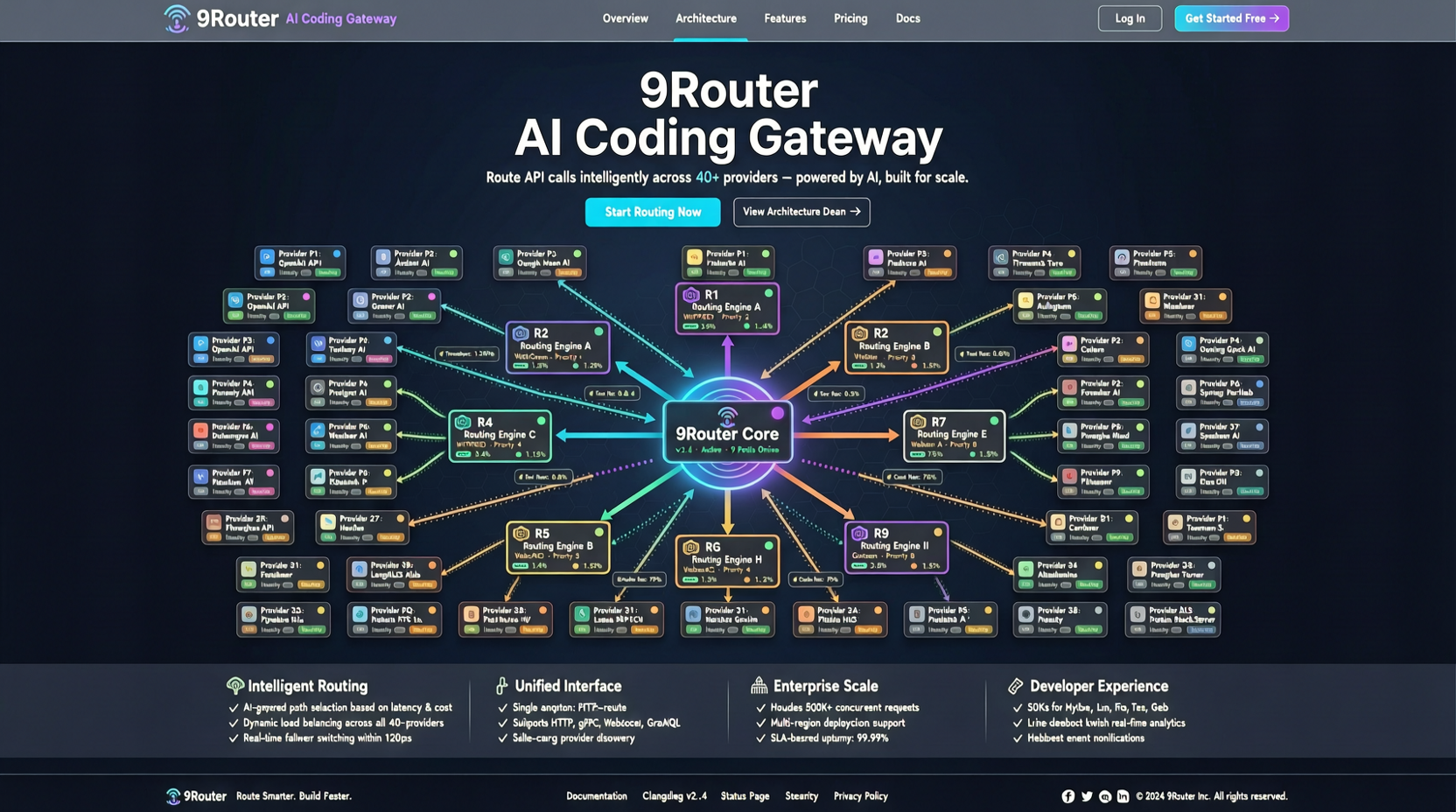
What 9router does is straightforward: it adds a routing layer between you and various AI coding tools. Your IDE or terminal connects only to 9router, and it decides which backend service to forward the request to.
Three key features:
Automatic Fallback: When a service is down or hits rate limits, 9router automatically switches to a backup service. You won't have your workflow interrupted by a 429 error from Claude — the request gets seamlessly forwarded to GPT or Gemini.
RTK Token Optimization: Claims to reduce token consumption by 40%. The principle is routing strategies that select the most cost-effective model for different task complexities — cheap models for simple questions, powerful models for complex tasks.
40+ Provider Support: From Anthropic, OpenAI, Google to various open-source model hosting services, it covers almost all mainstream options.
How to Build a Real Workflow
Here's a concrete configuration approach:
Daily Coding (80% of time): Route to the most cost-effective models, like Claude Sonnet or GPT-4o-mini. These models are more than capable of handling completions, simple refactoring, and writing test cases.
Complex Architecture Decisions (15% of time): Automatically switch to Claude Opus or GPT-4o. Tasks requiring deep reasoning are worth spending more tokens on.
Emergency Rescue (5% of time): When the primary service is unavailable, the fallback chain ensures you always have an AI available — even if it's a slightly less effective model, it's better than being completely stuck.
Why It's Especially Needed Now
The 2026 AI coding tool ecosystem is increasingly fragmented. No single service can be the best in all dimensions. Rather than betting on one vendor, it's better to build a flexible routing layer.
9router's 8,508 stars and nearly 1,000 stars per day growth rate show that developers have already recognized this problem.
Getting Started Tips
- Don't configure all 40 services from the start. Start with the 2-3 you're already using, get the basic flow working
- Focus on configuring the Fallback chain. This is 9router's most valuable feature — ensuring your workflow won't be interrupted by temporary service failures
- Monitor token consumption. After using it for a while, see how much the RTK optimization actually saved you, then adjust your routing strategy
The core idea of this project is actually quite simple: don't put all your eggs in one basket, but don't manually carry eggs either. Let the router automate the management for you.