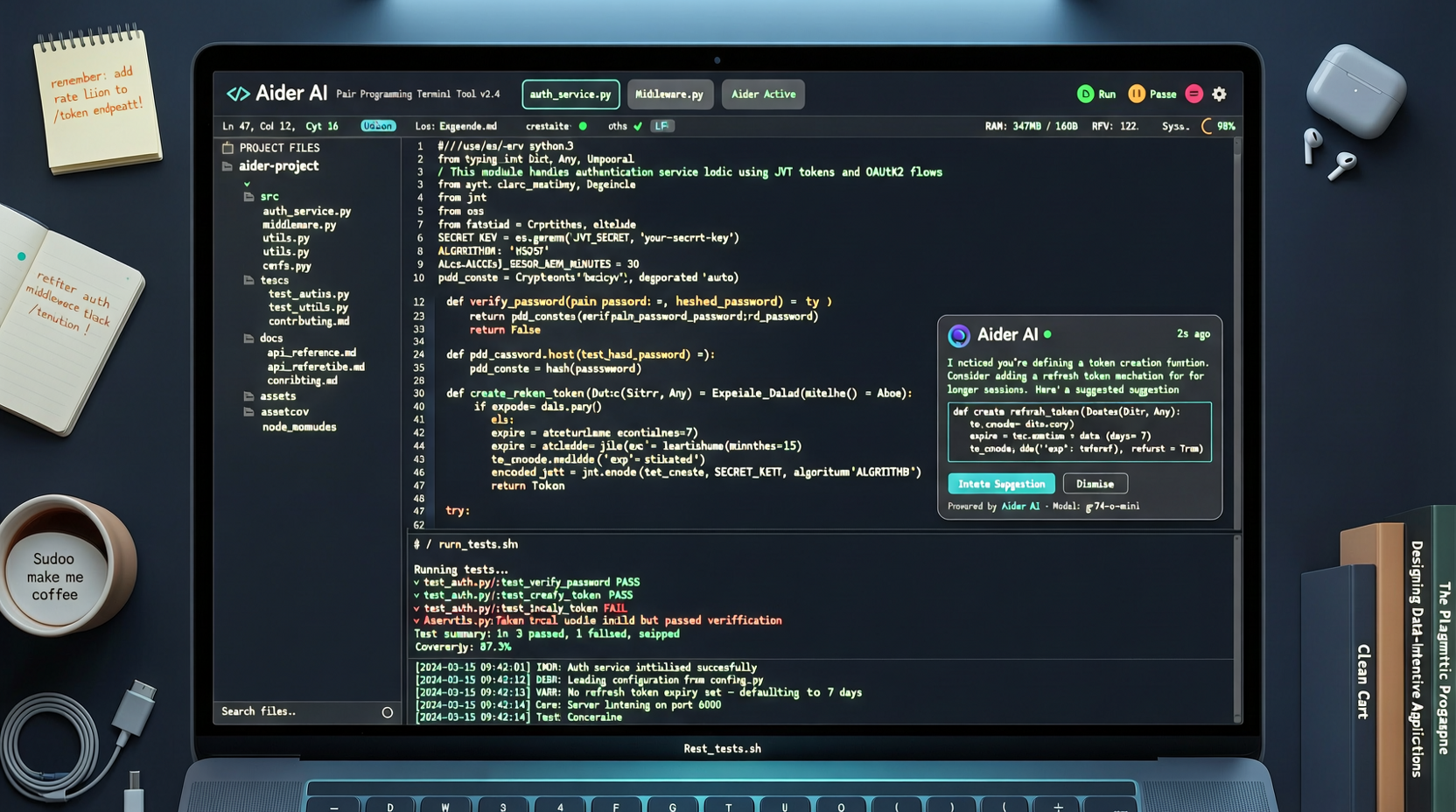
Open a terminal, type aider, and start coding with AI through conversation. That simple.
Aider is the kind of tool that is "so minimal it becomes cool." No GUI, no fancy interface — just a terminal program. But it has 44.8K stars, 1,200+ issues, and the latest commit was three weeks ago (feat: add gpt-5.5 model settings across providers). The activity level says: people are using it, and it is still actively developed.
Terminal vs GUI
Coding agents have split into two camps. One goes GUI: Cline, Cursor, Windsurf — all with pretty interfaces, click-and-go. The other stays in the terminal: aider is the representative here.
The terminal approach has clear advantages:
- Speed. No waiting for IDE to load, just open a terminal and work
- Remote-friendly. Works over SSH, GUI tools are basically crippled on remote servers
- Seamless with existing toolchain. grep, git, tmux — your old friends are all there
The cost: steep learning curve for those unfamiliar with the command line. You need to get used to expressing intent through text, not mouse clicks.
Hands-on: Adding Features to a Python Project
I tested aider on an existing Flask API project. Requirement: "Add pagination to /api/users endpoint, default 20 per page, support page and per_page parameters."
What aider did:
- Scanned the project for relevant files
- Automatically identified the route function that needed changes
- Directly modified the code, adding pagination logic
- Showed the changes with git diff
All done in the terminal, no window switching. The code was clean, pagination logic was correct.
One small issue: it didn't automatically generate tests. You have to explicitly tell it "write a test" and it will add them. This is not a bug — it is a design choice. Aider only does what you ask, it doesn't over-perform.
GPT-5.5 Support
The latest update added gpt-5.5 model settings. This means you can use GPT-5.5 as the backend model directly. Community feedback suggests GPT-5.5 shows noticeable improvement in code generation quality over GPT-4o, especially in complex refactoring scenarios.
Aider's smart move: it doesn't build models, it is the "best interface" for models. Whether you use GPT-5.5, Claude, or a local model — aider doesn't care. It just translates your requirements into instructions the model understands, then writes the model's output back to files precisely.
Who Should Use Aider
Recommended:
- Developers comfortable with the command line
- People who frequently SSH to remote servers to modify code
- Those who want a lightweight, non-intrusive coding assistant
- Users already on tmux + vim/emacs workflows
Not recommended:
- Those who prefer visual interaction
- Users who want AI to proactively do more (aider is reactive — it answers when asked)
- Very large, complex projects (aider's context management is not as strong as IDE-integrated tools)
13,133 commits. This project is not chasing trends — it is steadily doing one thing well: making terminal-based AI pair programming actually usable. For some people, that is enough.
Primary sources: