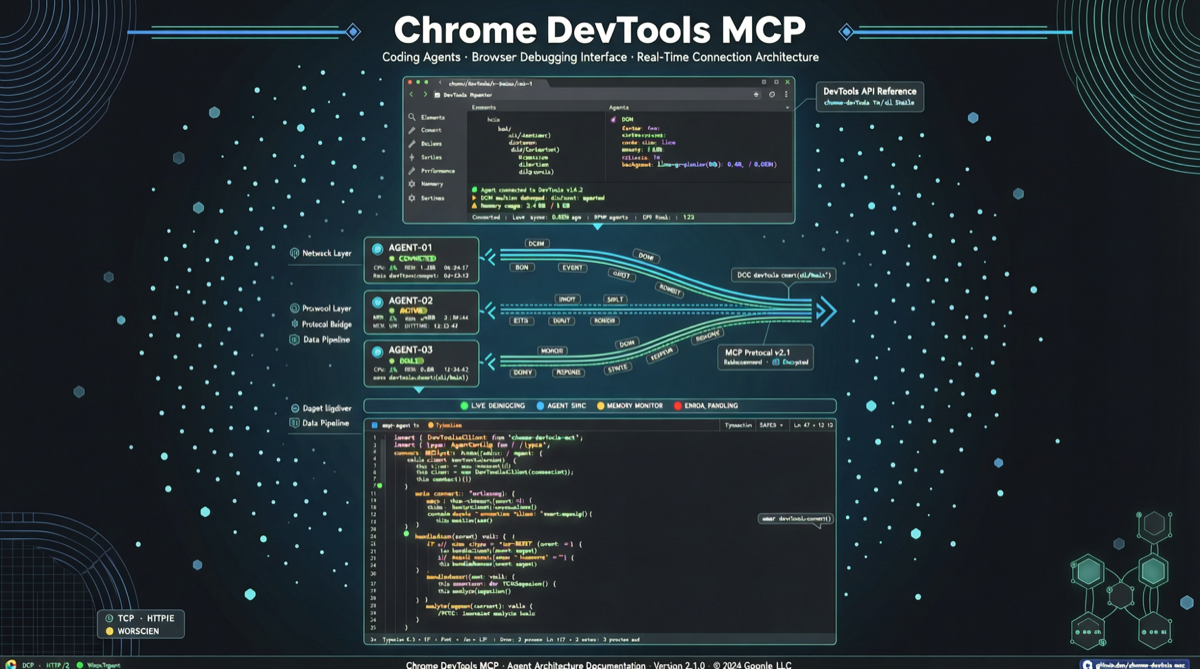
A project quietly climbed to 38,600 stars on GitHub Trending — chrome-devtools-mcp, officially maintained by the ChromeDevTools team. Version 0.25.0 dropped three days ago, with 829 commits, 77 open issues, and 29 PRs in queue. This is not a community toy — it is infrastructure maintained by the Chrome team itself.
What Problem Does It Solve
Anyone who has written frontend code with Claude Code, Cursor, or any coding agent knows a shared frustration: agents can write code, but debugging is basically blind guessing. Ask it to fix a CSS layout bug and it churns out three versions, each slightly off, because it cannot see what the browser actually renders.
Previous solutions fell into two camps: either have the agent use Playwright to take screenshots and let a vision model "look" at the page — slow, with low information density — or manually open DevTools and paste network requests, console errors, and DOM structures to the agent one by one — tedious and error-prone.
chrome-devtools-mcp takes a third path: agents connect directly to Chrome DevTools via the MCP protocol, just like you pressing F12 in the browser, except now the one operating DevTools is an agent.
What It Actually Does
Looking at the repository structure, this MCP exposes capabilities covering the core DevTools panels:
- DOM inspection and manipulation — agents can query and modify the DOM tree directly, no more blind CSS selector trial-and-error
- Console read/write — execute JavaScript, read console output, catch errors
- Network request analysis — inspect full XHR/fetch request chains including headers, body, and timing
- Performance panel — access Performance data
- Form filling — dedicated
fill_formskill for complex forms (fixes for checkbox edge cases landed just two days ago)
More importantly, it ships with a .claude-plugin directory — meaning Claude Code can load it as a plugin directly, no extra configuration needed.
Why the Timing Matters
The MCP protocol has been around for a while, but most implementations so far have been API wrappers — weather queries, database operations, file search. A browser DevTools endpoint of this caliber is different because:
- It is the universal interface for all frontend development. Whatever framework or build tool you use, everything runs in the browser eventually
- Official Chrome backing means stability. This is not a third-party script maintained by a solo developer — it is part of the Chromium project
- 829 commits tells you this is not experimental. v0.25.0 shipped three days ago with fixes for CLI auto-connect, form fill evaluation, and more. The iteration cadence is healthy.
What Is Not Perfect Yet
The 77 open issues reveal real-world friction points: connection stability, incomplete coverage of certain DevTools APIs, inconsistent behavior in multi-tab scenarios. All normal for a project still on 0.x, but if you plan to use it in CI/CD for automated testing, wait for a few more stable releases.
Also, this is primarily designed for coding agent scenarios — if you just want browser automation, the Playwright ecosystem is far more mature.
Bottom Line
If you write frontend code and use coding agents to assist development, this project is worth trying. Setup is straightforward (npx @chrome/devtools-mcp gets you running), and it solves a real problem: "the agent cannot see the browser."
Do not expect it to replace human debugging though — complex interactions, animation timing, cross-browser compatibility — human eyes are still more reliable than agents for those.
Main sources: