Have You Ever Hit This Breaking Point?
You launch Claude Code in your terminal to handle a large-scale refactoring task—and then suddenly remember another small question you need to ask the AI. So you open a second terminal window. Then a third. And before long, you’ve lost track of which window is running which task.
Or worse: you instruct an AI to run a time-consuming background task within a single Claude Code session—but you can’t proceed with other work because that same terminal remains occupied.
This is a universal pain point for every developer using AI-powered coding tools.
What Exactly Does Agent View Do?
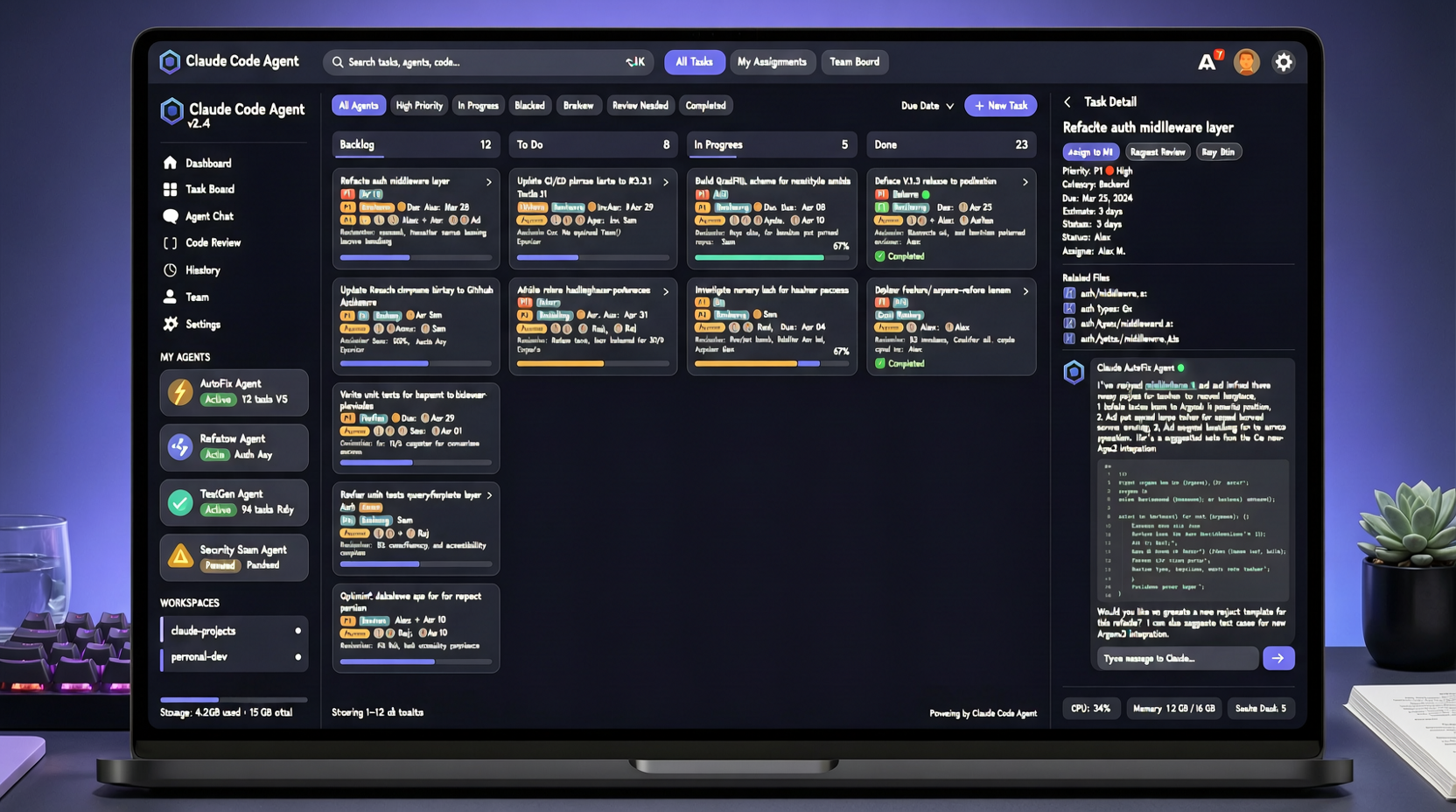
Claude Code’s newly introduced Agent View can be summed up in one phrase: a “Task Manager” for AI tasks.
It enables you to launch multiple background Agent tasks within a single Claude Code instance—and monitor their status, progress, and outputs from a unified interface.
Specifically:
- Parallel Execution: While one Agent refactors code, another writes documentation, and a third runs tests—all concurrently and without interference.
- Real-Time Monitoring: Instantly check what each Agent is doing, how far it has progressed, and whether any errors have occurred.
- Unified Interaction: No more context-switching across windows—you communicate with all Agents directly from a single, cohesive interface.
A Shift in Workflow Paradigm
Before Agent View, AI coding tools followed a serial workflow: wait for one task to complete → then start the next.
With Agent View, the paradigm shifts to parallel execution: launch multiple tasks simultaneously → switch attention between them as needed → consolidate and manage outputs centrally.
This shift has profound practical implications. Consider these real-world scenarios:
Code Review + Fix Workflow: Agent A reviews a pull request and lists issues; Agent B immediately begins fixing those issues based on A’s output—while you monitor progress and make high-level decisions.
Documentation + Code Synchronization: After modifying code, one Agent updates inline comments, another updates the README, and a third generates the changelog—all in one coordinated pass.
Large-Scale Refactoring: Break a major refactoring effort into discrete subtasks, assign each to a dedicated Agent, and merge results once all are complete.
Analogy to Traditional Development Practices
This closely mirrors operating system process management. Previously, running a command in the terminal forced you to wait until completion (foreground mode). Later, you learned to send processes to the background with &, inspect them with jobs, and bring them back to the foreground with fg.
Agent View does exactly that for AI tasks—only with a far more intuitive, GUI-driven interface that eliminates the need to memorize arcane commands.
Limitations
Currently, Agent View is exclusive to Claude Code; no other AI coding tools offer a comparable solution. If your workflow integrates multiple tools—for example, Claude Code alongside Cursor or Cline—you’ll still need to switch between applications.
Yet the direction is unmistakable: AI Agents are evolving from “one-off conversations” into “manageable background services.” This trend will only accelerate.
If you rely heavily on Claude Code, investing time to adapt to Agent View’s workflow is well worth it—it may fundamentally reshape how you orchestrate AI-assisted development.