Running long tasks with Claude Code used to mean staying glued to your terminal — no one knew when it would finish or when it needed confirmation. Close the laptop and risk missing an input request; stay and waste hours watching logs.
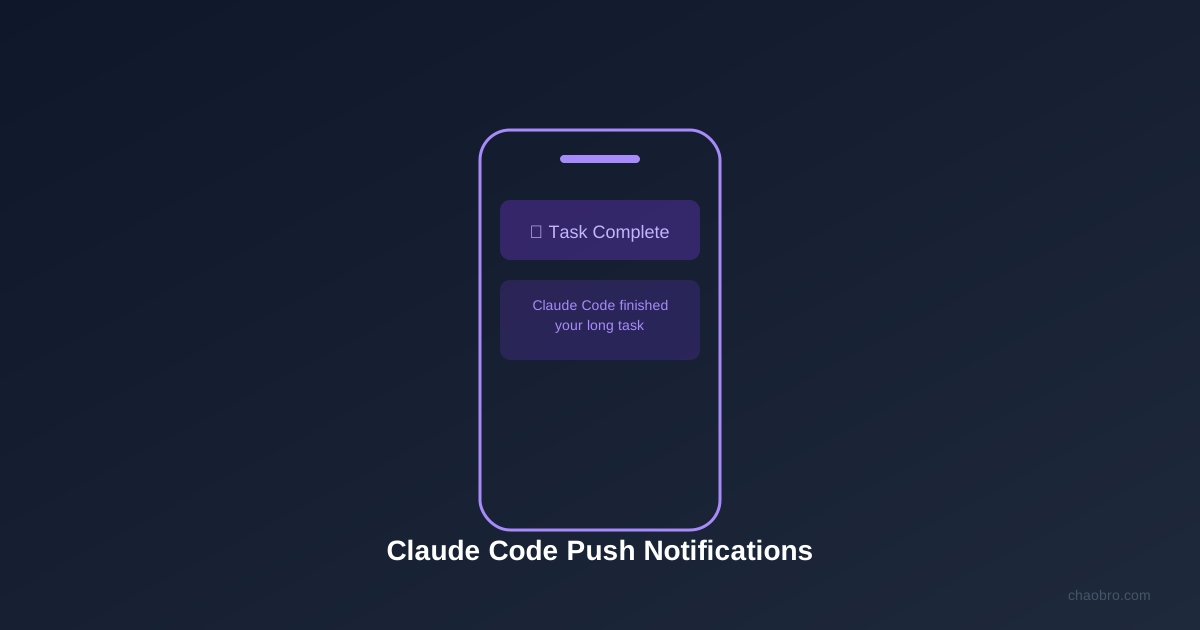
The push notification feature in the latest Claude Code update solves this: when a task finishes or needs input, Claude pings your phone like a text message.
Community reaction was direct — one comment read: “Claude Code is a worker, not a chatbot. Push notifications finally match that positioning.” The tweet got 30K+ views and heavy engagement.
How to Set It Up
1. Install Claude mobile app
- iOS is supported; Android not yet available
- Sign in with the same account as Claude Code
2. Enable push permissions
- Allow notifications for the Claude app on your phone
- Settings → Notifications → Claude → Allow
3. Configure in terminal
- Requires Claude Code v2.1.110 or higher
- Run
/configin terminal, select “Push when Claude decides” - Claude automatically pushes when tasks complete or input is needed
What This Changes
Push notifications seem small, but the impact on Agent workflows is significant.
Before: Start task → stare at terminal → wait for completion or question → answer → continue. For tasks running 10 minutes to hours, that time is basically consumed.
After: Start task → close laptop → do other things → phone rings → check result or provide input.
For developers running multiple Claude Code sessions simultaneously, this means switching from “one-to-one watching” to “one-to-many management.” You can kick off a refactoring task, a test task, and a code review at the same time, then let notifications tell you which finished and which needs your decision.
Limits
- iOS only: Android users can’t use it yet; no timeline announced
- Version requirement: Claude Code v2.1.110+ needed
- Remote dev: Limited push support for remote development; local dev has the best experience
Sources
- Claude Code Changelog
- Community discussion (X/Twitter, @ClaudeDevs and others)