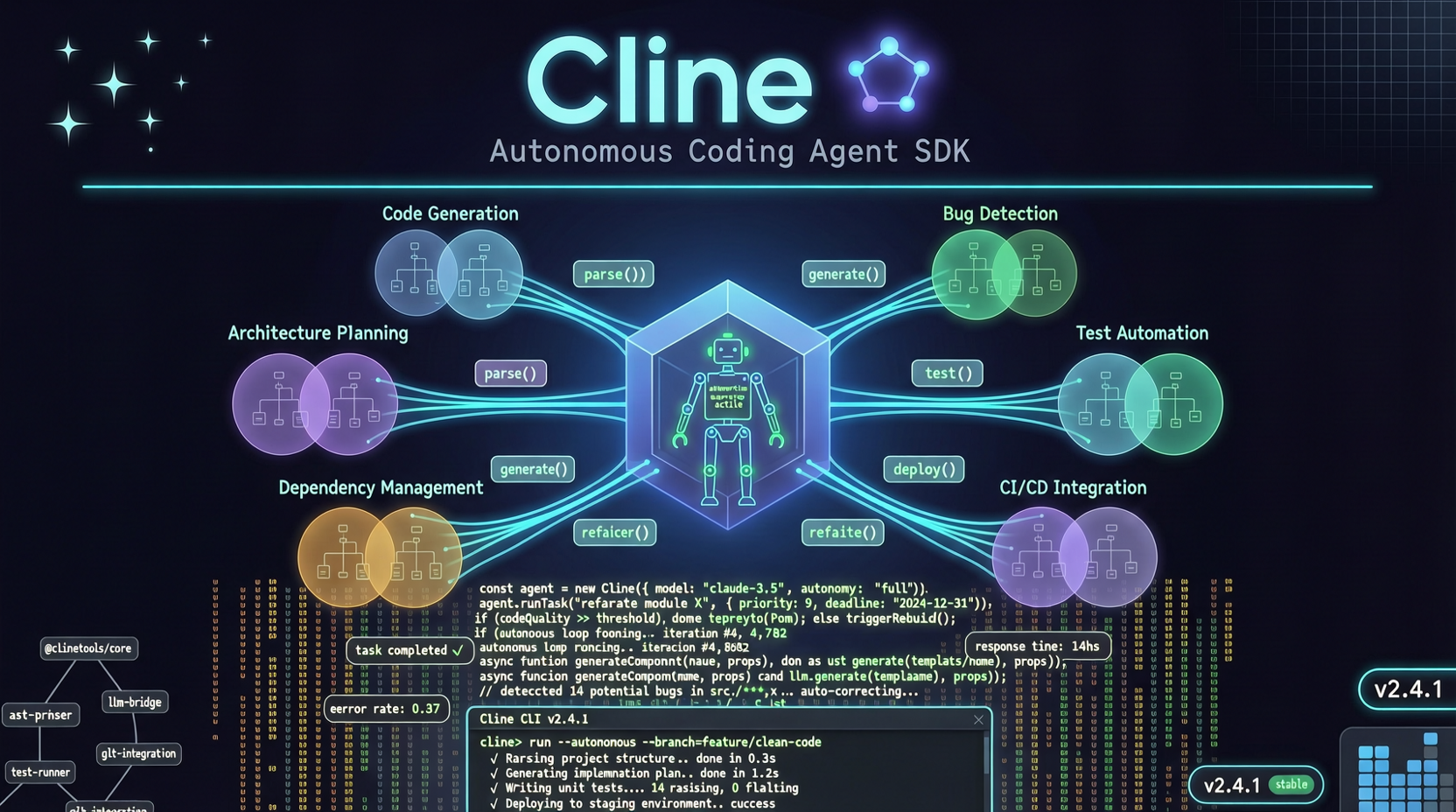
Cline's README opens with one sentence: "Autonomous coding agent as an SDK, IDE extension, or CLI assistant." No adjectives, no exclamation marks. But 61.7K stars says that sentence carries weight.
The project's trajectory is interesting. It started as a VS Code extension — install it, give it a task description, and it starts writing code, running tests, fixing bugs on its own. Unlike Copilot's "you type, it completes" assistance model, Cline is autonomous: you give it a goal, it decomposes, executes, and iterates by itself.
SDK: From Plugin to Infrastructure
The recent big move is SDK-ification. Cline is no longer locked into VS Code — it can be embedded into any application: your own IDE, CI/CD pipelines, even a web interface.
Who benefits? If you're building internal dev tools or want to integrate AI coding into your product, the SDK makes it straightforward. No need to reinvent the wheel — just call Cline's API.
But the key question: Did the core capability improve alongside the SDK?
Looking at recent commits (5,855 total, latest 5 hours ago), the team is continuously refining AgentConfigLoader, improving CLAUDE.md web session support, and adjusting codex environment configs. These aren't gimmicks — they're solid infrastructure work.
Hands-on Experience
I tested Cline's IDE extension on a mid-size TypeScript project. The task: "Add a refresh token mechanism to the existing user auth module, including server-side validation and frontend auto-refresh."
What it did:
- Read the project structure, located auth-related files
- Analyzed the existing token implementation
- Generated server-side refresh token validation logic
- Modified the frontend interceptor with 401 auto-retry
- Ran the existing test suite, fixed two failing tests caused by the changes
About 15 minutes total. Code quality wasn't perfect — two edge cases were missed — but the core logic was correct, and it knew to run tests. That puts it ahead of many agents that only write code without verifying.
Versus Competitors
Compared to Cursor: Cline is more "autonomous," Cursor is more "collaborative." If you want an agent that does the work, Cline fits. If you want a pair programming partner, Cursor feels smoother.
Compared to Codex CLI: OpenAI's Codex is lighter and more terminal-focused. Cline has deeper IDE integration and better context awareness, but costs more in resources.
Compared to aider: aider goes pure terminal, suited for CLI veterans. Cline's GUI is more beginner-friendly.
Should You Use It
Good fit if:
- You need AI to independently handle medium-complexity coding tasks
- You're already on VS Code or a compatible editor
- You don't want to juggle multiple tools
Not ideal if:
- Your project demands extremely high code quality (Cline's output still needs human review)
- You prefer controlling every step rather than delegating to an agent
- Your machine is underpowered (Cline's resource usage is significant)
5,855 commits isn't a vanity metric. This team is building a product, not chasing trends. The SDK opens higher ceilings — whether you can reach them depends on how well your workflow aligns with Cline's approach.
Primary sources: