How Painful Is It for Claude Code to Explore a Large Project?
You ask Claude Code a question: "How do the extension host and main process in VS Code communicate?"
Without CodeGraph, it works like this:
- Uses
grepto search for keywords - Uses
findto locate files - Uses
lsto list directories - Reads file contents one by one
- Tosses and turns through 52 tool calls, taking 1 minute and 37 seconds
With CodeGraph:
- Makes a single
codegraph_explorecall - Directly retrieves the answer from the pre-indexed knowledge graph
- 3 tool calls, 17 seconds, zero file reads
The difference is on a completely different scale.
What Exactly Is CodeGraph?
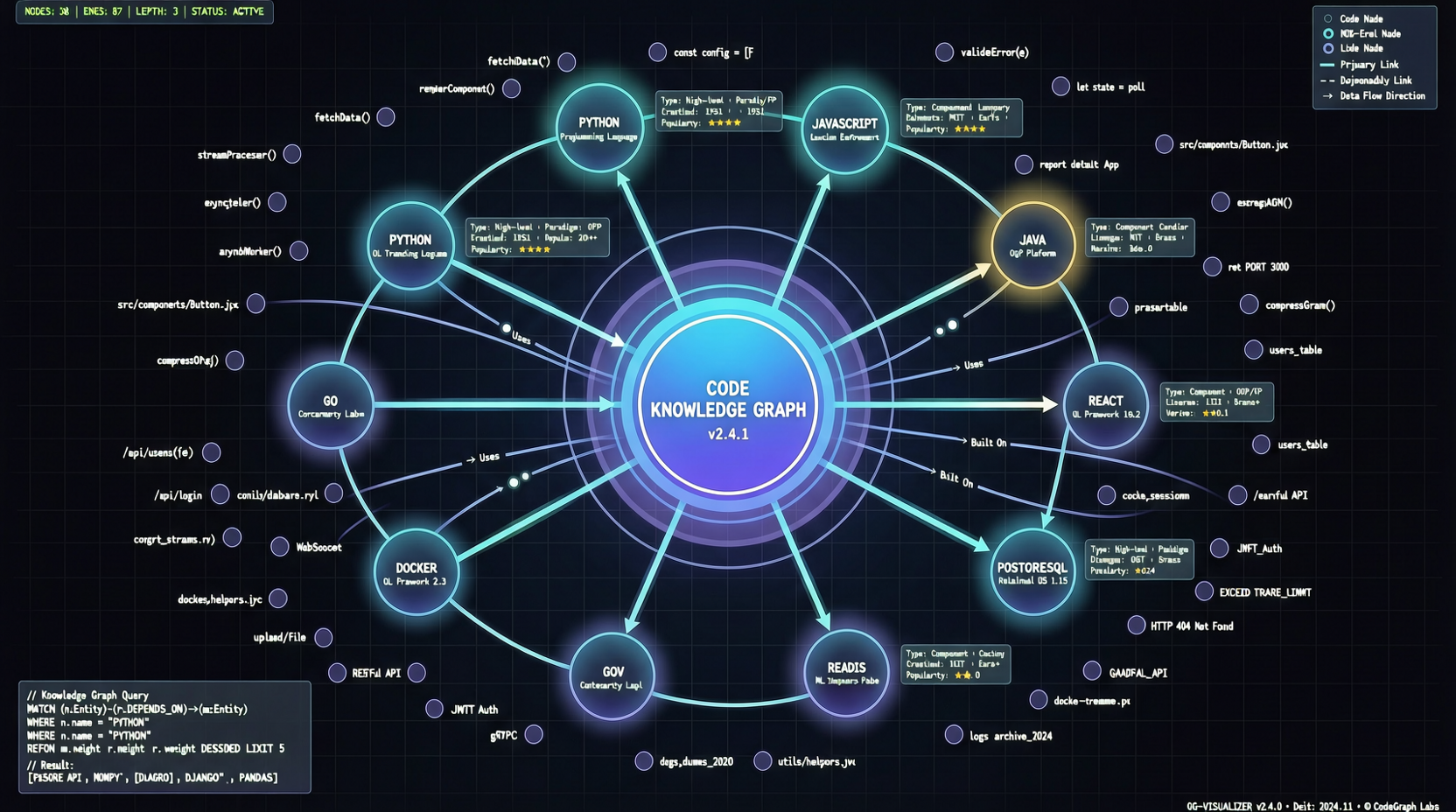
CodeGraph is a pre-indexed code knowledge graph tool designed specifically for Claude Code. It scans your codebase, builds a graph of symbol relationships—function calls, class inheritance, module dependencies—and then hands this graph over to Claude Code's Explore agent.
The core formula is simple:
Traditional Approach = grep + find + Read × N times
CodeGraph Approach = codegraph_explore × 1 time
Real Benchmark Data: 6 Projects, Stunning Results
Project author Colby McHenry ran comparative tests across 6 real-world codebases, all using Claude Opus 4.6 (1M context) + Claude Code v2.1.91:
| Codebase | Without CodeGraph | With CodeGraph | Tool Call Reduction | Speed Improvement |
|---|---|---|---|---|
| VS Code (TS) | 52 calls, 1m37s | 3 calls, 17s | 94% | 82% |
| Excalidraw (TS) | 47 calls, 1m45s | 3 calls, 29s | 94% | 72% |
| Claude Code (Python+Rust) | 40 calls, 1m08s | 3 calls, 39s | 93% | 43% |
| Claude Code (Java) | 26 calls, 1m22s | 1 call, 19s | 96% | 77% |
| Alamofire (Swift) | 32 calls, 1m39s | 3 calls, 22s | 91% | 78% |
| Swift Compiler (Swift/C++) | 37 calls, 2m08s | 6 calls, 35s | 84% | 73% |
Average: 92% fewer tool calls, 71% faster speed.
These figures aren't theoretical projections; they are hard benchmark results.
The Most Critical Finding
The author wrote a line in the report that's worth pondering repeatedly:
With CodeGraph, the Agent never fell back to reading files—it completely trusted the results from codegraph_explore.
What does this mean?
The reliability of the knowledge graph is now high enough to replace traditional file searches. When AI possesses structured code comprehension, it no longer needs to "clumsily" open files one by one to figure things out.
Cross-Language Support Is a Standout Feature
A particularly interesting case in the tests: the Claude Code codebase itself contains both Python and Rust. CodeGraph's graph traversal found cross-language connections—automatically discovering the links between the tool execution logic in the Python layer and the low-level implementation in the Rust layer.
This is a must-have for multi-language projects. Traditional grep is virtually powerless when it comes to cross-language call chains.
Token Costs Can Be Saved Too
Fewer tool calls = less context consumption = lower token costs.
| Codebase | Tokens Without CodeGraph | Tokens With CodeGraph | Savings |
|---|---|---|---|
| VS Code | 89.4k | 56.6k | ~37% |
| Swift Compiler | 99.1k | 77.4k | ~22% |
Although a single call might consume slightly more tokens (due to returning graph structure data), the overall total drops significantly.
How to Get Started?
# Install with a single command
npx @colbymchenry/codegraph

# Initialize in your project
cd your-project
codegraph init -i
The interactive installer automatically configures Claude Code. Supports macOS, Linux, and Windows.
Who Is It For?
- Maintainers of large projects: Instant results for codebases with thousands of files
- Multi-language projects: Cross-language call chain tracking is a blind spot for traditional tools
- Token-sensitive users: Reduces token consumption during the exploration phase, putting your budget where it counts
- Developers who frequently need to understand unfamiliar codebases: When taking over a new project, CodeGraph helps you quickly build a global understanding
Limitations
To be transparent: CodeGraph currently focuses primarily on the Claude Code ecosystem, with support for other programming agents still in development. Additionally, indexing large projects (25K+ files) takes some time, though it only requires incremental updates when code changes occur.
Conclusion
CodeGraph represents a clear technological direction: providing AI programming tools with structured code comprehension, rather than letting them blindly search through an ocean of text.
A 94% reduction in tool calls isn't just a flashy number—it directly translates to time savings, cost reduction, and a qualitative leap in the developer experience.
In 2026, as competition among AI programming tools intensifies, this kind of "infrastructure-level" optimization may prove more valuable than simply switching to a new model.