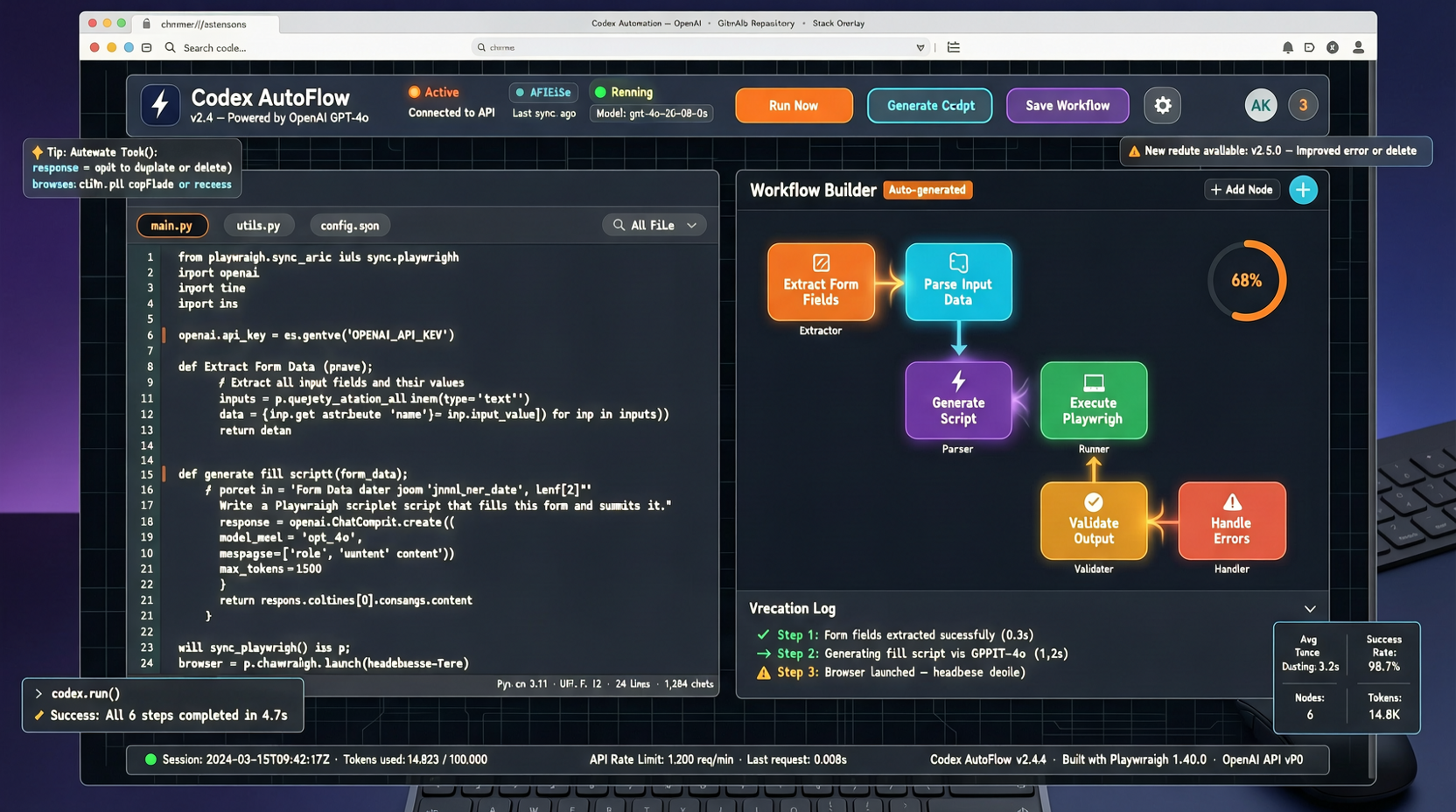
Fixed a bug on the subway. Not by awkwardly typing lines on a phone editor—by having Codex run an entire PR on my phone.
OpenAI just dropped Codex into the ChatGPT mobile app. It hit 155 points on HN within hours, with half of the 66 comments debating whether coding on a phone is actually viable.
I spent an hour testing it. Bottom line upfront: it works, but with clear scenario boundaries. Not everything belongs on mobile, but there are genuinely some situations where mobile Codex is faster than opening your laptop.
This Time, It's Different
The common problem with past mobile coding tools: you could only write, not run. Replit's mobile, GitHub Codespaces in a browser—none solved the problem of getting a full dev environment on a phone.
Codex on mobile flips the logic. You're not writing code on your phone—you're having AI write it, run it in the cloud, and you review and direct from your phone.
The difference? The interaction model changed. From "hand-write every line" to "describe intent → see results → iterate." Small phone screens aren't great for dense coding, but they're fine for decision-making—and that's exactly what the Codex workflow is about.
Real Experience: Three Scenarios, Three Outcomes
Scenario 1: Emergency Bug Fix. Production threw a null pointer. I pasted the logs into Codex on my phone, asked it to analyze and propose a fix. Three minutes later I had a diff, reviewed the logic, confirmed it was fine, and let it commit. Never opened my laptop. For this kind of scenario, mobile is already good enough.
Scenario 2: Small Feature Iteration. Adding a query param to an API, modifying two test files. Codex can handle it on mobile, but diff preview is painful in portrait mode. Better in landscape, but still not desktop-comfortable. Usable, not recommended.
Scenario 3: New Module Development. Writing a module from scratch on a phone? Don't bother. Not because Codex lacks capability—the interaction efficiency ceiling is the problem. You need to frequently read output, compare, think. A phone screen's information density can't support that.
Gap vs Desktop
Mobile Codex is not a full desktop replica. Features are trimmed, but core capabilities—code generation, file operations, terminal execution—are all there.
The biggest difference isn't features, it's interaction. On desktop you can have your editor, terminal, and browser open side by side. On mobile you switch views within a single app. This means you need to describe your intent more clearly—you don't have those parallel information windows for implicit judgment.
Is It Worth It
If you're a developer, installing ChatGPT + Codex on your phone isn't about replacing your computer. It's about reducing response time.
When something breaks at 2 AM, you don't need to fire up your laptop, connect to VPN, pull code, reproduce, fix, commit. You pull out your phone from bed and have a solution in ten minutes. That's not flashy—that's real time savings.
But don't expect it to replace any desktop development scenario. Its position is clear: emergencies, quick iterations, code review. For these three, it's already good enough. The rest? Leave it to the computer.
Sources: