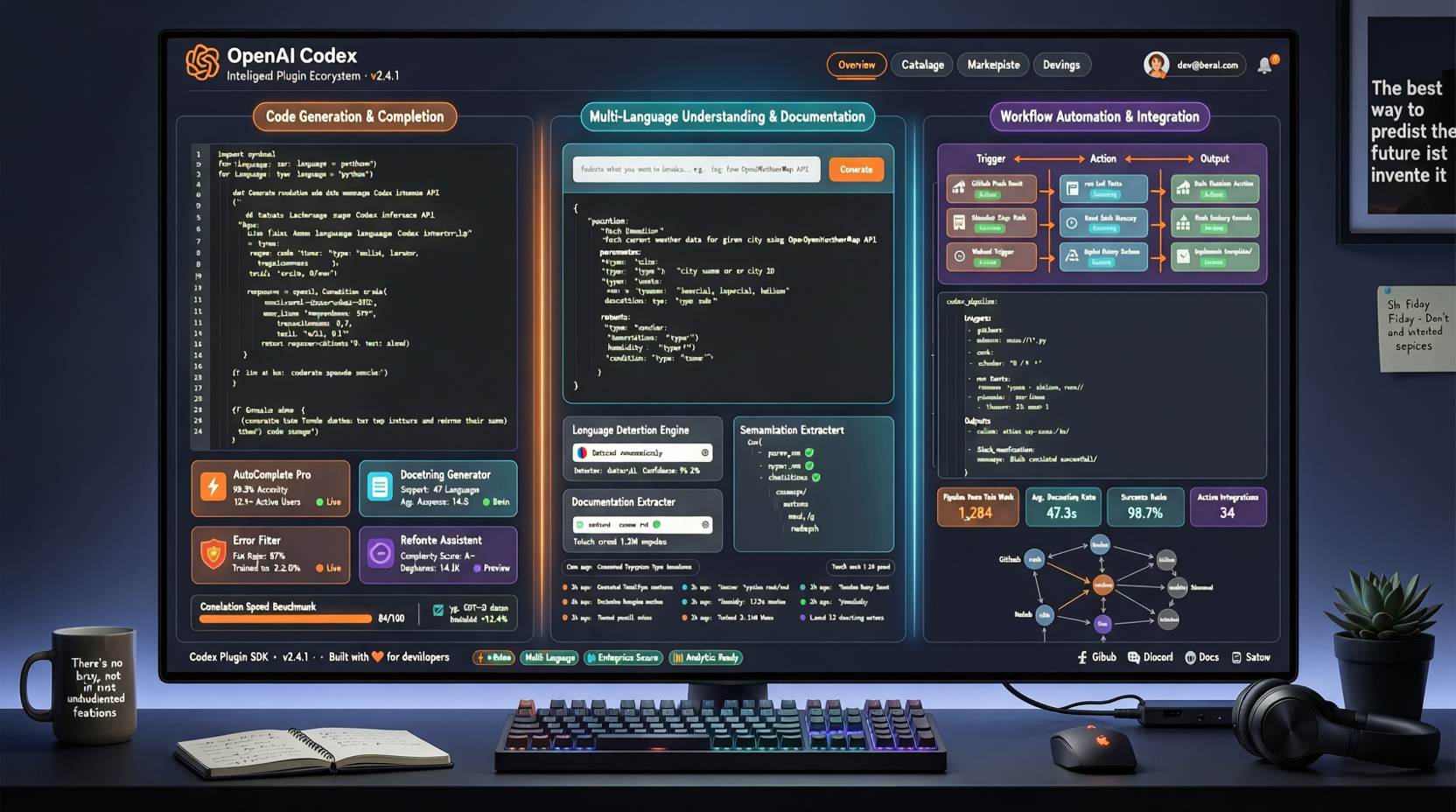
The Story Behind Interface Convergence
If you’ve recently used AI coding tools such as Claude Code, Codex, and Cursor, you may have noticed a striking trend: their interfaces are growing increasingly similar.
In particular, Codex’s three-column layout—file tree on the left, code editor in the center, and AI chat plus Agent status on the right—is rapidly becoming an industry standard.
Don’t mistake this convergence for mere “copying.” Beneath the surface lies a deeper, more significant shift: AI Agent workflows are being standardized.
Why Three Columns? It’s Not Arbitrary
Why three columns? Because this layout maps precisely onto the three core elements of AI-assisted programming:
- Left Column (Context): Enables the Agent to understand which project, files, and code structures you’re working with
- Center Column (Action Zone): Your primary workspace—where Agent outputs appear and take effect
- Right Column (Chat & Status): Your interaction channel with the Agent, simultaneously displaying execution status and progress
The fundamental problem the three-column layout solves is: how to present both human and AI workflows within a single interface—without letting them interfere with one another.
Early AI coding tools crammed chat and code into the same space, resulting in either overwhelming conversation history drowning out code—or code context disrupting the flow of dialogue. The three-column layout separates these two dimensions while keeping them visually integrated in a single view.
The Real Battlefield Lies in Plugins
The interface is merely the tip of the iceberg. Beneath the surface, the competition over the plugin ecosystem is where the decisive battle is being fought.
Codex’s plugin architecture enables third-party developers to extend Agent capabilities—for example, integrating GitHub APIs to auto-generate pull requests, connecting CI/CD systems to run tests automatically, or linking design tools to fetch UI specifications.
This follows the same logic as familiar ecosystems like VS Code extensions or browser add-ons: the platform delivers core functionality; the community defines its boundaries.
The Role of the MCP Standard
Here, we must highlight the Model Context Protocol (MCP)—an open standard emerging as the universal language for connecting AI tools to external services.
If every AI tool implements its own proprietary plugin format, developers would need to build separate plugins for each tool—a completely unsustainable model in 2026, when the number of AI development tools is exploding.
MCP aims to enable cross-tool plugin compatibility. Imagine writing a Jira-integration plugin that works seamlessly across Codex, Claude Code, and Cursor. That is what a healthy, interoperable ecosystem should look like.
Practical Implications for Developers
As the plugin ecosystem matures, your workflow will undergo a fundamental shift:
From “choosing a single AI tool” to “assembling a customized AI tool stack.”
Just as no developer today relies on only one browser extension, tomorrow’s AI-powered coding environment will consist of a core Agent augmented by multiple purpose-built plugins. Individuals will curate distinct plugin combinations based on their specific needs.
What to Do Now
- Track the evolution of the MCP standard. Regardless of which AI tool you use, understanding the MCP protocol will give you greater flexibility when migrating between or combining tools.
- Experiment with plugins across different tools. Identify which ones genuinely boost your productivity—and which are little more than marketing gimmicks.
- Consider building your own plugin. If your unique workflow isn’t fully served by existing offerings, developing a custom plugin may be the most effective solution.
The AI Agent plugin ecosystem is still in its infancy. 2025 was the land-grab phase; 2026 is the standards war. As a user, now is the ideal time to position yourself—before the ecosystem hardens, and before your optimal tool combination becomes locked in.