To understand the architecture of an unfamiliar codebase, you usually clone the project, install dependencies, run an IDE indexer, or deploy a code analysis tool.
GitNexus simplifies this to a drag-and-drop: drop a GitHub repo link or ZIP file into the browser, and it generates a knowledge graph locally, with a built-in Graph RAG Agent for Q&A.
What It Does
GitNexus is a client-side code intelligence engine:
- Zero server deployment: Runs entirely in the browser, no code uploaded, privacy preserved
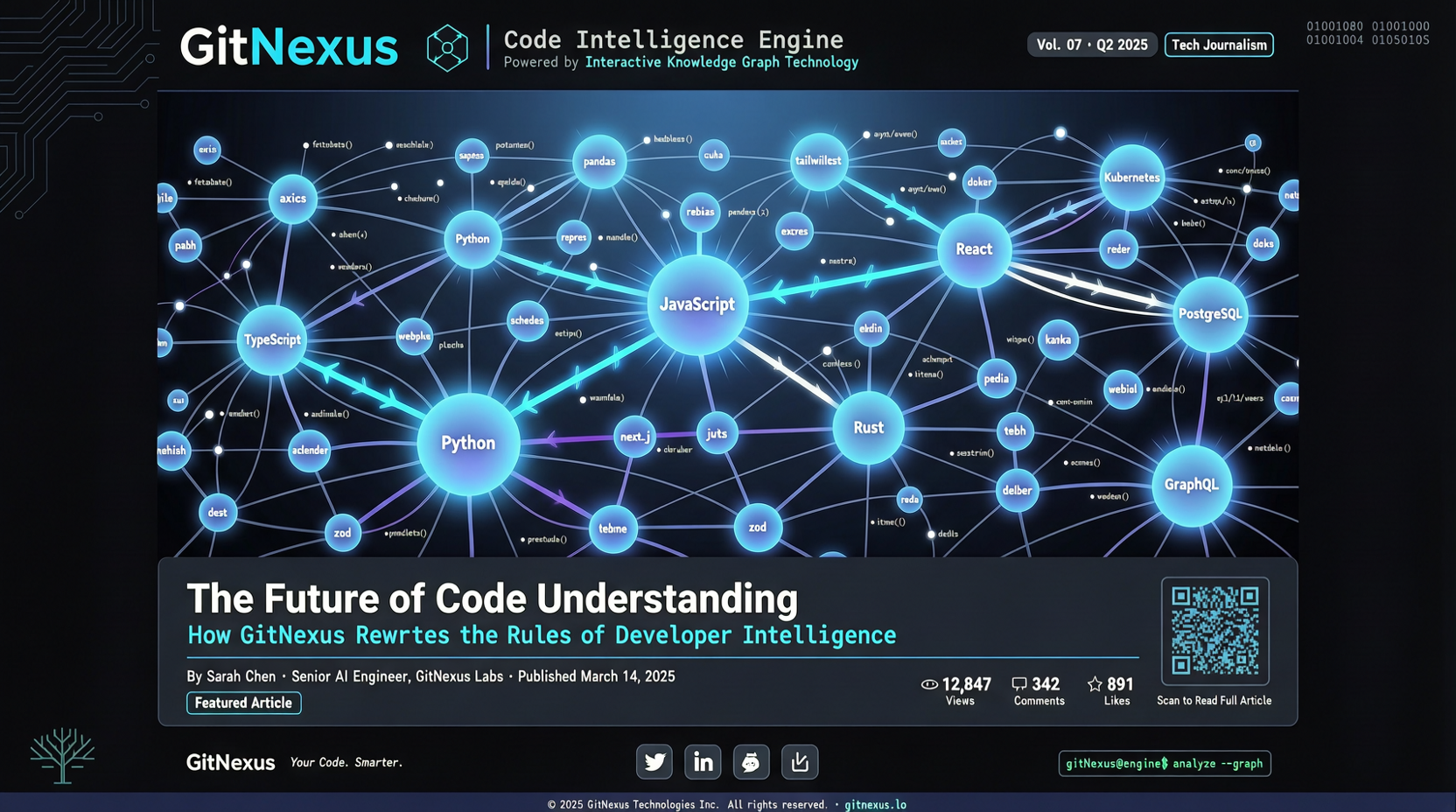
- Auto-generated knowledge graph: Parses code dependencies, function calls, class inheritance into a visual graph
- Graph RAG Agent: Retrieval-augmented generation based on the knowledge graph for natural language Q&A about the codebase
- Drag-and-drop: Supports GitHub links or ZIP file drag-in
Why It Matters
Traditional code analysis tools (Sourcegraph, SonarQube) require server setup and are built for enterprise-scale codebases. For individual developers or small teams, GitNexus offers a lightweight alternative:
Privacy-friendly: Code never leaves your machine, safe for both open source and sensitive business code. Zero cost: No server or cloud environment needed, just open the browser. Quick exploration: Great for onboarding to a new project, analyzing third-party libraries, or code auditing.
Getting Started
- Visit the GitNexus GitHub repo
- Clone the project or use the deployed version
- Drop a target GitHub repo link or ZIP file
- Wait for graph generation, start exploring or asking questions
Limits
- Large repos (like Linux kernel) may hit memory constraints in the browser
- Graph generation speed depends on local machine performance
- Currently supports mainstream languages; niche language support may be limited