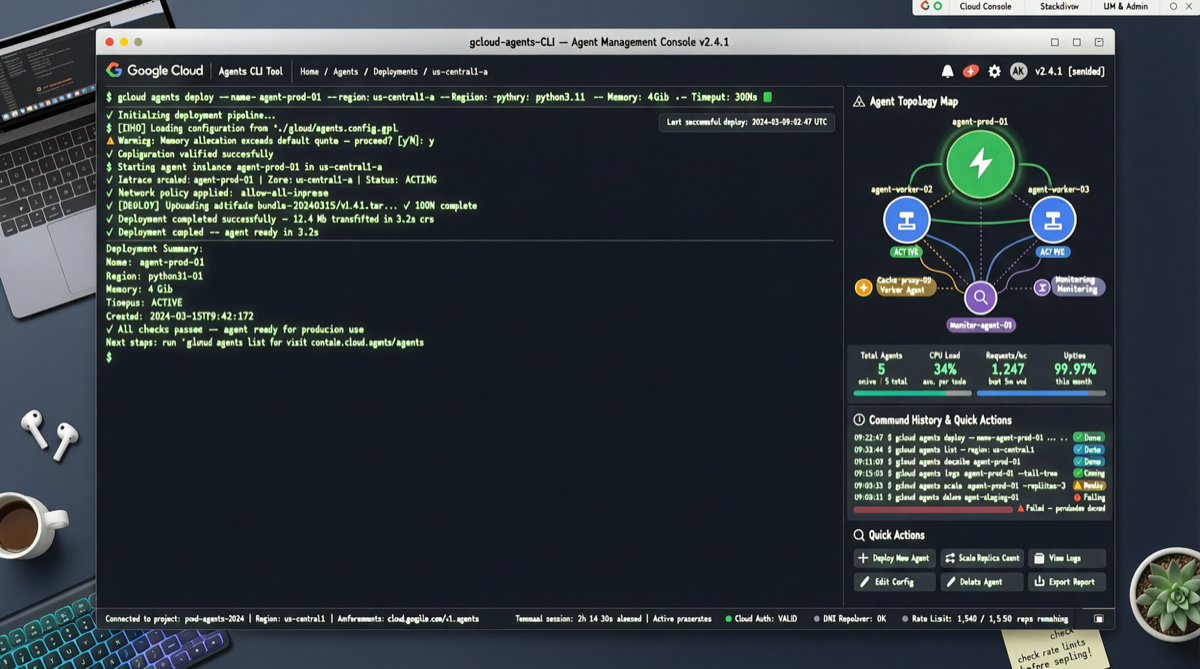
Deploying an enterprise AI agent to the cloud usually means: create a cloud project, configure IAM permissions, set up service accounts, connect databases, write Dockerfiles, configure CI/CD, manage API keys, set up monitoring and alerts.
Google's new tool turns all of that into a single command.
Google Cloud this week open-sourced Agents CLI, with a clear positioning: let AI coding assistants (Claude Code, Gemini CLI, Cursor, etc.) handle the cloud deployment of agents themselves, without engineers wading through pages of cloud service documentation.
What Problem It Solves
Every engineer building agents shares the same pain point: works perfectly locally, breaks the moment you deploy to cloud.
The reason isn't complex. Local development uses simple API keys; production needs IAM roles, service accounts, network isolation, secret management. Local testing uses mock data; production connects to real databases, vector stores, message queues. These engineering skills are a burden for algorithm engineers and hieroglyphics for frontend engineers.
Agents CLI's approach is to package this engineering knowledge into a "skill pack" and feed it directly to AI coding assistants. When Claude Code or Gemini CLI receives a "deploy my agent" instruction, Agents CLI automatically handles:
- Creating Google Cloud projects and necessary IAM configurations
- Connecting to Agent Platform, Cloud Run, Cloud SQL, and other services
- Configuring environment variables and secret management
- Generating deployment scripts and monitoring configurations
No manual console clicking required. No Terraform needed.
Technical Architecture
Agents CLI's core idea is "Agent for Agents"—using a dedicated CLI agent to manage the lifecycle of other agents.
It integrates deeply with Google Cloud's Agent Platform, supporting:
- Local prototyping
- One-click deployment to Cloud Run
- Direct integration with Gemini CLI, Claude Code, Cursor, and other coding agents
- Token usage optimization (Google claims the Android CLI variant reduces token consumption by 70% and cuts task completion time by 3x)
Interestingly, the selective integration strategy is smart. It doesn't force you to use Gemini models—Claude Code users and Cursor users can connect directly. Google's logic is clear: become the infrastructure for agent development first, then let traffic naturally flow to its own models.
Worth Trying?
If you're building enterprise AI agents, especially ones that need cloud deployment, this tool is worth spending 30 minutes on.
Its core value isn't "yet another CLI tool"—it's lowering the engineering barrier for agent development to the point where you don't need to hire a dedicated DevOps engineer. For small teams and independent developers, this means one person can handle the full journey from prototype to production.
Of course, binding into the Google Cloud ecosystem comes with a cost. If you're already running infrastructure on AWS or Azure, migration costs need consideration. But Google's Agent Platform is genuinely ahead in feature completeness—A2A protocol support, agent orchestration, evaluation frameworks, all in one package.
The tool is currently in preview, Apache 2.0 open-source license, with a stable Tuesday update cadence on GitHub.
Primary sources:
- Google Cloud Blog
- InfoQ technical analysis
- Google official demo video