From CLI to Dashboard: Hermes Agent’s Last Mile
The upgrade from Hermes Agent v0.11 to v0.12.0 looks like a small version number step forward, but it actually completes a critical transformation: from a CLI tool for developers to a multi-agent management platform for teams.
The newly released v0.12.0 introduces three core new features, all pointing in the same direction — lowering the barrier to entry for multi-agent systems.
1. Dashboard Profiles: The Visual Revolution of Multi-Agent Configuration
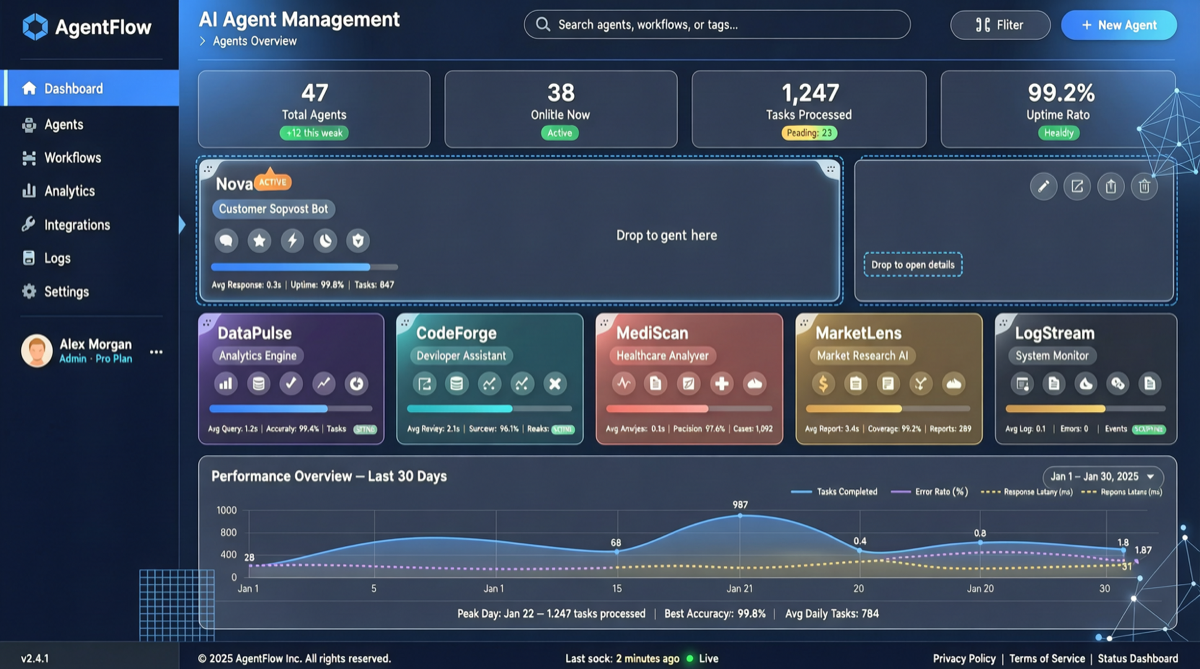
The most notable new feature in v0.12.0 is the Dashboard Profiles management page. Before this, configuring multiple Agents required:
- Editing YAML configuration files
- Understanding the hierarchical relationships between sub-agents
- Debugging configuration errors in the CLI
Now, users can in the web interface:
- Create/Edit/Delete Profiles: Each Profile corresponds to a specific Agent configuration
- Drag-and-drop multi-agent orchestration: Visually define hierarchies and dependencies between Agents
- Real-time validation: Catch configuration conflicts before saving
For novice developers, this lowers the barrier to entering the multi-agent world. For experienced developers, it means dramatically faster configuration iteration.
2. ACP Server Adapter: Standard Protocol Interoperability
The ACP (Agent Communication Protocol) Server adapter is another key upgrade in v0.12.0:
- Allows other applications to interact with Hermes Agent via standard protocols
- No longer limited to communication within the Hermes ecosystem
- Opens the door for third-party tools to integrate with Hermes Agent
This means you can call Hermes Agent from LangChain, Dify, or other Agent frameworks without needing specific SDKs or plugins.
3. Curator: Automated Skill Maintenance System
Curator is an intelligent skill management system:
| Feature | Description |
|---|---|
| Skill Review | Automatically scans installed skills |
| Merge Duplicates | Identifies and merges skills with overlapping functionality |
| Archive Obsolete | Moves unused skills to the archive area |
| Run Reports | Generates complete skill usage statistics after each execution cycle |
| Self-Learning Optimization | If a skill’s usage pattern can be improved, Curator automatically proposes optimization |
This is the classic “let tools manage tools” approach — as your skill library grows to dozens, Curator’s value becomes increasingly apparent.
Creative Workflow Engine Upgrade
v0.12.0 also strengthens Hermes Agent’s capabilities as a creative AI workflow engine:
- ComfyUI automation: Agents can directly manage ComfyUI nodes and pipelines
- Image generation pipelines: Full automation from prompt to output
- Audio workflow management: Agent orchestration for TTS and audio processing
- Local video pipeline building: Agent-driven local video generation
Community feedback shows that v0.12.0’s creative workflow capabilities received 89 likes and 34 bookmarks (nearly 50K views), indicating that the creative creator community is rapidly embracing this tool.
Comparison with Other Agent Frameworks
| Dimension | Hermes Agent v0.12 | OpenClaw | LangChain |
|---|---|---|---|
| Multi-Agent Management | Dashboard Profiles (visual) | CLI configuration | Code-defined |
| Protocol Standard | ACP Server | Custom | LCEL |
| Skill Management | Curator (automatic) | Manual | LangGraph |
| Creative Pipeline | ComfyUI/Audio/Video | Not supported | Custom required |
| Learning Curve | Low (GUI) | Medium | High |
Action Items
- If you’re a beginner: v0.12.0’s Dashboard Profiles is the most friendly way to get started with multi-agent. Just
hermes update - If you’re on v0.11: Focus on upgrading to Curator and ACP Server — they’ll significantly improve the long-term experience
- If you’re a creative professional: ComfyUI automation and audio/video pipelines are v0.12.0’s biggest highlights, worth trying
Hermes Agent is transitioning from “a usable tool” to “a great platform.” v0.12.0’s Dashboard Profiles fills the last gap in user experience.