Bottom Line First
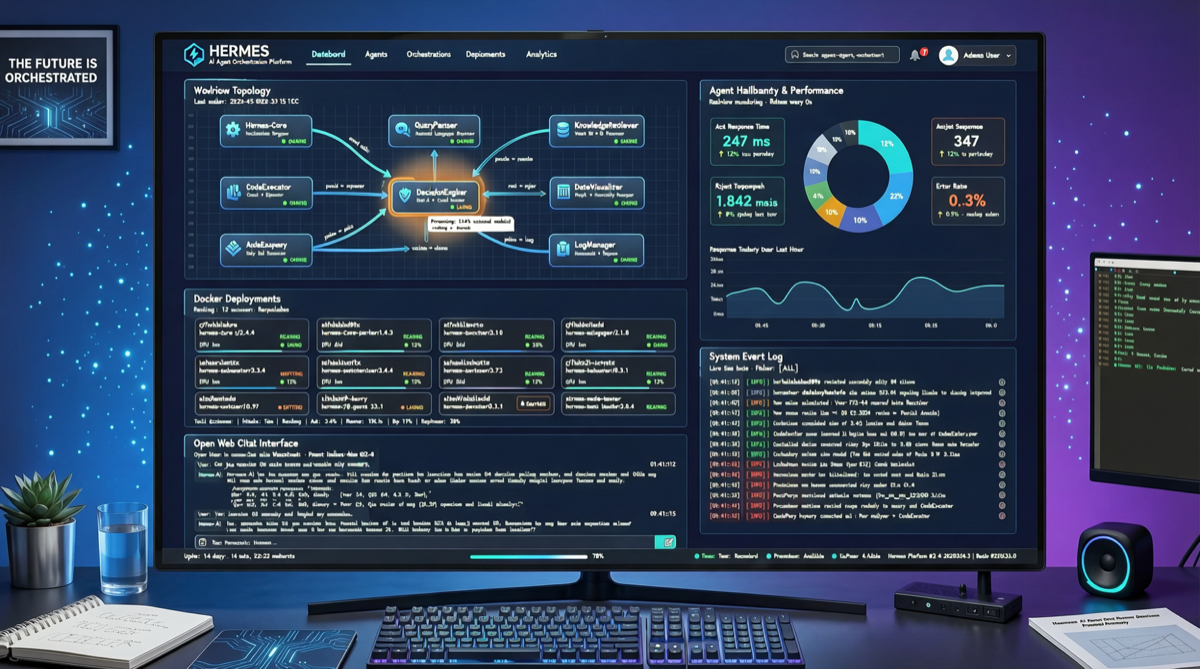
The community has already validated the Hermes Agent + Open Web UI integration: feed the Hermes GitHub docs to the Agent for auto-configuration, launch the API server with a single Docker command, and you get a clean ChatGPT-style web frontend. For individual developers and small teams who don’t want to rely on commercial APIs, this is a proven path.
Architecture
┌─────────────────────────────────────────┐
│          Open Web UI (Frontend)          │
│   ChatGPT-style conversation interface    │
└────────────────┬────────────────────────┘
                 │ HTTP API
┌────────────────▼────────────────────────┐
│       Hermes Agent API Server            │
│   · Skills invocation                     │
│   · Tool routing                          │
│   · Memory management                     │
└────────────────┬────────────────────────┘
                 │
┌────────────────▼────────────────────────┐
│       Ollama Cloud (LLM Backend)         │
│   · Model hot-swapping                   │
│   · Task-based model selection            │
└─────────────────────────────────────────┘
Deployment Steps
Step 1: Launch Hermes API Server
docker run -d \
  --name hermes-agent \
  -p 8080:8080 \
  -v ~/.hermes:/root/.hermes \
  hermes-ai/agent:latest
Step 2: Configure Open Web UI to Connect to Hermes
Feed the Hermes GitHub docs directly to the Agent, which auto-generates the Open Web UI config. Key settings:
ENABLE_OLLAMA_API=trueOLLAMA_BASE_URLpointing to Hermes API endpoint- Configure model routing rules
Step 3: Launch Open Web UI
docker run -d \
  --name open-webui \
  -p 3000:8080 \
  -v open-webui:/app/backend/data \
  ghcr.io/open-webui/open-webui:main
Comparison with Other Solutions
| Solution | Cost | Deployment Complexity | Feature Completeness | Best For |
|---|---|---|---|---|
| Hermes + Open Web UI | Free (self-hosted) | Low (2 Docker commands) | High (Agent + Web) | Individuals/small teams |
| OpenClaw | Free | Medium (complex config) | Medium (CLI-focused) | Geek enthusiasts |
| Claude Code | $200/mo | None | High | Professional developers |
| ChatGPT Plus | $20/mo | None | Medium | Casual users |
Key Advantages
1. Truly Free
Ollama Cloud provides free model inference, combined with open-source Open Web UI and Hermes Agent — the entire stack requires zero subscription fees. The only cost is the server hardware or cloud instance.
2. Full Agent Capabilities
Unlike a simple LLM chat interface, Hermes provides complete agent capabilities:
- Skills management and invocation
- Multi-tool routing and orchestration
- Persistent memory
3. Flexible Model Switching
Through Ollama Cloud’s router mechanism, you can automatically select the most suitable model for different tasks — Coder models for coding tasks, instruction-following models for writing — without manual switching.
Notes
- Self-hosting requires a server with GPU or sufficient CPU memory
- Ollama Cloud’s free tier has rate limits; production environments should run a self-hosted Ollama instance
- This integration is community-driven; official docs may lag behind. Check community discussions for issues.
Use Cases
If you’re looking for a low-cost agent development test environment, or need a private AI assistant interface without paying SaaS subscriptions, this solution is worth trying. For users frustrated with OpenClaw’s stability and API limits, Hermes + Open Web UI offers a more productized alternative.