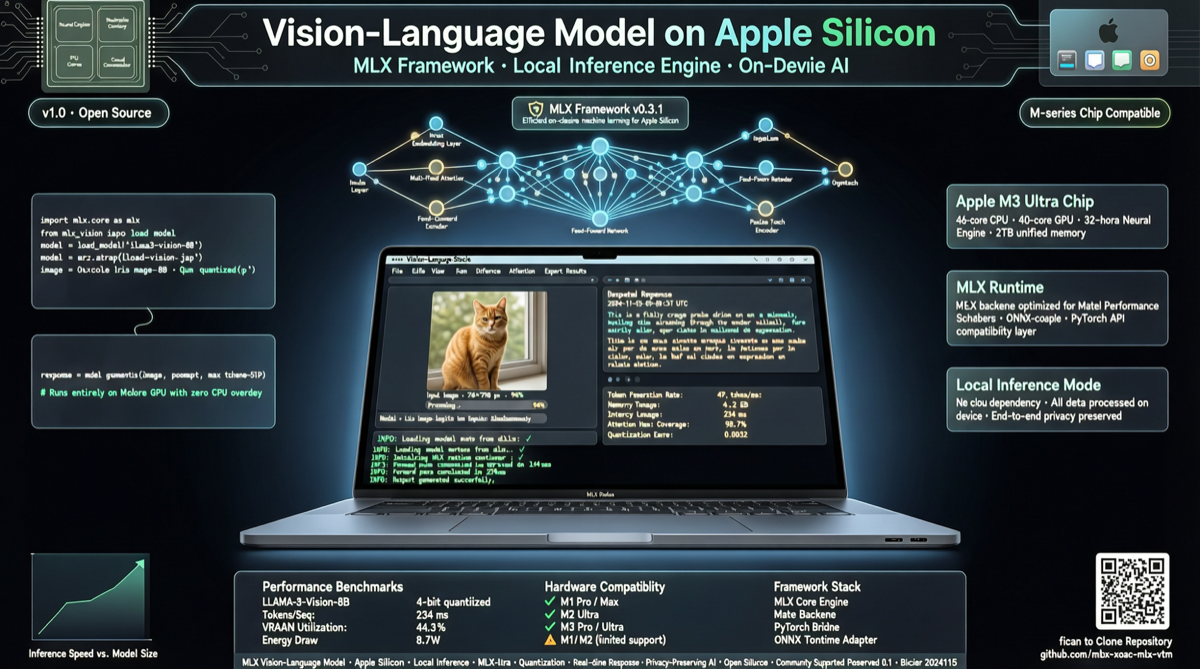
Apple's MLX framework is becoming the de facto standard for Mac-side AI inference. Ollama's Mac version switched its engine from llama.cpp to MLX, and MLX-VLM is the piece of that ecosystem dedicated to vision language models.
What MLX-VLM does
It is a Python package maintained by Blaizzy with a clear goal: make VLM inference and fine-tuning work on Mac (Apple Silicon).
Supported capabilities:
- VLM inference: load a vision language model, input image + text prompt, get a response
- Model fine-tuning: LoRA fine-tuning of VLMs on Mac
- Multi-model support: covers mainstream open-source VLMs
Why MLX
MLX is Apple's official machine learning framework, deeply optimized for Apple Silicon's unified memory architecture. Compared to CPU inference, MLX leverages GPU and Neural Engine directly. Compared to cross-platform solutions, MLX eliminates framework adaptation overhead.
In March, Ollama switched its Mac engine to MLX — an official endorsement of sorts. MLX-VLM has become one of the go-to choices for Mac-side VLM inference.
Who it is for
- Mac developers: prototype VLM locally
- Privacy-sensitive scenarios: image data stays on-device
- Offline needs: inference without internet
- Fine-tuning hobbyists: fine-tune VLMs with custom data without renting cloud GPUs
Reality check
MLX-VLM only runs on Apple Silicon Macs. Intel Macs, Windows, and Linux are out. Model size is limited by your Mac's memory — M2 Pro handles 7B fine, larger models may need M2/M3 Ultra.
But for anyone with a decent Mac who wants to tinker with multimodal AI locally, MLX-VLM is currently the smoothest option.
Main sources: