Bottom Line First
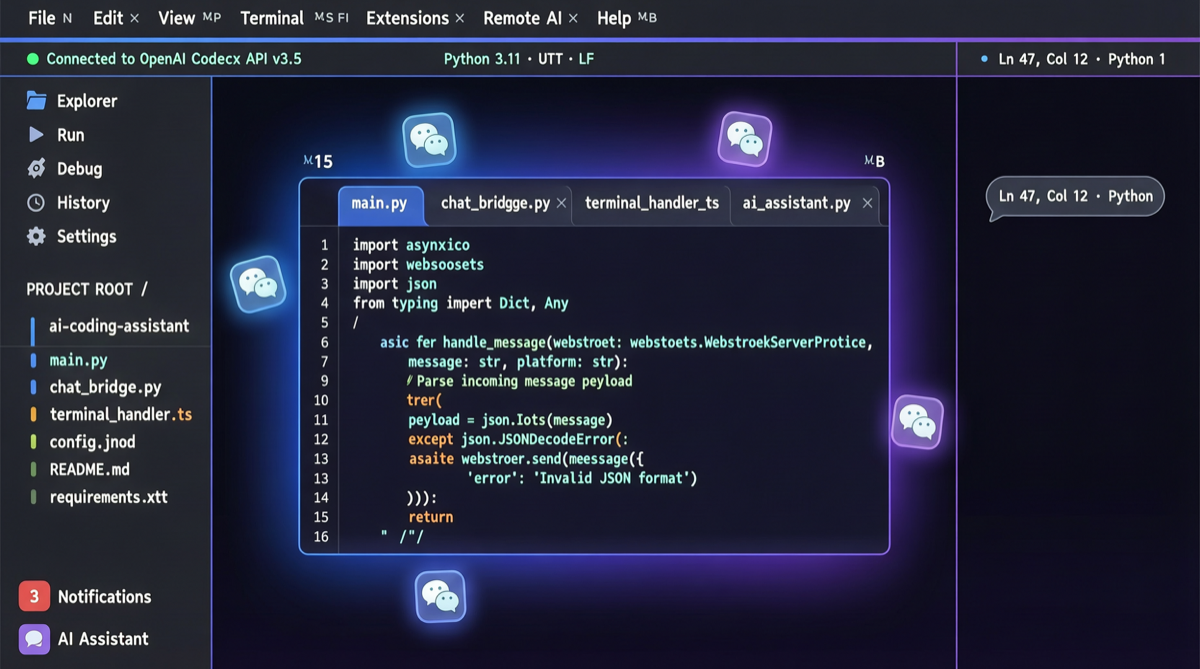
Qwen Code v0.14.0 transforms this open-source terminal coding agent from a "sit at your computer and type commands" tool into an "command from anywhere" automation engine. The trio of remote control + scheduled tasks + /plan mode means developers can send coding tasks via WeChat on their commute, and have the code ready when they arrive at their desk.
Core Update Checklist
| Feature | Description | Pain Point Solved |
|---|---|---|
| Remote Control | Telegram, WeChat, DingTalk integration | No more SSH-ing into servers to operate |
| Scheduled Tasks | Built-in Cron job support | Run tests overnight, schedule periodic refactoring |
| Sub-agent Model Selection | Assign different models to different sub-agents | Use large models for complex tasks, small models for simple ones |
| Qwen3.6-Plus | New flagship model with 1M token context | Understanding massive codebases, full repository refactoring |
| /plan Mode | Plan all files and steps before execution | Prevents blind Agent modifications, improves auditability |
Remote Control: From Terminal to Phone
Previously, using Qwen Code required local terminal access or SSH to a remote server. v0.14.0 bridges integration with major messaging platforms:
- WeChat: The most popular entry point for Chinese developers, send coding commands directly through WeChat conversations
- Telegram: Preferred by overseas developers, supports group collaboration
- DingTalk: Enterprise scenarios, integrates with team workflows
This means you can send "fix all failing unit tests in the tests/ directory" via WeChat on the subway, and Qwen Code will execute it automatically on the server, pushing results back when done.
Scheduled Tasks: Let the Agent Work While You Sleep
Built-in Cron support is one of the most practical updates. Typical scenarios:
# Run full test suite and generate coverage report daily at 2 AM
0 2 * * * qwen-code run "run all tests and generate coverage report"

# Auto-run linting and code formatting every Sunday at 3 AM
0 3 * * 0 qwen-code run "run linter and auto-format entire codebase"
Paired with remote control, you can set up tasks on your phone before bed and check results the next morning.
/plan Mode: See the Blueprint Before Construction
This directly addresses the Agent "blind modification" pain point. With /plan mode enabled, Qwen Code will:
- Analyze all files involved in the task
- List the files to be modified and the types of modifications
- Generate an execution step plan
- Wait for user confirmation before actually executing
For large refactoring tasks, this step prevents catastrophic accidental modifications and aligns with enterprise code review processes.
Sub-agent Model Selection: A New Dimension of Cost Optimization
v0.14.0 allows specifying different models for different sub-agents. This means:
- Main Agent: Uses Qwen3.6-Plus (1M context) for global understanding and architectural decisions
- Code completion sub-agent: Uses Qwen3.6-7B for local code generation at minimal cost
- Testing sub-agent: Uses Qwen3.6-32B, balancing quality and speed
This layered architecture is critical in cost-sensitive scenarios, saving 60-80% in API costs compared to using the flagship model for everything.
Landscape Assessment
Qwen Code's iteration pace is clearly accelerating. From its initial positioning as an "open-source Claude Code alternative," it has now evolved with differentiated feature sets:
- Remote Control: Not natively supported by Claude Code
- Scheduled Tasks: Currently unique
- Multi-model sub-agents: First in the open-source community
For teams already using Claude Code, Qwen Code v0.14.0 offers a more automated, lower-cost, and more flexibly deployable alternative.
Action Items
- Existing Qwen Code users: Upgrade to v0.14.0 immediately, prioritize configuring WeChat/DingTalk remote control
- Claude Code users: Try Qwen Code v0.14.0's scheduled tasks feature and compare automation capabilities
- Team managers: Evaluate whether /plan mode meets code review compliance requirements for enterprise deployment