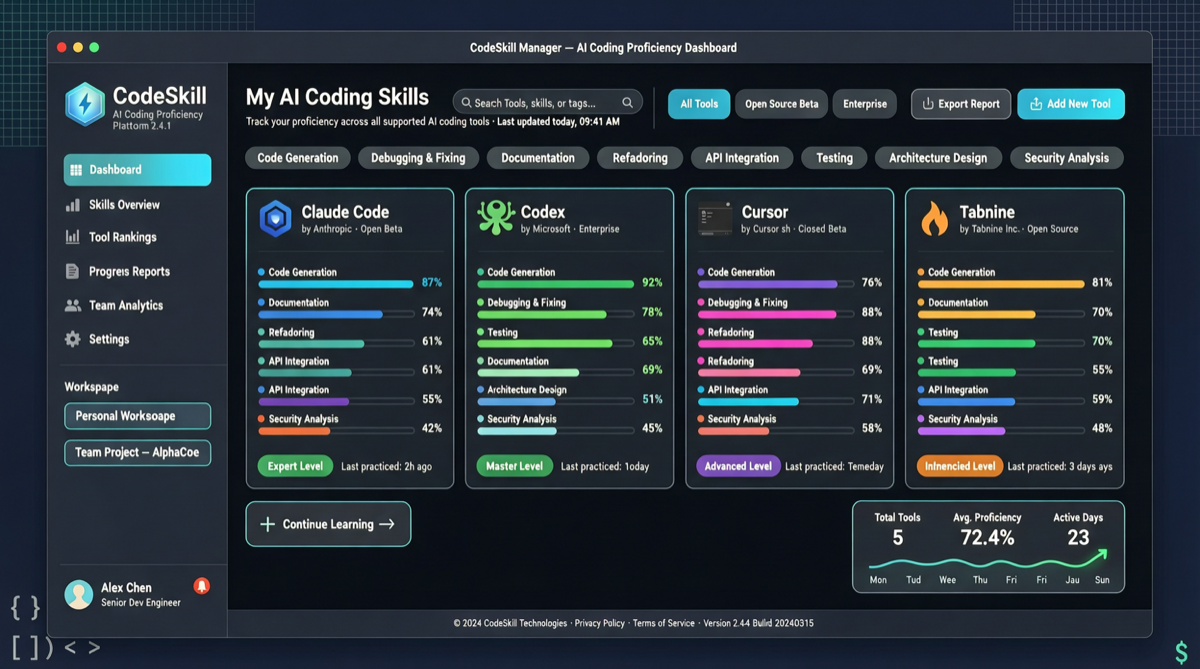
What does the AI coding tool ecosystem look like in 2026?
Cursor, Claude Code, OpenAI Codex, GitHub Copilot, Cline, OpenClaw, Gemini CLI — and that's just the ones with "Code" or "Claude" in the name. Each tool has its own Skills/plugins/extensions system, each with different formats, installation paths, and sync mechanisms.
If you switch between three tools (who doesn't?), managing Skills basically means: manually copying folders, or writing sync scripts.
xingkongliang/skills-manager wants to productize this.
What it does
A cross-platform desktop app that syncs, manages, and organizes AI Agent Skills across 15+ coding tools.
Core features:
- Unified skill library: Aggregate Skills from different tools into one management interface
- Cross-tool sync: Install a Skill in Claude Code, sync it to Codex, Cursor, Copilot with one click
- Categorization and organization: Tag Skills by purpose, language, framework
- Version control: Track Skill updates and rollbacks
The repo currently has 1,286 stars, 115 forks — not huge but growing steadily (260 stars/week).
Why this is a real problem
Claude Code's Skills system is the most mature right now — you can bundle a prompt + tool definition into a Skill and install it on any Claude Code instance. But if you also use Codex (OpenAI's terminal coding agent) and Cursor (in-IDE AI coding), your Skills are scattered across three places.
Worse, each tool's Skill format isn't fully compatible. Claude Code uses YAML, Codex has its own system, Cursor uses another. skills-manager adds a translation layer in the middle: store in a unified format, output in each tool's recognizable format on demand.
It's like how 1Password solved "every website needs a different password" — one centralized password store, auto-filled per-site format.
Is it worth installing?
If you use fewer than two coding tools, probably not. The manual sync cost is still low.
But if you're like me — using Claude Code for core projects on weekdays, Codex for quick experiments, and Cursor for frontend work — this tool saves a lot of friction.
Current version is fairly basic, mainly file sync and simple categorization. Looking forward to seeing Skill sharing markets, community Skill recommendations, and automatic format conversion in future releases.
Quick start
# Download the installer for your platform from GitHub releases
# Supports macOS, Windows, Linux

# After install, launch the app and add your coding tool paths
# Then start importing and managing Skills
The README has detailed installation and configuration steps.
Sources:
- xingkongliang/skills-manager GitHub
- GitHub Trending Rust weekly