What Lies Behind the 33,000 Stars
On GitHub Trending, ByteDance’s UI-TARS-desktop currently boasts 33,140 stars—and gains nearly 1,000 new stars daily.
But don’t be misled by the numbers—what makes this project truly noteworthy isn’t its popularity, but how it solves a long-standing pain point: How do we move AI beyond conversation and enable it to actually get work done on your computer?
From “Seeing the Screen” to “Operating the Screen”
Most AI tools on the market follow this pattern: you speak → AI understands → AI replies.
UI-TARS-desktop extends that chain by one critical step: you speak → AI understands → AI sees your screen → AI controls your mouse and keyboard → task completed.
This may sound like an AI-powered upgrade of RPA (Robotic Process Automation), but here’s the key difference: traditional RPA requires precise recording of every step, whereas UI-TARS only needs you to say, “Convert this PDF to Word and email it.” It then interprets the UI, locates the right buttons, and executes the entire operation autonomously.
A Breakthrough at the Workflow Level
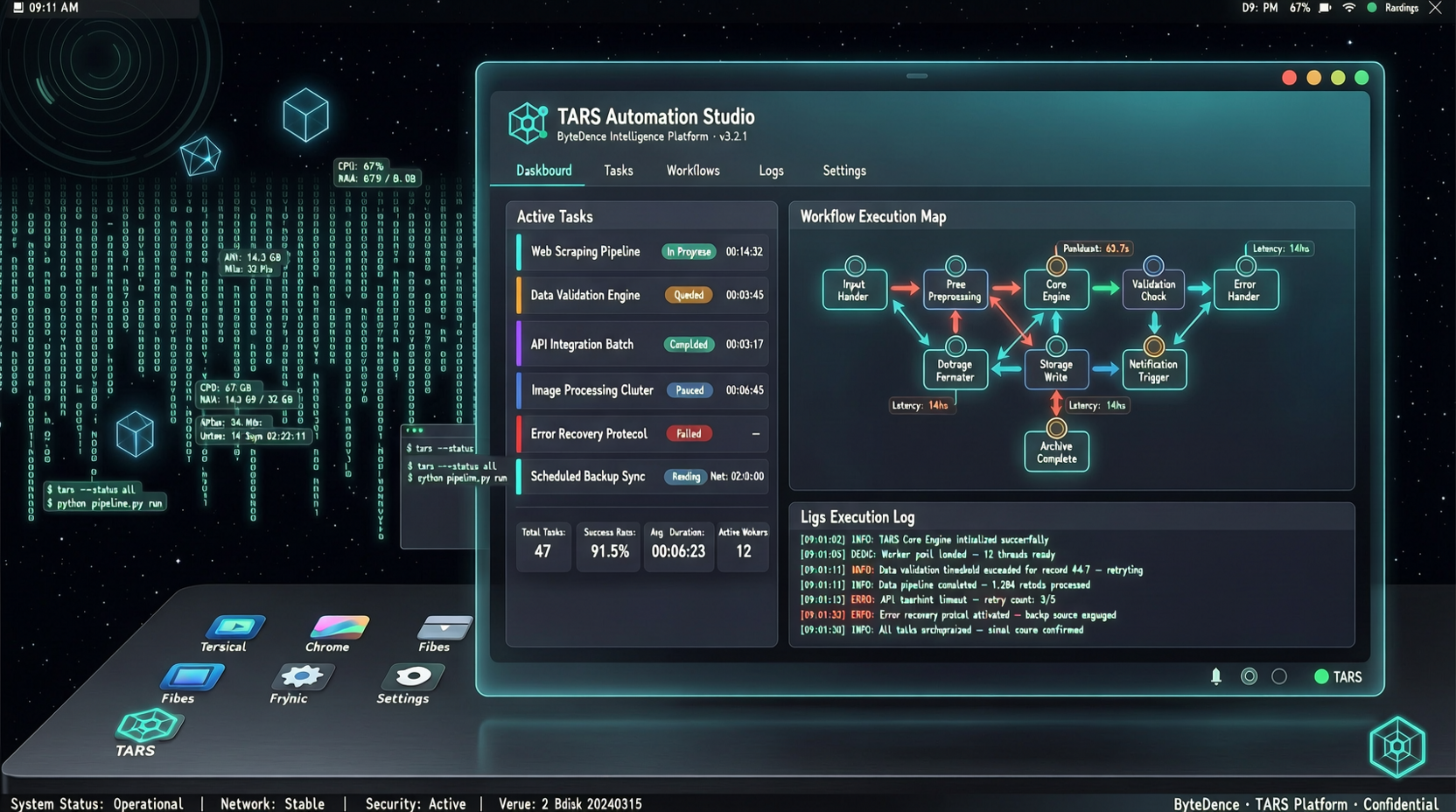
What excites me most about this project is its Agent Stack architecture. It’s not a single-purpose utility—but rather a composable infrastructure for building end-to-end workflows:
- Visual Understanding Layer: Multimodal models identify UI elements, text, and layout on-screen
- Decision Layer: Plans sequences of actions based on the task objective
- Execution Layer: Simulates mouse and keyboard input via desktop interfaces
- Feedback Layer: Monitors operation results in real time and dynamically adjusts strategy upon failure
What does this mean? You can embed it directly into existing workflows. For example: automatically launching your browser each morning, logging into internal systems, downloading reports, and organizing data—tasks that previously required writing multiple scripts can now be described in plain natural language.
Real-World Use Cases
Here are several genuinely productive applications I’ve identified:
Data Curation Workflow: Scrape data from multiple websites → auto-populate Excel → generate charts → export as PDF—all without manual window switching.
Cross-Application Operations: After completing a task in one desktop application, seamlessly jump to another to continue processing. This is especially valuable for professionals juggling multiple specialized tools—for instance, designers switching between Photoshop, Figma, and a browser for reference images.
Batch Repetitive Tasks: File renaming, format conversion, system configuration—any mechanical action you perform three or more times per day is a strong candidate for automation.
The Significance of Open Sourcing
By open-sourcing this project, ByteDance invites the community to build custom plugins and workflow templates—much like VS Code’s thriving extension ecosystem. The core framework provides foundational capabilities; the real value emerges from community-driven, scenario-specific solutions.
The current stats—547 tags and 275 branches—confirm that contributors are already actively expanding its scope and versatility.
A Measured Perspective
Of course, desktop automation is not a new concept. Tools like AutoHotkey, Sikuli, and even macOS Automator have pursued similar goals for years. UI-TARS-desktop’s competitive edge lies precisely in its combination of AI-powered visual understanding and autonomous decision-making—it doesn’t require pre-recorded action paths. Instead, it interprets interfaces and decides how to act.
That said, challenges remain: fragmentation across desktop environments (Windows/macOS/Linux, diverse screen resolutions, and countless applications), privacy and security concerns (since the AI observes your screen), and reliability when handling complex, multi-step tasks.
If your daily work involves frequent cross-application, repetitive desktop operations, UI-TARS-desktop warrants close attention. It won’t replace all manual interaction overnight—but it clearly points toward a pivotal shift: AI agents are moving out of chat windows and onto your actual desktop.