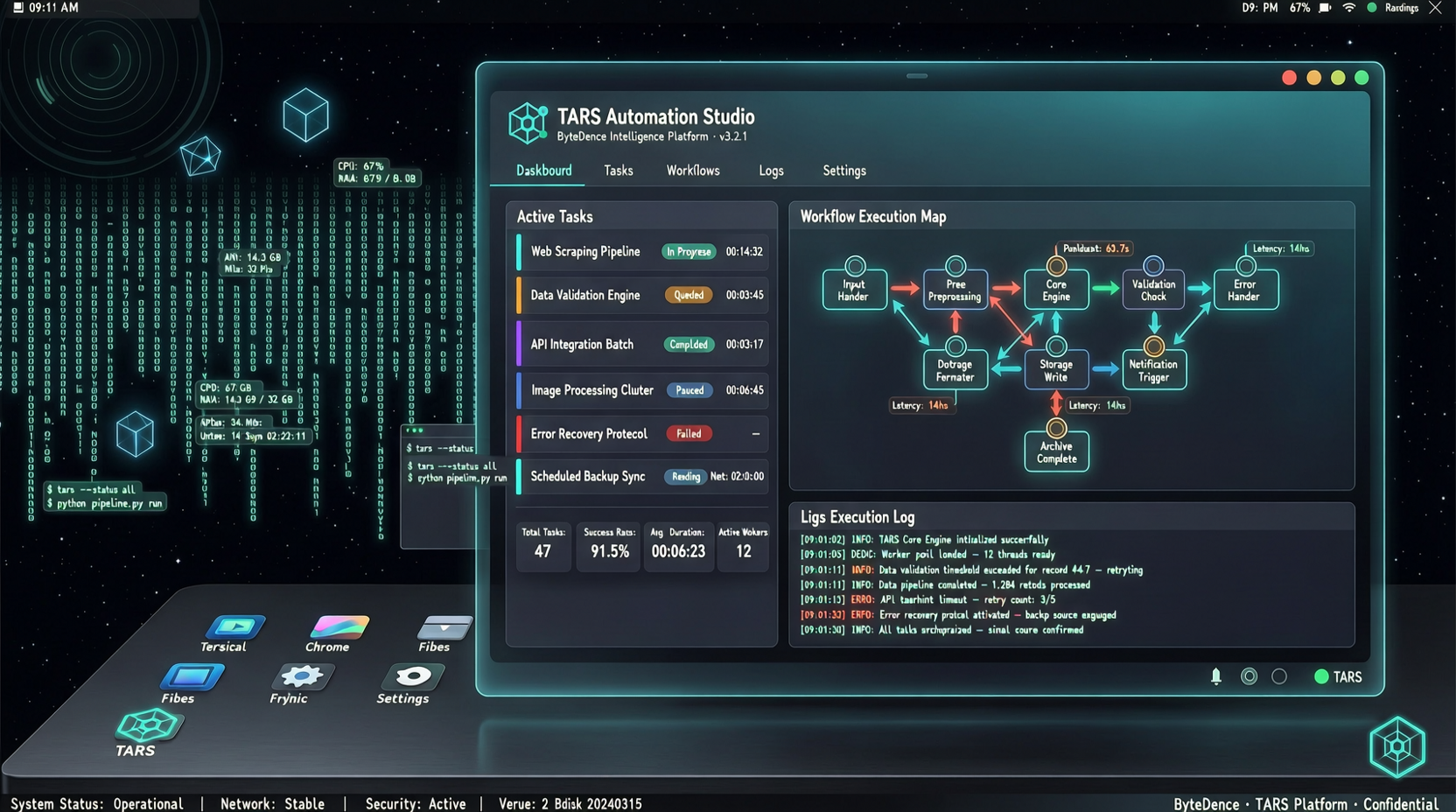
There's a 33.9k-star project on GitHub that lets AI look at your screen and operate your mouse and keyboard to complete tasks.
UI-TARS-desktop is ByteDance's open-source multimodal GUI Agent framework. It's not a CLI tool, not an API call—it's genuinely "AI sees screen, clicks buttons, fills forms."
33.9k stars, 275 branches, 1,108 commits. But many people's first question after opening it: how do I actually use this? What can it do for me?
What It Is
Simply put, UI-TARS is a vision-driven desktop automation Agent. Its workflow:
- Captures screen
- Multimodal model analyzes screen content, identifies UI elements
- Generates operation commands (click, type, drag, etc.)
- Executes, observes result, continues to next step
This differs from traditional RPA. RPA relies on preset rules and element locators—break when page structure changes. UI-TARS uses visual understanding, theoretically handling interfaces it's "never seen."
What It Can Do
It can:
- Auto-fill repetitive forms. Copy data from Excel into internal systems daily
- Cross-app operations. Copy info from web, paste into desktop app, send email—entire flow automated
- Software testing. Execute UI test cases, not just clicking but "understanding" interface state
- Data collection. When you need data from sites without APIs, simulate human operations
It struggles with:
- High-precision operations. Pixel-level dragging, sub-pixel positioning still has errors
- Dynamic content handling. Slow-loading or dynamically rendered pages can cause misjudgment
- Complex decision scenarios. Multi-step reasoning with context judgment sees noticeably lower success rates
How to Deploy
The repo provides a Desktop version for macOS and Windows. Core dependencies: the UI-TARS vision model and a desktop control backend.
Minimum viable steps:
- Clone repo, install dependencies
- Configure model endpoint (official API or local deployment)
- Launch Desktop app
- Describe what you want it to do in natural language
Note: this is not a consumer-ready product. It requires technical background for model configuration and debugging.
Real Pitfalls
Pitfall 1: Model latency. Vision understanding + decision generation, one operation cycle typically 2-5 seconds. For rapid consecutive operations, this feels "laggy."
Pitfall 2: Resolution sensitivity. Different resolutions present the same UI element differently. Trained on one machine, may need readjustment on another.
Pitfall 3: Chinese UI support. Recognition accuracy is noticeably higher for English UIs. Chinese UIs work but occasionally confuses two buttons.
Comparison with Alternatives
- OpenClaw: More of a general agent platform, GUI is one capability
- Claude Computer Use: Requires API calls, not a standalone desktop app
- UI-TARS Desktop: Focused on desktop GUI automation, complete app form, and open-source
Worth Following?
Yes. Not because it's perfect, but because the direction is clearly right.
Traditional automation's ceiling is "rule maintenance cost"—every interface change means rewriting scripts. Vision-driven automation breaks through that ceiling. UI-TARS is still early, but its architecture direction is correct.
Watch its release cadence. Latest is v0.4.x series, still iterating fast. If you're a heavy automation user, now is a good time for early involvement—not because the product is mature, but because you can influence its development direction.
Sources: