Bottom Line First
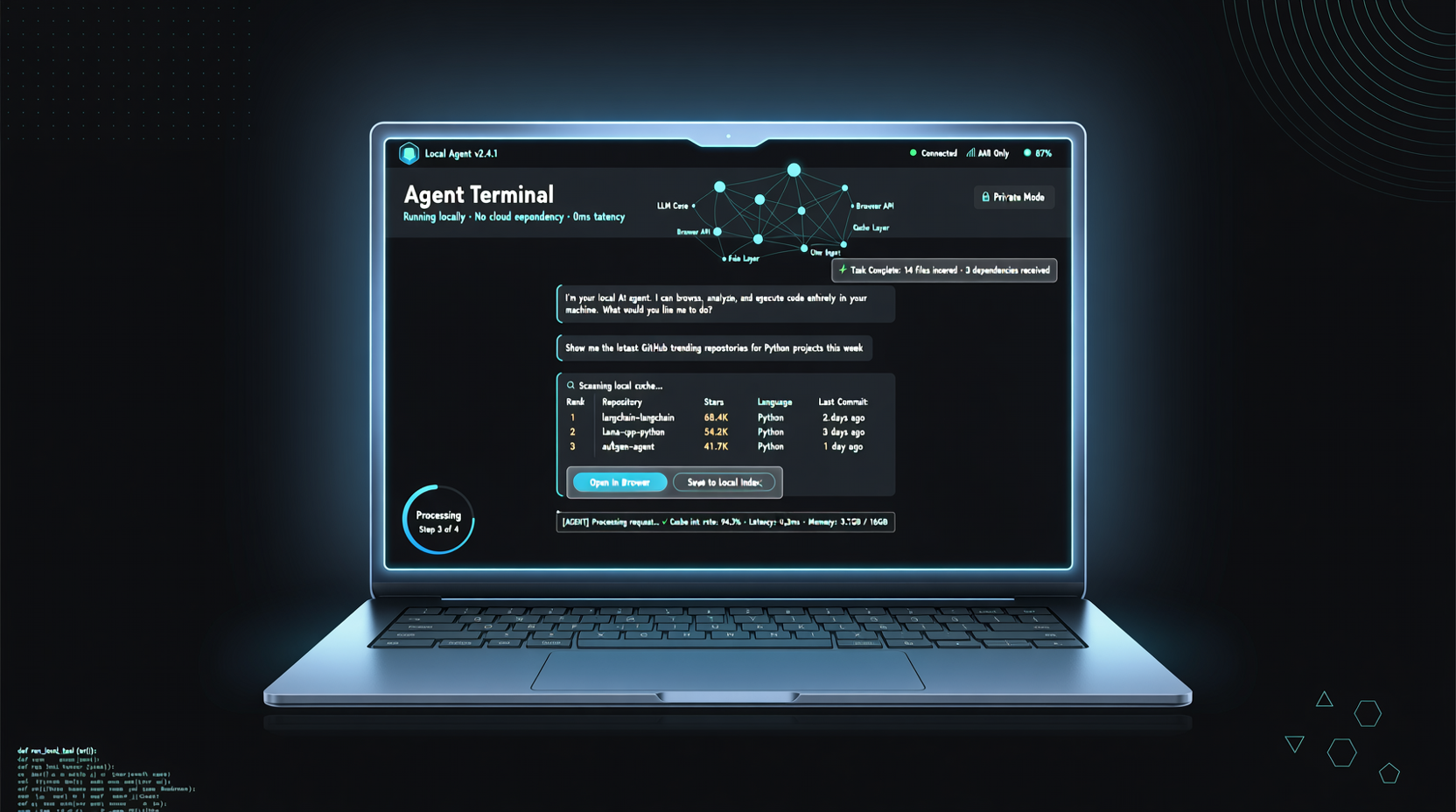
WebBrain lowers the barrier for browser automation agents from "needs cloud servers + API credits" to "runs on a 16GB MacBook." Powered by the int4-quantized Qwen3.5-9B, it runs on just 8GB VRAM, completely offline with zero API costs. This is a key breakthrough for privacy-sensitive scenarios and long-running tasks.
Hardware Requirements Overview
| Hardware Config | Available Solution | Performance Expectation |
|---|---|---|
| 8GB VRAM (MacBook 16GB unified memory / RTX 4060/3060/5050) | Qwen3.5-9B int4 | Usable, suitable for regular browsing tasks |
| 22+ GB VRAM (RTX 3090/4090) | Qwen2.5-VL full precision | Higher precision, complex visual tasks |
| RTX 5090 | Can run larger models | Best experience |
The key breakthrough is the usability of the 9B model after int4 quantization in browser agent scenarios. The team tested 22 vision-language models and ultimately selected Qwen3.5-9B as the optimal balance point—under 8GB VRAM constraints, visual understanding and web operation capability closest to larger models.
What is WebBrain
WebBrain is a locally running browser agent with core capabilities including:
- Visual Understanding: Directly "sees" webpage screenshots, understanding page layout and content
- Automatic Operations: Click, type, scroll, form filling
- Task Planning: Multi-step task decomposition and execution
- Context Memory: Maintains task context across pages
The difference from traditional browser automation tools (like Selenium, Playwright) is that WebBrain doesn't rely on pre-written scripts—it dynamically decides operation steps through visual understanding, more like "a person operating a browser."
Why Qwen3.5-9B int4 Was Chosen
The team's selection among 22 vision-language models was based on the following tradeoffs:
| Consideration | Qwen3.5-9B int4 | Other Models |
|---|---|---|
| VRAM Usage | ~5GB | Most require 12GB+ |
| Visual Understanding Accuracy | Sufficient for browser scenarios | Larger models offer marginal improvement |
| Inference Speed | Smooth on 8GB cards | Larger models may lag |
| Open Source License | Apache 2.0 | Some models have restrictions |
| Ecosystem Support | Native Ollama / llama.cpp support | Some require customization |
For the specific scenario of browser agents, the visual understanding capability of a 9B parameter model is already sufficient—recognizing buttons, reading text, understanding form structures doesn't require hundred-billion-parameter "general intelligence."
Typical Use Cases
- Privacy-sensitive data collection: No need to send webpage content to the cloud
- Long-running monitoring tasks: No API cost limits, 24/7 operation at zero cost
- Intranet environment automation: Completely offline, suitable for enterprise intranets or isolated environments
- Development debugging: Quick local testing of browser automation workflows
Landscape Assessment
"Localization" is becoming an important trend in AI Agent deployment:
- Cost: Cumulative costs of cloud APIs for long-term operation may far exceed hardware investment
- Privacy: Browser operations involve large amounts of sensitive data, local processing is safer
- Stability: Not dependent on network connectivity and cloud service availability
- Controllability: Full autonomous control over model versions and runtime environment
WebBrain represents a benchmark for this trend: 8GB VRAM this threshold means most modern laptops and entry-level GPU users can participate.
Action Items
- MacBook users: 16GB memory M1/M2/M3 MacBooks can run directly, zero additional hardware investment
- Desktop users with RTX 4060/3060: Upgrade VRAM to 8GB+ to deploy
- Enterprise security teams: Evaluate WebBrain as an intranet automation testing solution, replacing cloud-based browser agents
- Long-term task users: Compare cloud API costs vs local hardware costs—typically break-even in 3-6 months