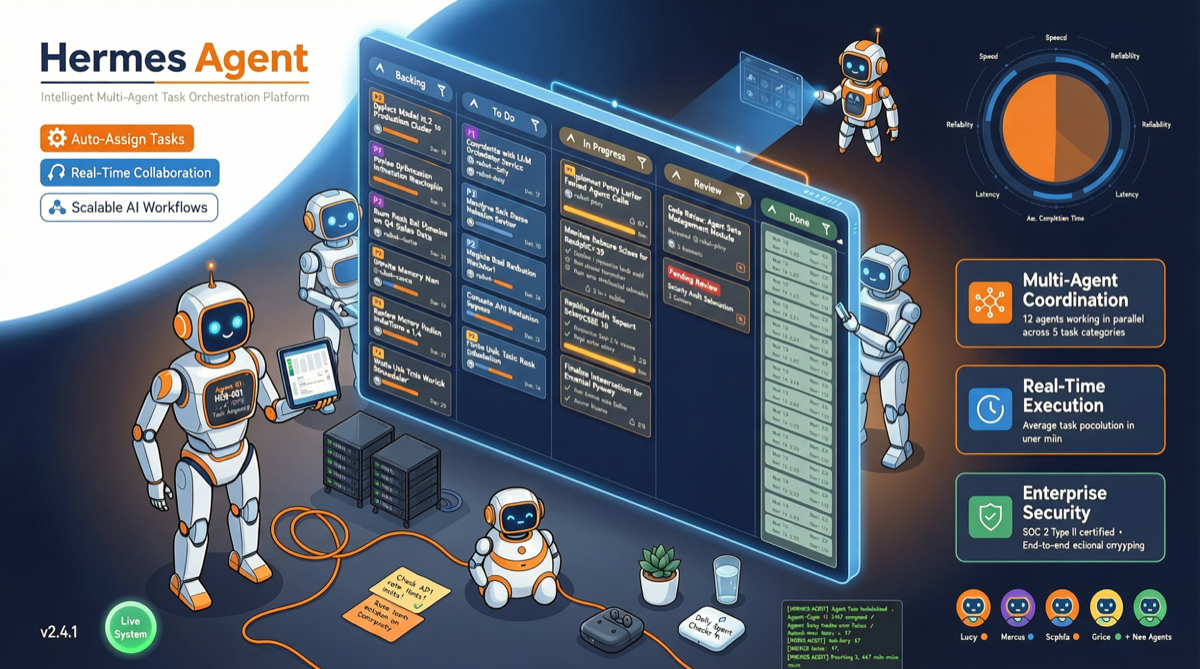
Bottom Line First
Hermes Agent v0.12 Kanban feature is not a simple UI update—it marks Hermes evolution from “one agent does one thing” to “multiple agents collaborate on complex tasks.” The v2.1 Swarm version goes further: one orchestrator controls unlimited agents with zero human intervention. For developers and teams handling complex, multi-step workflows, this is currently the most mature multi-agent orchestration system among open source solutions.
Pain Point: Why Multi-Agent Orchestration is Needed
Single agent mode problems become increasingly prominent in complex scenarios:
- Context window limits: When one agent handles multiple tasks simultaneously, context expands rapidly
- Serial bottlenecks: Task B cannot start until Task A completes, unable to leverage parallel computing
- Role confusion: Same agent writes code, writes docs, and runs tests—easily loses track between roles
- State management chaos: Switching between multiple terminal windows, losing task state
Kanban mode core value: Let multiple agents specialize, collaborating on a board like team members.
Hermes Agent v0.12 Kanban Feature Breakdown
Core Architecture
+-----------------------------------------+
|           Kanban Task Board              |
|  +-------+ +-------+ +-------+ +-------+|
|  |To Do  |->|Doing  |->|Blocked|->|Done ||
|  +-------+ +-------+ +-------+ +-------+|
|       ^ Agent auto-claims  | Auto-handoff|
+----------------------------+-------------+
                             |
    +----------+----------+----------+
    |          |          |          |
  Agent A   Agent B   Agent C   Agent D
  (Code)    (Test)    (Docs)    (Review)
Key Features
| Feature | Description | Practical Value |
|---|---|---|
| Auto-claim | Agents autonomously claim pending tasks from board | No manual assignment, reduces management overhead |
| Parallel execution | Multiple agents process different tasks simultaneously | Shortens overall completion time |
| Block handoff | Tasks auto-handoff or wait when blocked | Prevents agents wasting tokens in dead ends |
| Single view | One board manages all agent states | Replaces multiple terminal windows, state at a glance |
| Role definition | Each agent has clear role and specialty | Improves output quality, reduces role confusion |
Relationship with v2.1 Swarm
v0.12 Kanban is the foundation, v2.1 Swarm is the advanced version:
| Dimension | v0.12 Kanban | v2.1 Swarm |
|---|---|---|
| Agent count | Fixed number | Unlimited |
| Control method | Board-driven | Orchestrator unified scheduling |
| Human intervention | Requires initial setup | Zero human intervention |
| Use case | Medium complexity tasks | Large projects, continuous workflows |
| Learning curve | Low | Medium |
Practical Scenario: Multi-Agent SEO Workflow with Kanban
A typical multi-agent SEO workflow can be organized as follows:
- Research Agent: Keyword research, competitor analysis → outputs keyword list
- Outline Agent: Generate article outline from keywords → outputs structured outline
- Writing Agent: Draft content from outline → outputs first draft
- Optimization Agent: SEO optimization, internal link suggestions → outputs optimized version
- Publishing Agent: Format, submit to CMS → completes publishing
In Kanban mode, these agents can auto-flow on the board, with the next agent automatically claiming when the previous one completes.
Comparison with Other Solutions
| Solution | Multi-Agent Support | Visualization | Open Source | Learning Curve | Ecosystem Maturity |
|---|---|---|---|---|---|
| Hermes Agent Kanban | Yes, auto-claim | Yes, board view | Yes | Low | Rapidly growing (127K+ stars) |
| CrewAI | Yes, role definition | No, CLI-focused | Yes | Medium | Mature |
| LangGraph | Yes, graph orchestration | No, code-defined | Yes | High | Mature |
| Ruflo | Yes, Swarm | Yes, dashboard | Yes | Medium | 43K+ stars |
| OpenAI Agents SDK | Limited | No | No | Low | Early |
Hermes Agent differentiating advantages:
- Out of the box: No orchestration code needed, board is the interface
- Active community: 127K+ stars, 269 merged PRs, 24 contributors
- Model flexibility: Supports OpenRouter, local models, and various backends
- Rapid iteration: 487 commits, v0.12 to v2.1 rapid evolution
Getting Started Guide
Quick Start
# Install Hermes Agent
npm install -g hermes-agent

# Launch with Kanban
hermes-agent --kanban

# Configure model (using OpenRouter example)
hermes model set openrouter
hermes model select inclusionai/ling-2.6-1t:free  # Free quota until 2026.04.30
Configuring Multi-Agent
Define agent roles in config file:
agents:
  - name: coder
    role: "Write code"
    tools: [shell, file_edit]
  - name: tester
    role: "Run tests"
    tools: [shell]
  - name: reviewer
    role: "Code review"
    tools: [file_read, shell]
Landscape Assessment
Hermes Agent Kanban multi-agent orchestration represents the next evolution direction for agent frameworks: from “how to write good prompts” to “how to organize multiple agents to collaborate.” This is not tool-level competition, but paradigm-level shift.
While CrewAI and LangGraph still define agent workflows in code, Hermes provides a more intuitive, lower-barrier alternative with Kanban. For non-technical users and small-to-medium teams, this might be the democratization inflection point for agent frameworks.
Recommendation: If you have not tried multi-agent orchestration yet, Hermes Agent v0.12 is currently the lowest barrier to entry option. Spend 30 minutes setting up a Kanban workflow—the experience may exceed your expectations.