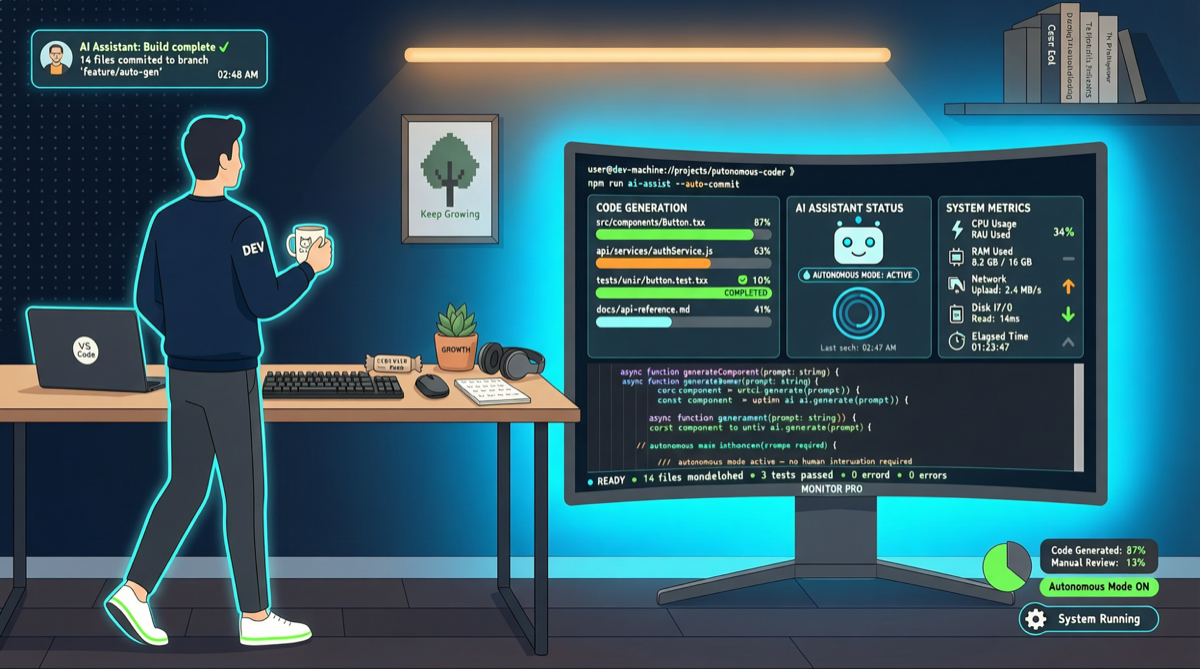
A recent Claude Code update brought a quiet but transformative change: Auto Mode now supports async execution. Long-running tasks no longer require you to sit at the terminal. The system proactively notifies you when a task completes or needs human decision.
Before Auto Mode: Babysitting the Agent
- Input task description
- Watch the agent execute commands one by one
- Manually type
yornfor permission confirmations - Guide the agent when it gets stuck
For simple code edits this works, but for running test suites, building projects, or refactoring multiple modules — you might be stuck at the computer for tens of minutes.
After Auto Mode: Start → Leave → Check Back
Auto Mode gives the agent autonomous decision-making:
- Determines which operations are safe to execute autonomously
- Handles command execution, file reads/writes, test runs automatically
- Pre-configurable permission strategies (auto-allow, auto-deny, or push to phone)
- Notifies user on completion via Hooks or notifications
Permission Strategies
# Most permissive: auto-allow all operations
claude --permission-mode auto-edit

# Medium: read-only auto-allowed, writes need confirmation
claude --permission-mode accept-writes

# Strictest: every operation needs confirmation
claude --permission-mode default
Hook Automation
{
  "on_end": {
    "command": "notify-send 'Claude Code' 'Task completed'"
  }
}
Cost Considerations
- Set
--max-turnsto limit maximum interaction rounds - Configure
cost_limitto prevent surprise bills - Monitor consumption with
/costcommand
Suitable Scenarios
- ✅ Code refactoring, bulk test generation, doc updates, dependency upgrades
- ⚠️ New feature development (needs human direction)
- ❌ Architecture decisions (AI cannot replace your judgment)
Main sources:
- Claude Code Official Docs
- anthropics/claude-code - v2.1.123