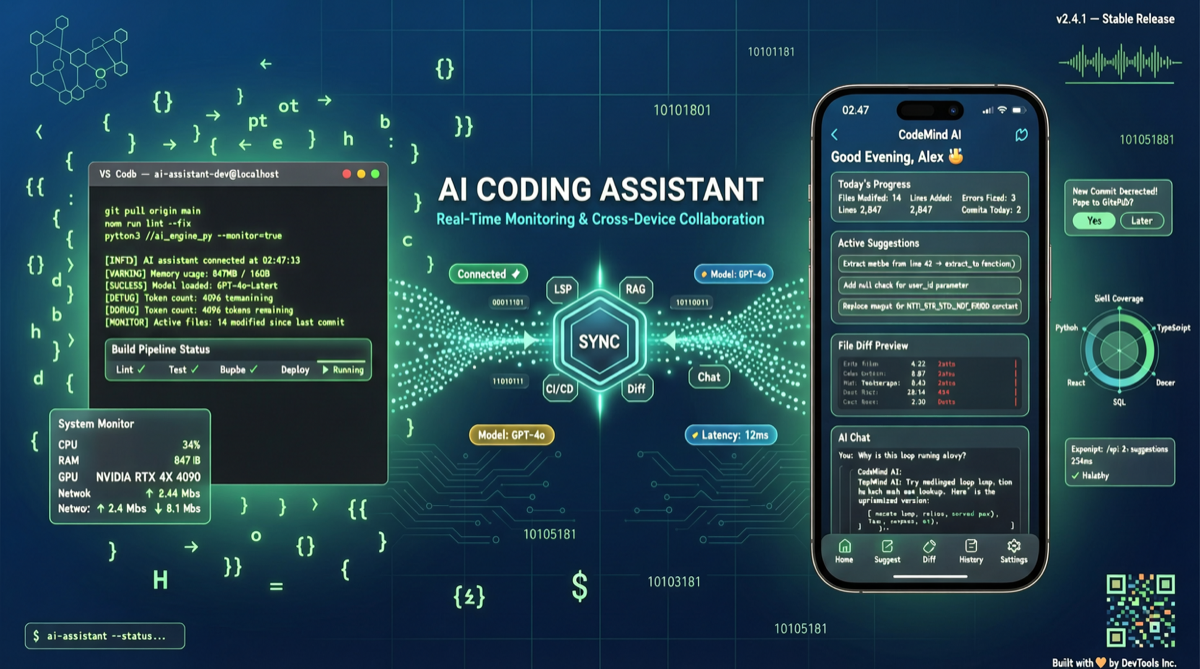
Claude Code’s Auto Mode lets AI autonomously complete multi-step coding tasks, but that raises a question: tasks can run for tens of minutes or longer, and you can’t stare at the terminal the whole time. Now, a set of open-source tools is filling this gap — letting you monitor Claude Code’s status, approve permission requests, and even send new commands from your phone browser.
The Problem: Auto Mode Runs, You Can’t Walk Away
Claude Code v2.1 series continues to iterate, and Auto Mode’s interaction frequency far exceeds earlier versions. The agent autonomously executes commands, reads files, calls tools, and pauses for human confirmation when needed. This means:
- Long tasks require staying at the terminal
- Missing permission confirmations stalls the task
- Leaving the computer = abandoning automation
Solution Overview
The community has produced several tools with different technical approaches:
| Project | Language | Stars | Core Mechanism |
|---|---|---|---|
| Claw | Python | 23 | tmux session sharing, browser web terminal |
| ClauTunnel | TypeScript | 4 | iOS/Android native app, real-time terminal control |
| DigitalMe | - | - | Control via Feishu/Telegram/Slack + dashboard |
| claude-remote-runner | Node.js | 11 | E2E encryption, mobile web app control |
Claw has been published as a PyPI package claw-cli with cross-platform support, making it the lowest-barrier option to get started.
Quick Start with Claw
Claw’s core idea is simple: use tmux to manage Claude Code’s terminal session, then share it to a browser via a web interface.
# Install
pip install claw-cli

# Start (on the same machine running Claude Code)
claw start

# Visit http://localhost:8080 in browser
# You'll see Claude Code's real-time terminal output
If running Claude Code on a remote server, expose the port or use ngrok for tunneling to access from mobile.
Typical Use Cases
Scenario 1: Approve Permissions During Commute Start a long task on your work computer in the morning (like refactoring an entire module), receive permission notifications on your phone while commuting, approve or deny in the browser, and the task continues.
Scenario 2: Multi-Device Switching Start a task on MacBook, switch to iPad mid-way to check progress and input commands, return to desktop at home — all in the same tmux session.
Scenario 3: Remote Server Development Claude Code runs on a remote server (via SSH), Claw provides a web terminal entry point for checking build logs and agent decisions from mobile.
Security Considerations
These tools essentially expose your terminal to the network:
- Always enable HTTPS in production
- Use strong passwords or token authentication
- claude-remote-runner offers E2E encryption for security-sensitive scenarios
- Never use without encryption on public Wi-Fi
Limitations
- Claw currently has only 23 stars — small community, uncertain bug response
- tmux-based solutions depend on Linux/macOS environments
- Mobile terminal viewing is limited — suitable for “monitor + simple confirm,” not “deep interaction”
Claude Code remote monitoring is still early stage, but the direction is clear — as AI agents complete more tasks autonomously, “not staying at the screen” will become the default development workflow.
Main sources:
- raullenchai/claw - CLaude AnyWhere project
- TongilKim/ClauTunnel - Mobile Claude Code control
- sohampawar1866/claude-remote-runner - E2E encrypted remote solution
- anthropics/claude-code - Official Claude Code repository