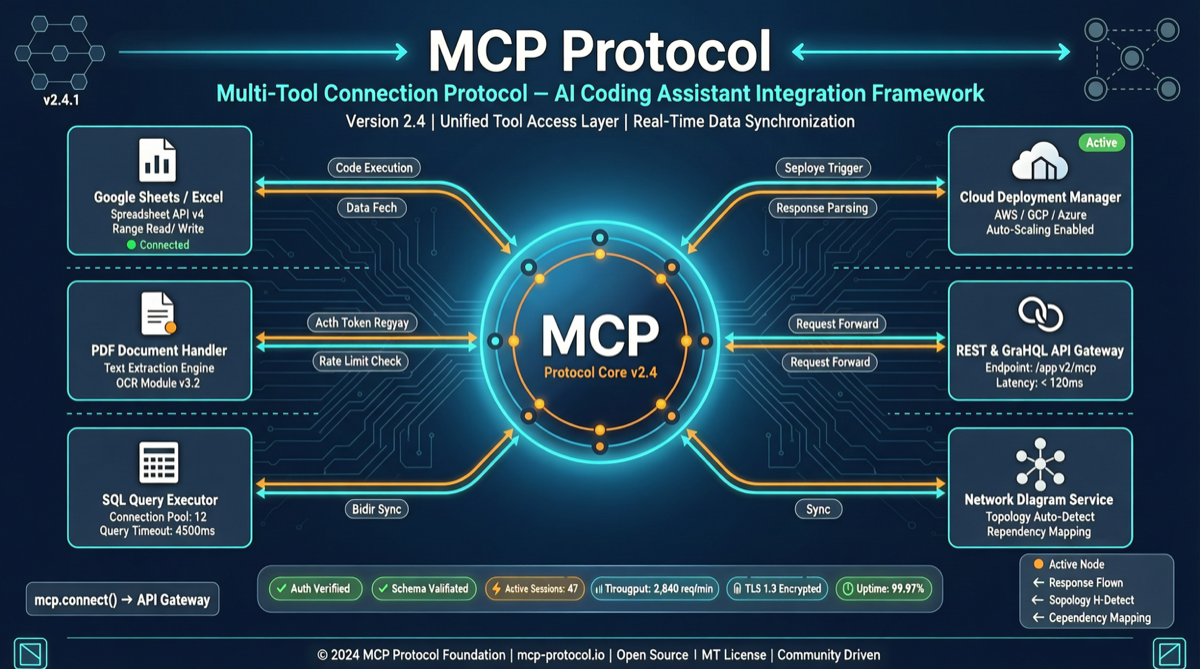
Claude Code excels at writing code, but its operational range extends far beyond code files. Through Composio’s MCP toolkit, Claude Code can directly generate Word documents, analyze Excel spreadsheets, build presentations, and even deploy to AWS — without writing a single line of glue code.
What is Composio?
Composio is an open-source AI Agent tool integration platform with 28k GitHub Stars and 3,879 commits. Core capabilities:
- 1000+ tool integrations: SaaS apps, cloud services, databases, dev tools
- Unified MCP interface: All tools exposed via standard MCP protocol
- Authentication management: Handles OAuth, API Keys — agents don’t need to worry about auth
- Sandbox workspace: Secure execution environment for agents
Installation & Configuration
# Install Composio CLI
pip install composio-core

# Login (handles authentication)
composio login

# Add MCP server for Claude Code
composio add -a claude_code

# Install common tool packages
composio add google_drive github slack aws
Typical Use Cases
Scenario 1: Auto-generate Project Documentation “Read the src/ directory, generate an API document in Word format, save to docs/” Claude Code uses Composio’s document tools to directly manipulate Word.
Scenario 2: Data Analysis + Report “Analyze data/sales.csv, generate Excel pivot tables and charts, write a summary” From data reading to chart generation to summary — one command completes the full flow.
Scenario 3: Cloud Deployment “Deploy the current project to AWS Lambda, configure API Gateway and CloudFront” Composio’s AWS toolkit lets Claude Code directly operate cloud services.
Comparison with Native MCP
| Dimension | Native MCP | Composio |
|---|---|---|
| Tool count | Build yourself | 1000+ ready to use |
| Auth management | Manual config | Unified OAuth flow |
| Tool search | None | Semantic search + recommendations |
| Sandbox execution | None | Built-in |
Limitations
- Tool quality varies; some integrations may be less stable than using native APIs
- You still need to authorize each SaaS app’s access permissions
- For deeply customized tool scenarios, Composio’s abstraction layer may not be flexible enough
Main sources:
- ComposioHQ/composio - 28k Stars
- Composio Docs