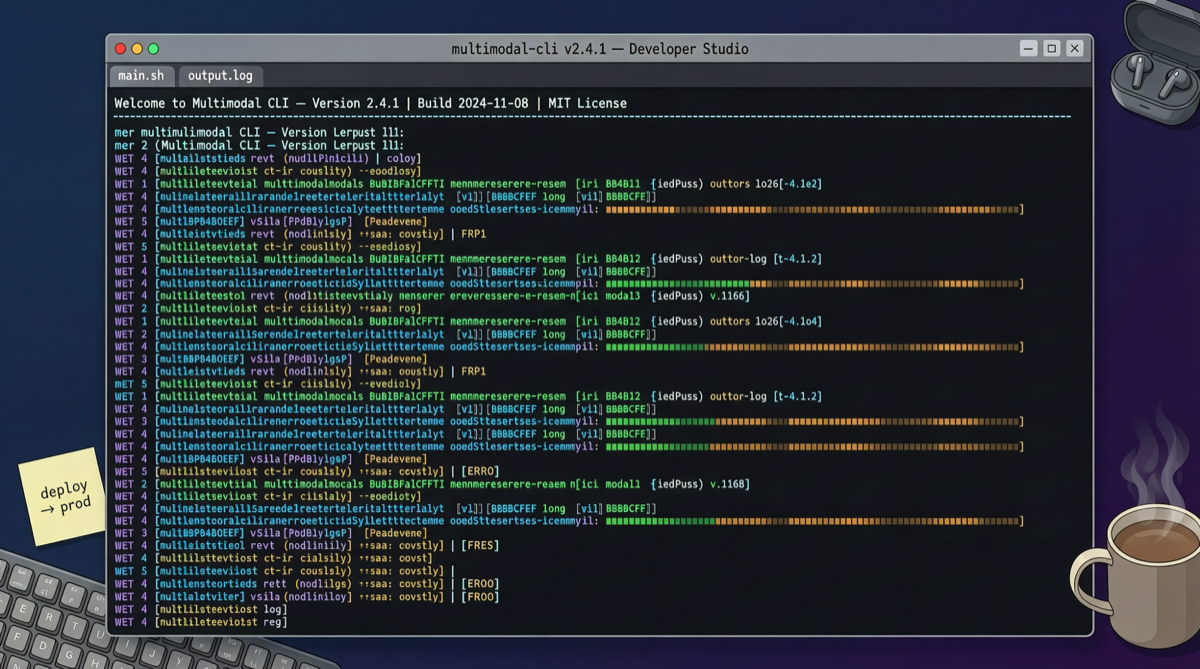
A Generative Media Studio in Your Terminal
fal.ai just released genmedia CLI, bringing image, video, 3D, and audio generation into the command line.
No Dashboard, no web interface. One pip install later, you can call APIs to generate content directly from the terminal, with native support for pipes, scripts, and automation.
Day one response on X: 33K+ views, 190 bookmarks. For a small tool, this speed of reaction says the demand is real.
What Problem Does It Solve
Most AI media generation tools today follow a "open webpage → type prompt → wait for result → download" workflow. For developers, this interaction model has several pain points:
- Cannot be integrated into CI/CD pipelines
- Batch generation requires manual repetition
- When working with AI Agents, the web interface becomes a breakpoint
What genmedia CLI does is simple: turn "generate media" into a single command.
genmedia image "a sunset over mountains" --model fal-ai/flux --out sunset.png
genmedia video "cat typing on laptop" --model fal-ai/minimax-video --out cat.mp4
And then you can pipe it into scripts, pipelines, or have Claude Code call it directly.
The AI Agent Fit
The smartest thing about this project is its positioning — it is not for end users, it is for developers and AI Agents.
fal specifically mentioned "alongside Claude and other AI agents" in their announcement. What does that mean?
If you are using Claude Code to write a blog generation script that needs illustrations, or using Cursor to build an automated video content pipeline, genmedia CLI is a plug-and-play generation endpoint. The Agent writes the script, the CLI executes it, the results land on disk.
No browser switching, no login, no copy-paste.
This "terminal-native" design philosophy aligns with a recent trend in AI tools — making AI capabilities a natural link in the developer workflow, not a separate application you need to open.
Who Is fal
fal.ai is a generative AI infrastructure company valued at approximately $4.5 billion. 70-person team. Core business: hosting various image, video, and audio models, served through API.
Simply put, they are the "utilities" of model serving — they do not train large models themselves, but they make calling models extremely easy.
This CLI is like connecting those "utilities" directly to the terminal.
Will It Work?
A few things worth noting:
- Low installation barrier: pip install, set an API key, and you are ready
- Model selection: fal hosts APIs from multiple model providers — users do not need to deploy GPUs themselves
- Batch capability: CLI natively supports batch processing, which web interfaces cannot do
- Cost: pay-per-call, same as using the API directly, no markup
The only limitation is that you need a fal.ai API key. Free quota is limited, and large-scale generation requires payment.
Comparison with Similar Tools
"Terminal generation" tools are not new, but genmedia CLI differentiates itself through multimodality — images, video, 3D, audio all in one CLI.
Most similar tools only cover image generation. genmedia wraps video and 3D too. For developers who need multimedia content, one tool for all types means less context switching.
Worth Trying?
If you are a developer who regularly needs to batch-generate images, videos, or audio assets — worth 10 minutes to install and try.
If you only occasionally generate a few images — the web version is sufficient, no need to bother with the CLI.
This tool has a narrow audience. But within that narrow audience, it may be the best one available.