What Happened
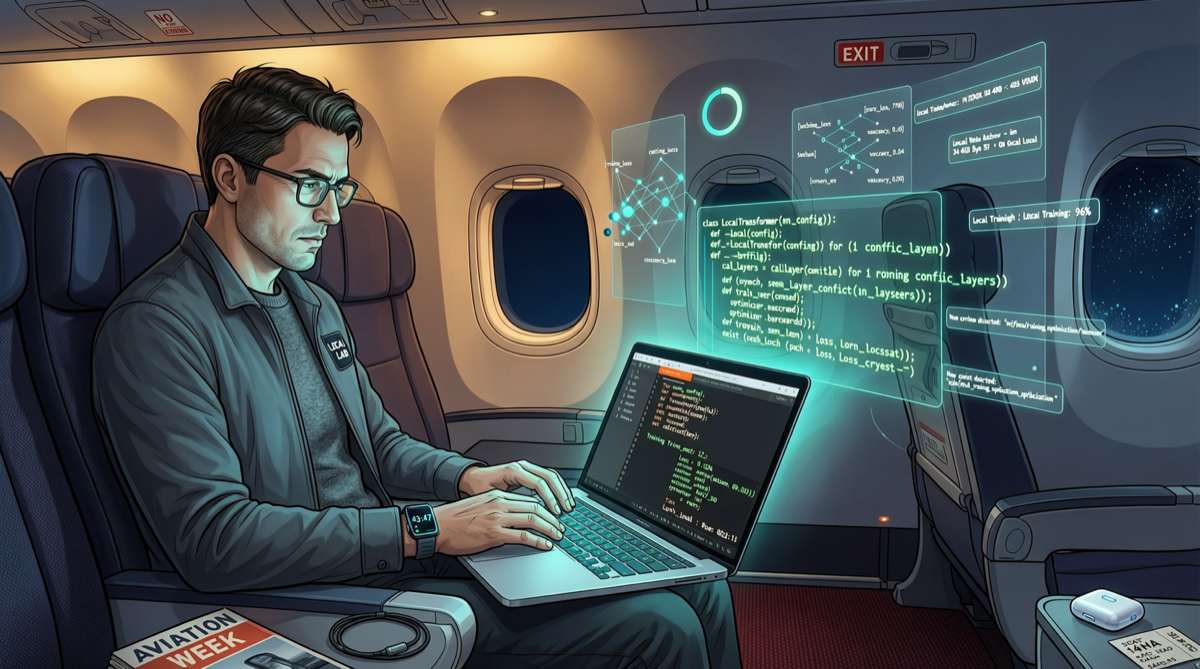
A widely circulated case in the developer community: a Chinese engineer completed an entire client project during an 11-hour transoceanic flight (no WiFi), using only a MacBook Pro M4 (64GB RAM) with a complete local AI toolkit.
He didn’t spend $25 on in-flight WiFi. He brought a full suite of local AI tools.
This is not showing off — it is a signal that the 2026 local AI engineer ecosystem has matured.
Local AI Tool Stack Overview
1. Model Layer: What to Run?
| Model | Parameters | Quantized Size | Recommended Use | Speed (M4 Max) |
|---|---|---|---|---|
| Llama 4 8B | 8B | ~5GB (Q4_K_M) | Daily coding, documentation | ~60 tok/s |
| Qwen 3.6 8B | 8B | ~5GB (Q4_K_M) | Chinese coding, translation | ~55 tok/s |
| DeepSeek V4 Flash | 13B active | ~8GB (Q4_K_M) | Complex reasoning | ~35 tok/s |
| Qwen 3.6 27B | 27B | ~16GB (Q4_K_M) | Deep coding | ~20 tok/s |
An M4 MacBook with 64GB RAM can load one 27B + one 8B model simultaneously, or three 8B models.
2. Inference Layer: How to Run?
| Tool | Features | Target Users |
|---|---|---|
| Ollama | One-command model pull, OpenAI-compatible API | Developers, CI/CD |
| LM Studio | GUI interface, model management, chat, API service | Non-technical users |
| MLX (Apple) | Apple Silicon native inference, ultimate performance | Apple ecosystem power users |
| llama.cpp | C++ low-level implementation, most flexible | Low-level developers |
Recommended Setup: Ollama for inference service + LM Studio for interactive chat + Cursor/Claude Code calling via local API.
3. Editor Layer: How to Write Code?
| Editor | Local AI Support | Offline Capability |
|---|---|---|
| Cursor | Configurable local Ollama endpoint | ✅ Fully offline |
| VS Code + Continue | Supports Ollama/LM Studio | ✅ Fully offline |
| Zed | Local inference plugins | ✅ Fully offline |
| Claude Code (CLI) | Requires MCP config for local models | ⚠️ Partial features need online |
4. Auxiliary Layer
| Tool | Purpose |
|---|---|
| Local RAG (PrivateGPT / AnythingLLM) | Local knowledge base retrieval |
| Local MCP Server | Local tool calling (file system, terminal) |
| Docker + vLLM | Multi-model service orchestration |
Practical Workflow
Requirements Analysis → Llama 4 8B (Ollama) → Generate requirement doc
    ↓
Code Framework → Qwen 3.6 27B (Ollama) → Generate project skeleton
    ↓
Function Implementation → Cursor + Ollama endpoint → Fill functions
    ↓
Debug & Fix → DeepSeek V4 Flash → Analyze error logs
    ↓
Test Writing → Llama 4 8B → Generate unit tests
    ↓
Code Review → Qwen 3.6 27B → Quality check + optimization suggestions
Zero network requests throughout.
Cost Calculation
| Item | Cloud Approach (monthly) | Local Approach (one-time) |
|---|---|---|
| Hardware | - | MacBook M4 64GB: $2,499 |
| API Costs | $100-500/month | $0 |
| Subscription Fees | $20-100/month | $0 |
| Annual Total | $1,440-7,200 | $2,499 |
The local approach pays for itself in 5-18 months, then pure savings.
Who Is This For?
- ✅ Developers who travel/fly frequently
- ✅ Enterprises handling sensitive data that cannot go to cloud
- ✅ Independent developers with high-frequency AI-assisted coding
- ✅ Startup teams wanting to save API costs
- ❌ Scenarios requiring real-time web search capabilities
- ❌ Tasks requiring ultra-large models (>70B) for complex processing
Local AI in 2026 is no longer a “it runs” toy — it is a genuine productivity tool that can replace cloud APIs.