Bottom Line
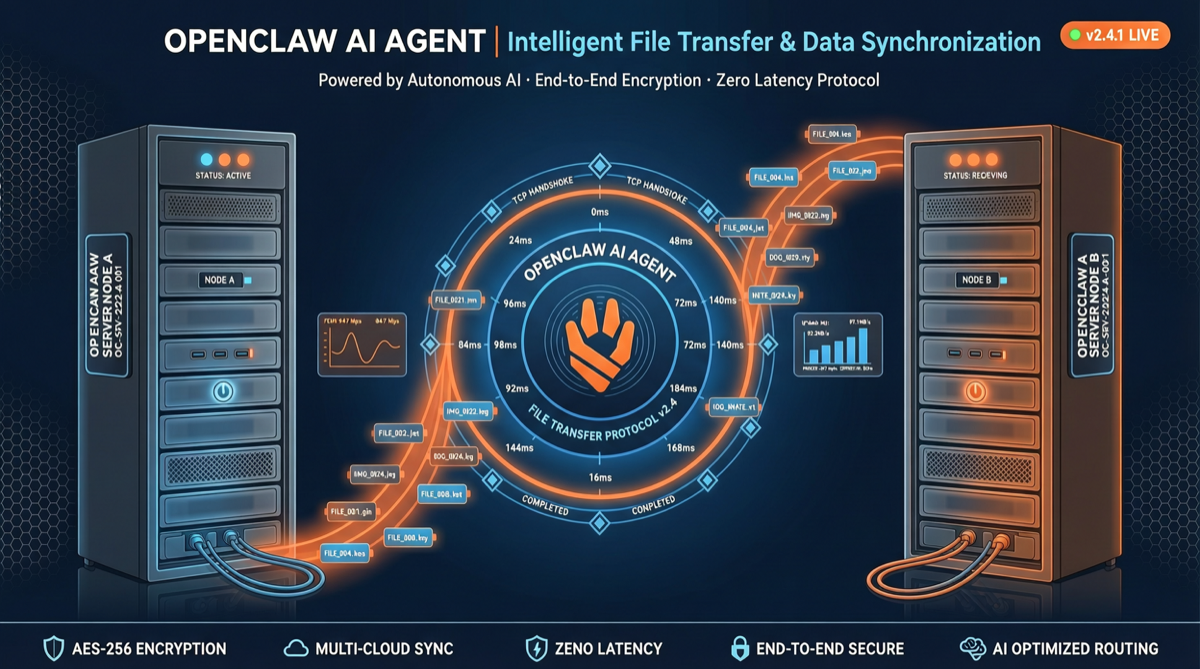
OpenClaw v2026.5.3 continues the engineering cleanup direction from the previous version’s plugin externalization, with the core change being a new built-in file-transfer plugin. This allows Agents to directly perform file operations between paired nodes without needing external tools or manual transfers.
Another noteworthy concurrent change: ChatGPT subscribers can now directly use their subscriptions in OpenClaw, lowering the barrier to entry.
What the File-Transfer Plugin Can Do
The new plugin provides four core operations:
| Operation | Description | Typical Scenario |
|---|---|---|
file_fetch | Pull a single file from a remote node | Get config files, logs, datasets |
dir_list | List directory contents on a remote node | Explore project structure, find files |
dir_fetch | Recursively pull an entire directory | Backup codebases, sync projects |
file_write | Write files to a remote node (including binary) | Deploy configs, push generated files |
Real Workflow Example
Suppose you have two machines: a local development machine (running OpenClaw Agent) and a remote server (paired node):
Your request: "Pull the latest logs from /var/log/app/ on the server and analyze them"

Agent automatically executes:
1. dir_list("/var/log/app/") → List files
2. file_fetch("/var/log/app/latest.log") → Pull the log
3. Analyze log content → Generate report
4. file_write("/reports/log-analysis.md") → Write report to server
The entire process requires no SSH, no SCP, no manual intervention — the Agent completes everything through the file-transfer plugin directly.
Comparison with Previous Version
| Version | Plugin Architecture | File Transfer | Node Communication |
|---|---|---|---|
| v2026.5.2 | Plugin externalization | Requires external tools | Basic messaging |
| v2026.5.3 | Built-in core plugins | ✅ Native support | Files + messaging |
This is the first feature iteration from the OpenClaw team after completing the plugin externalization refactoring in v2026.5.2, showing that the team is gradually building high-frequency needs into the core system.
ChatGPT Subscription Integration
Concurrent news: OpenAI now allows ChatGPT subscribers to use their subscriptions directly in OpenClaw. This means:
- No additional API Key needed: Use your ChatGPT Plus/Pro subscription
- Lowered barrier to entry: No need to separately purchase API credits
- More users can participate: Enables individual users without API accounts to build AI workflows
This move aligns with OpenClaw’s positioning as an “open-source personal AI assistant” — enabling more people to build their own AI assistants at the lowest cost.
Should You Upgrade?
Recommended to upgrade immediately if:
- You’re using OpenClaw to manage multiple nodes/machines
- You frequently need to transfer files between machines (logs, configs, data)
- You have a ChatGPT subscription but no API Key
Can defer if:
- You only use a single machine and don’t need cross-node file transfer
- You’ve already solved file transfer needs through other means (SSH, rsync, cloud storage)
- Your version is v2026.5.2 and you haven’t encountered plugin-related issues
OpenClaw’s Iteration Pace
Looking at OpenClaw’s recent version updates:
- v2026.4.x: Large-scale plugin ecosystem establishment
- v2026.5.2: Plugin externalization refactoring + Grok 4.3 integration
- v2026.5.3: Built-in file transfer + ChatGPT subscription integration
OpenClaw’s release pace is quite dense — almost one major version every two weeks. This rapid iteration is both a blessing and a challenge for users: new features come fast, but upgrades also need to keep pace.
For users relying on OpenClaw for production environment Agent orchestration, it’s recommended to establish a version testing process: before upgrading to a new version, verify that your core workflows run correctly in a test environment first.