What Happened
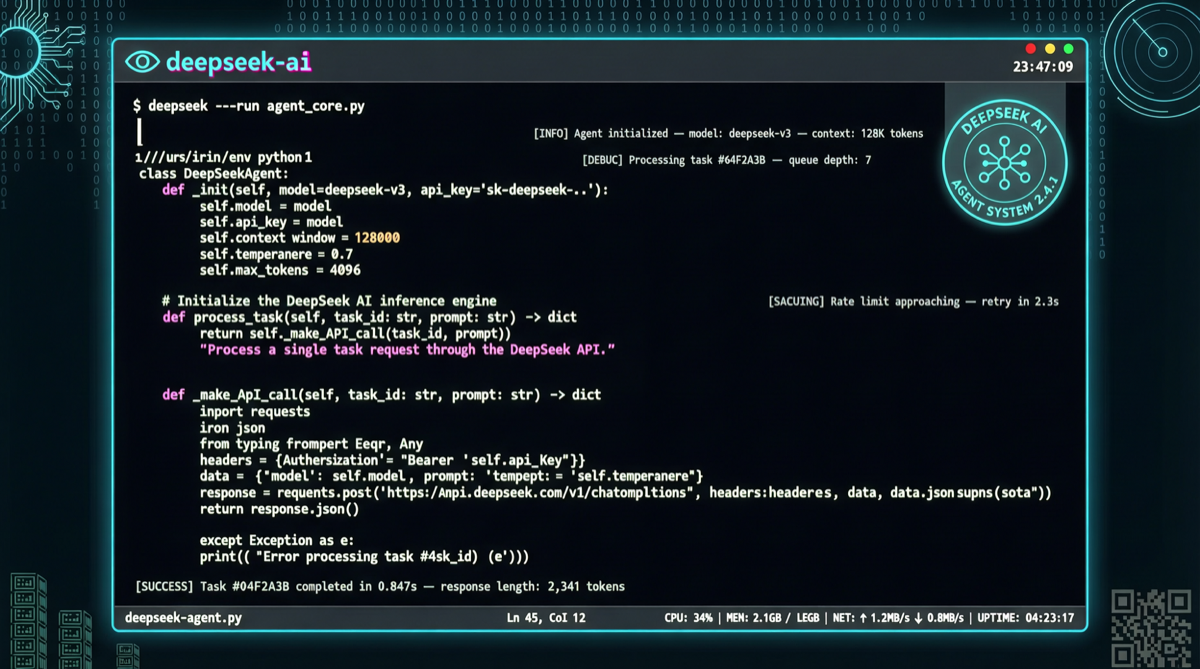
DeepSeek-TUI is making waves on GitHub Trending, gaining 564 stars per day and breaking past 1,825 total stars. Despite the name suggesting DeepSeek exclusivity, it actually supports multiple models including DeepSeek, Qwen, and Claude — it’s a terminal-native AI coding agent.
Why a Terminal-Based Coding Agent Matters
In an era dominated by graphical IDEs like Cursor, Windsurf, and Claude Code, a terminal tool trending on GitHub reveals an overlooked need: many developers still strongly prefer pure keyboard workflows.
The Hidden Costs of Graphical IDEs
| Pain Point | Terminal Solution |
|---|---|
| Mouse dependency | Pure keyboard operation, vim/emacs friendly |
| Remote development latency | SSH to server and run directly |
| IDE resource consumption | TUI typically uses < 100MB RAM |
| Learning new IDE | Seamlessly integrates into existing terminal environment |
| Server without GUI | Native terminal support |
For operations engineers, embedded developers, and remote server users, terminal coding agents aren’t a retro preference — they’re a productivity necessity.
Core Features
Multi-Model Support
DeepSeek-TUI doesn’t lock you into a single model:
- DeepSeek series (V3, V4 Pro, V4 Flash)
- Qwen series
- Claude series (via API)
This means you can freely switch models based on task type and budget without installing multiple tools.
Context-Aware Coding
Unlike simple “Q&A-style” AI, DeepSeek-TUI features:
- File tree awareness: Automatically reads project structure
- File content understanding: Directly edits specified files
- Command execution: Runs terminal commands in a sandbox environment
- Multi-step task planning: Automatically breaks complex tasks into executable steps
Interactive TUI Interface
The terminal-based user interface provides:
- Real-time streaming output
- Syntax highlighting
- Multi-panel layout (code + conversation + file tree)
- Keyboard shortcut navigation
Comparison with Similar Tools
| Tool | Environment | Model Support | File Editing | Command Execution | Stars |
|---|---|---|---|---|---|
| DeepSeek-TUI | Terminal | Multi-model | ✅ | ✅ | 1,825 |
| Claude Code | Terminal | Claude exclusive | ✅ | ✅ | Not public |
| Aider | Terminal | Multi-model | ✅ | Limited | 20K+ |
| Cursor | GUI | Multi-model | ✅ | ✅ | N/A |
| OpenClaw | Terminal | Multi-model | ✅ | ✅ | Active |
DeepSeek-TUI positions itself between Aider and Claude Code: lighter than Aider, more open than Claude Code (multi-model support).
Quick Start
Installation
# Clone from GitHub
git clone https://github.com/Hmbown/DeepSeek-TUI.git
cd DeepSeek-TUI

# Install dependencies
pip install -r requirements.txt

# Or install directly via pip
pip install deepseek-tui
Configuration
# Set API Key
export DEEPSEEK_API_KEY="your-api-key"

# Or use other models
export OPENAI_API_KEY="your-key"
export MODEL_PROVIDER="deepseek"  # or "qwen", "claude"
Usage
# Launch in project directory
cd your-project
deepseek-tui

# Or direct conversation
deepseek-tui "Help me refactor this Python script to async version"
Who It’s For
- Vim/Neovim users: Use AI coding without leaving your editor
- Remote server developers: Use directly after SSH login, no extra IDE needed
- Budget-conscious teams: DeepSeek API costs are minimal, the terminal tool itself is free
- Terminal purists: Pure keyboard operation, zero mouse dependency
Project Signals
- 564 stars/day: Ranked #4 on GitHub Trending (as of 2026-05-03)
- 102 forks: Active contributor base is growing
- Supports claude/qwencoder integrations: Community ecosystem expanding
Action Items
- Evaluate your current coding toolchain: If you heavily use the terminal, DeepSeek-TUI deserves a 15-minute trial
- Pair with DeepSeek V4 Flash: Free tier is sufficient to experience it — cost is virtually zero
- Complement existing tools: Don’t replace Cursor/Claude Code, use as a supplementary solution for specific scenarios (remote, SSH, lightweight editing)
- Watch the project iterate: 564 stars/day growth rate means feature updates will come fast