Conclusion
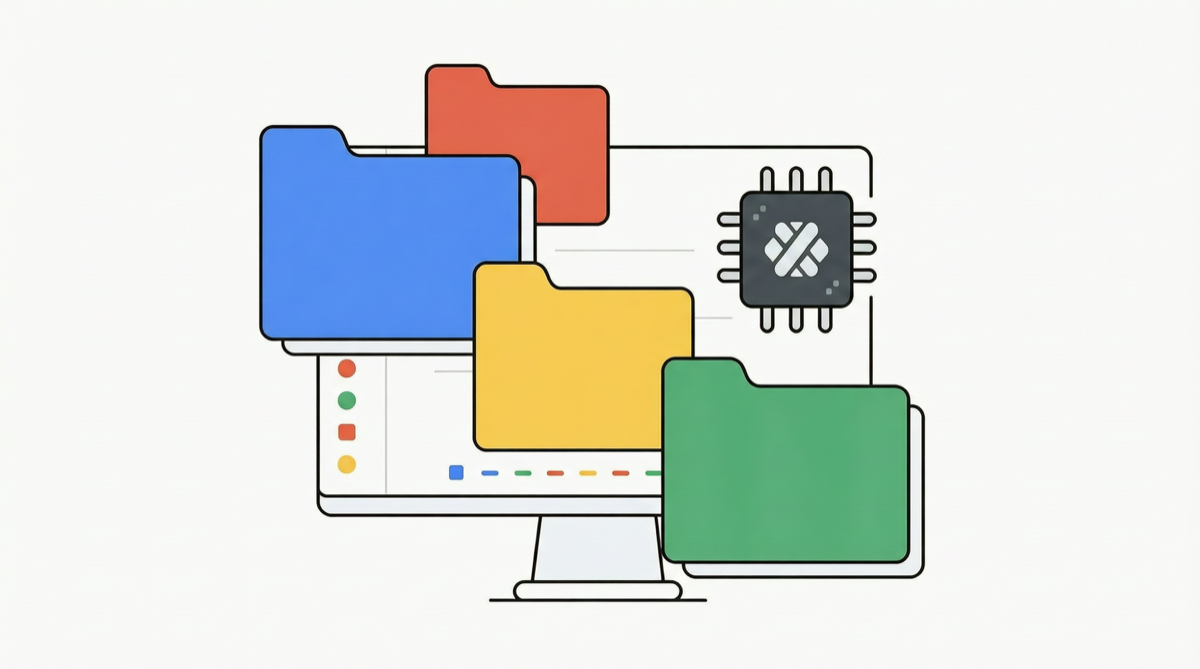
Google, with minimal fanfare, has launched Projects for Gemini. This seemingly low-key update is actually transforming Gemini from a “use-and-forget” chatbot into an AI workspace that remembers you, understands you, and enables continuous collaboration.
As AI assistant competition enters deep water, memory and contextual continuity have become key indicators separating “toys” from “tools.” Google has filled this gap with Projects.
What Exactly Is Projects
Simply put, Projects enables Gemini to do three things:
| Capability | Before (Chat Mode) | Now (Projects) |
|---|---|---|
| File Management | Re-upload every conversation | Project-level file storage, upload once, reuse forever |
| Instruction Memory | Re-explain preferences each session | Persistent project-level instructions, automatically remembers your style |
| Conversation Continuity | Forgotten when session ends | Cross-session context, continuation of previous work |
Why This Matters
1. Solving AI Assistant “Amnesia”
All mainstream AI assistants face the same problem: every new conversation is a blank sheet. You have to re-explain your project background, coding style preferences, business rules. Projects breaks this limitation.
2. From “Q&A” to “Collaboration”
Traditional chat mode follows a linear “ask → answer → done” flow. Projects transforms this into a spiral “create project → continuous iteration → accumulated results” collaboration. This means:
- Your AI assistant gets to know you better over time
- No need to start from zero every time
- Project knowledge and context accumulate continuously
3. Google Ecosystem Integration Advantage
Gemini Projects naturally integrates with Google Workspace:
- Google Drive files directly linked
- Google Docs as project documentation
- Gmail context automatically imported
This depth of integration is hard for standalone AI assistants to replicate.
Comparison with Competitors
| Feature | Gemini Projects | Claude Projects | ChatGPT Projects |
|---|---|---|---|
| File Persistence | ✅ | ✅ | ✅ |
| Cross-Session Memory | ✅ | Partial | Partial |
| Instruction Templates | ✅ | ✅ | ✅ |
| Deep Ecosystem Integration | Google Workspace | None | Microsoft 365 |
| Collaborative Sharing | Supported | Limited | Supported |
Gemini’s unique advantage lies in deep Google Workspace integration — for teams already working within the Google ecosystem, this seamless connection is a massive productivity boost.
Practical Application Scenarios
Scenario 1: Software Development Projects
Create a “frontend refactor” project, upload design documents, API specs, coding standards. Every subsequent conversation, Gemini provides relevant suggestions based on this context, no need to re-explain.
Scenario 2: Content Creation
Create independent Projects for each content series, upload brand guidelines, style manuals, past excellent works. Gemini remembers your writing style, dramatically improving content consistency.
Scenario 3: Academic Research
Create a Project for each research topic, upload related papers, datasets, experiment records. Cross-session research threads can be continuously tracked.
Scenario 4: Personal Knowledge Management
Create a “personal knowledge base” project, continuously accumulating study notes, meeting minutes, inspiration records. Gemini becomes your long-term learning companion.
Landscape Assessment
Projects launch reflects the next key dimension of AI assistant competition: persistence vs. instantaneity.
Previously, the competition focused on model capabilities (who is smarter), but now it has shifted to user experience (who understands you better). OpenAI through Memory, Anthropic through Projects, Google through Projects — all moving in the same direction: making AI assistants long-term partners rather than one-time tools.
In this dimension, Google’s Google Workspace integration advantage could become the decisive factor, especially for enterprise users already in the Google ecosystem.
Action Recommendations
- Individual users: Try Gemini Projects immediately, create dedicated projects for your core workflows
- Team managers: Evaluate whether Google Workspace + Gemini Projects combination can replace your current AI toolchain
- Developers: Watch whether Gemini API exposes Projects-related interfaces — could become the foundation for building persistent AI applications
Data Sources
- Google Gemini official product update
- Community developer usage feedback