Conclusion
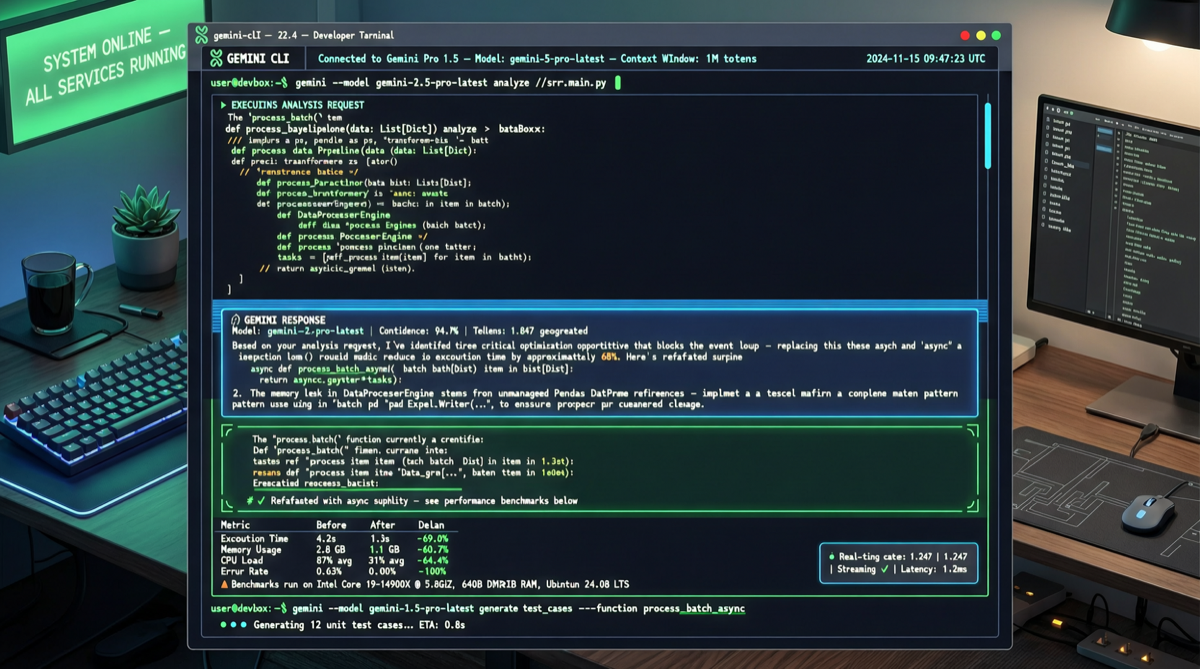
Google has dropped a depth charge into the terminal AI market with Gemini CLI: free, open-source, Gemini 2.5 Pro core, 1M context, 1000 daily requests, MCP protocol support. For a tool that only requires a Google account, this is practically the “price butcher” of the terminal AI space.
What Happened
Gemini CLI Core Specs
| Feature | Specs |
|---|---|
| Model | Gemini 2.5 Pro |
| Context Window | 1 million tokens |
| Free Quota | 1000 requests/day |
| Open Source | ✅ Fully open source |
| MCP Support | ✅ Built-in |
| Authentication | Google account only |
| Pricing | Completely free |
Not Just Chat — It Takes Action
Unlike most AI terminal tools, Gemini CLI’s core design philosophy is act, not chat:
- Read + Understand Files: Directly reads project file structure, understands code context
- Execute + Modify: Doesn’t just give suggestions — directly modifies code files
- Test + Fix: Runs tests, automatically fixes failing cases
- Everything within the terminal: No need to leave your workflow
In real-world testing, someone experienced: “4 weeks of agent building work, done in 10 minutes with Google Agent CLI.” It supports collaboration with multiple backends including Gemini CLI and Claude Code.
Direct Comparison with Competitors
| Dimension | Gemini CLI | Claude Code | OpenClaw | Codex CLI |
|---|---|---|---|---|
| Price | Free | From $20/mo | Free + API costs | Free + API costs |
| Model | Gemini 2.5 Pro | Claude series | Multi-model routing | GPT series |
| Context | 1M | 200K | Depends on model | Depends on model |
| Daily Limit | 1000 requests | By subscription tier | Depends on API | Depends on API |
| Open Source | ✅ | ❌ | ✅ | ✅ |
| MCP | ✅ | ✅ | ✅ | Partial |
| Local Run | Requires internet | Requires internet | ✅ Fully local | Requires internet |
Key Differentiator: Gemini CLI is the only combination of free quota + large model + large context. For individual developers and small teams, 1000 requests/day is practically uncapped.
Why It Matters
1. Google’s “Free Strategy” Isn’t Charity
Google Q1 2026 earnings already provide the clue:
- Cloud business grew 63% to $20 billion
- AI Mode has 200 million monthly active users
- Gemini API processes 16 billion tokens per minute
Gemini CLI’s free strategy is essentially an acquisition funnel — cultivate developer habits with free tools first, then convert to Google Cloud and enterprise editions. The logic is similar to GitHub’s acquisition of VS Code.
2. The “iPhone Moment” for Terminal AI
The terminal AI market landscape in May 2026:
- Claude Code: Pioneer, great experience, but paywall
- Codex CLI: OpenAI official, deeply tied to GPT ecosystem
- OpenClaw: Open-source flexibility, but high configuration barrier
- Gemini CLI: Free + open-source + large model — enters and disrupts
Google’s free strategy directly transforms the question from “should I use terminal AI?” to “which terminal AI should I use?“
3. MCP Support Means Ecosystem Compatibility
Built-in MCP protocol means:
- Can connect to existing MCP Server ecosystem
- Compatible with MCP configurations from Cursor, Claude Code, etc.
- Enterprises can reuse existing MCP infrastructure
Landscape Assessment
Who Will Be Affected
- Claude Code users: May migrate or dual-use if free quota is sufficient
- OpenClaw users: Gemini CLI may become a default backend option
- Individual developers: Biggest beneficiaries — zero-cost access to top-tier AI coding capability
- Enterprises: Free version’s compliance and audit capabilities need evaluation
Competitive Evolution
Short term (1-3 months):
  → Claude Code may increase free quota or adjust pricing
  → OpenAI Codex CLI may follow with free strategy
  → Terminal AI tool "arms race" officially begins

Medium term (3-6 months):
  → Google I/O 2026 (May 19-20) may bring more AI tool releases
  → Gemini CLI deep integration with Google Cloud ecosystem
  → MCP protocol becomes the de facto standard for terminal AI
Action Recommendations
Immediate Actions
- Install and try: Only needs a Google account, zero barrier to entry
- Configure MCP Servers: Reuse existing MCP configurations directly
- Compare testing: Run Gemini CLI and Claude Code side-by-side on the same project
- Watch I/O 2026: May 19-20 Google I/O may bring more AI tool updates
Enterprise Evaluation Checklist
- Whether the free version’s logging and audit capabilities meet compliance requirements
- Whether data transfer and privacy policies meet enterprise standards
- Feasibility of integration with existing CI/CD pipelines
- Whether 1000 requests/day quota covers team needs