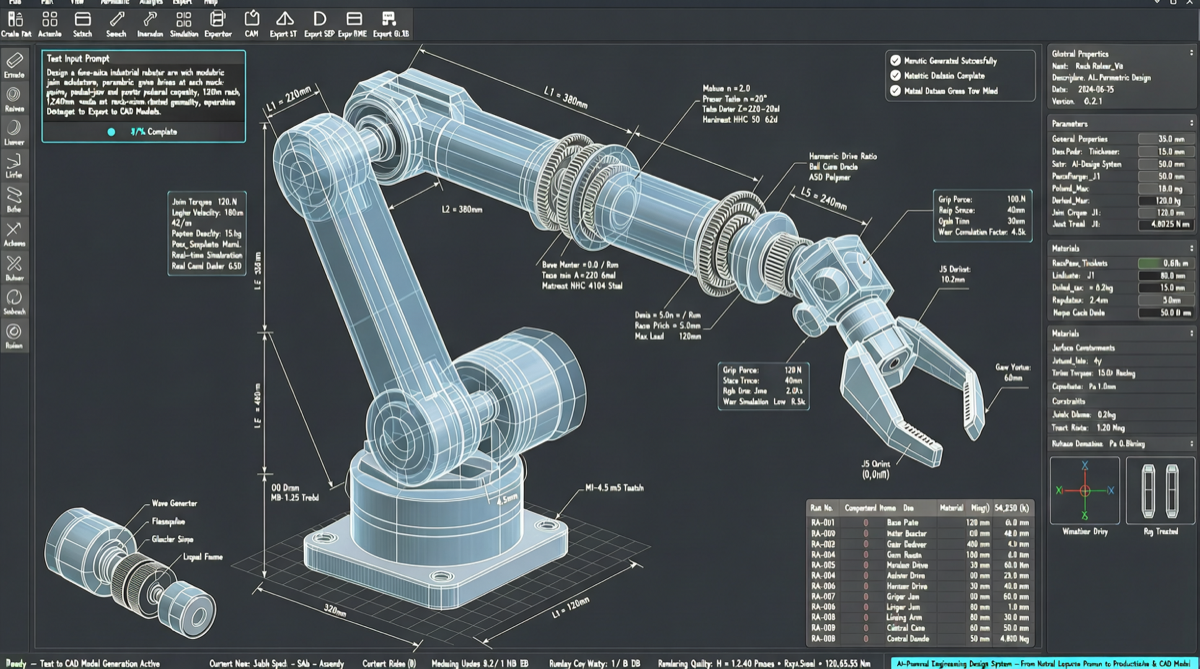
From Text to Assemblable 3D Parts
3D CAD design has long been the domain of engineers—tools like Fusion 360 and SolidWorks have high learning barriers, parameter adjustments are tedious, and gear meshing and tolerance fitting require repeated trial and error. The Text-to-CAD open-source toolchain is changing this: describe requirements in natural language, and AI automatically generates editable parametric 3D models.
The tool surpassed 1,000 stars on GitHub in 3 days, uses the MIT license, supports direct invocation in Claude Code or Codex, and outputs in STEP, STL, GLB, DXF, and URDF formats.
Tool Stack and Workflow
The core toolchain includes:
- Text-to-CAD Engine: Based on Python + build123d, converts natural language instructions into parametric CAD code
- GPT 5.5 / Codex: Acts as the reasoning layer, understanding engineering intent and generating build123d-executable Python scripts
- Export Pipeline: Supports STEP (precision manufacturing), STL (3D printing), URDF (robotics simulation), GLB (visualization preview)
A typical complete workflow:
- Describe requirements in Claude Code, e.g., “Design a 7-DOF robot arm with a parallel gripper at the end”
- The Text-to-CAD engine generates build123d Python scripts defining joint dimensions, connections, and motion ranges
- Scripts run and output STEP assembly files and URDF kinematics models
- URDF can be directly used in ROS for kinematic verification
- STEP files go to 3D printing or CNC machining
In actual testing, a developer completed a full 7-axis robot arm URDF model in Codex using this workflow, including functional kinematics and a custom GUI—what would have taken weeks stitching together 6+ tools with traditional toolchains.
Comparison with Alternatives
| Dimension | Fusion 360 / SolidWorks | Text-to-CAD |
|---|---|---|
| Input Method | Manual modeling | Natural language description |
| Learning Curve | Months | Minutes to get started |
| Model Precision | Industrial grade | Parametric grade, needs verification |
| Editability | Native editing | Modify prompt and regenerate |
| Robotics Simulation | Requires additional plugins | Native URDF output |
| Cost | $500+/year subscription | Free and open source |
Quick Start
# 1. Install dependencies
pip install build123d

# 2. Enable Text-to-CAD in Claude Code or Codex
# Open project directory and describe your design requirements

# 3. Example prompt
# "Design a set of meshing gears, module 2, tooth counts 20 and 40,
#  center distance 60mm, output STEP file"

# 4. Run the generated Python script
python generated_cad.py
# Output: gears.step, gears.stl
Cost and Application Boundaries
Suitable for:
- Rapid iteration of robot prototypes
- Parametric design for 3D printed parts
- Educational and small-scale manufacturing scenarios
- Design tasks requiring frequent dimension adjustments
Limitations:
- Limited capability for complex surfaces (e.g., car bodies, consumer electronics enclosures)
- Generated models require engineering verification (stress analysis, tolerance checks)
- Not suitable for industrial production drawings requiring strict GD&T annotations
- Ecosystem still early-stage; community tutorials and best practices are limited
Text-to-CAD won’t replace professional CAD engineers’ tools, but it significantly lowers the technical barrier to 3D design, enabling developers to validate mechanical concepts in minutes.