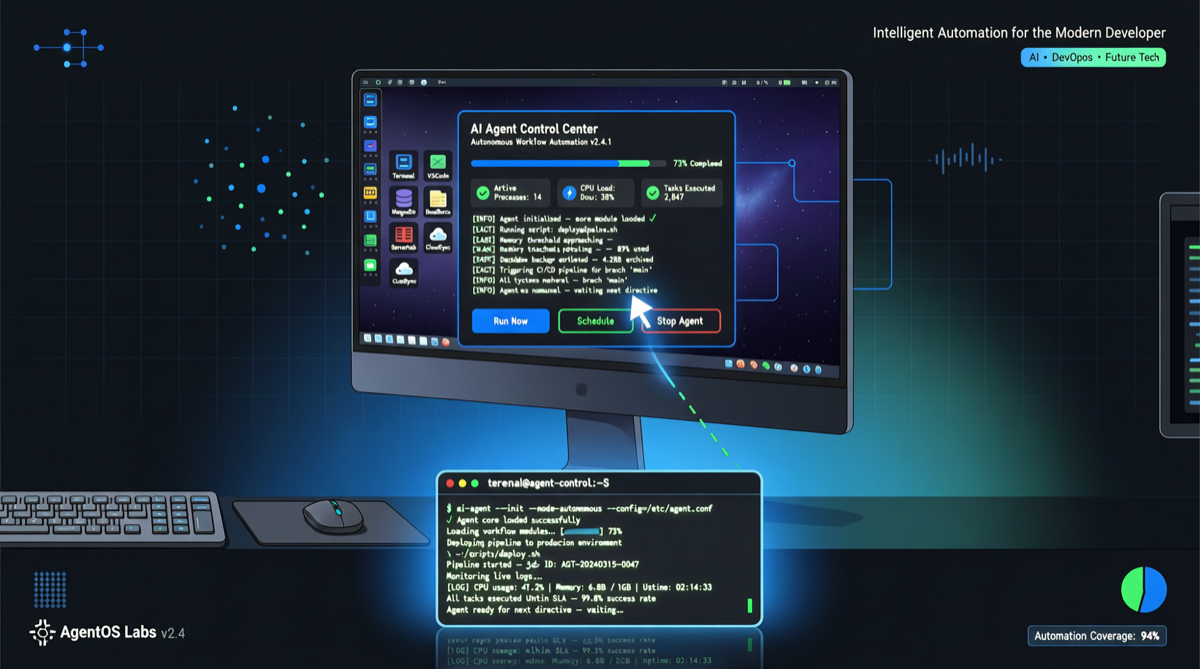
From Terminal to Desktop: The Agent’s Final Frontier
Today, a noteworthy new project appeared on Hacker News’ Show HN board: Agent-desktop, a CLI tool that lets AI agents directly control the local desktop environment. It quickly topped today’s leaderboard with 88 points.
The core logic of this project is simple, but its implications are profound:
Previous AI agents could only “work” within terminals and code files. Agent-desktop enables them to operate like a real person — moving the mouse, clicking buttons, filling out forms — crossing the final boundary between the code world and the graphical world.
What Problem Does It Solve?
Think about what you do on your computer every day:
- Open a browser, log into a backend system, export data
- Open Excel, organize spreadsheets, generate reports
- Adjust design drafts in Figma
- Enter data into some legacy system that has no API
These tasks share a common characteristic: they happen in a graphical interface and cannot be completed via the command line.
Before Agent-desktop, if you wanted an AI agent to accomplish these tasks, you had two choices:
- Manual operation: You click the mouse yourself, AI only gives you suggestions
- Reverse engineering: Spend a lot of time analyzing web interfaces, writing automation scripts
Agent-desktop provides a third path: let the agent directly see the screen, control the mouse, and click buttons.
Technical Architecture Breakdown
Based on the project description, Agent-desktop adopts the following design:
- CLI entry point: Launch and configuration via command line, maintaining developer-friendly interaction
- Screen perception: Captures the current desktop screen, passes it to a multimodal LLM to understand interface elements
- Action execution: Maps model output commands (click, type, scroll) to system-level input events
- State feedback: Real-time capture of screen changes, forming an “observe-decide-execute” closed loop
The cleverness of this architecture lies in: it doesn’t require per-application adaptation. As long as the agent can “see” the screen, it can operate any software — regardless of whether it has an API.
Comparison with Similar Solutions
Desktop automation is not a brand-new concept. Several directions have been exploring this before:
| Solution | Advantages | Limitations |
|---|---|---|
| Selenium/Playwright | Precise, reliable | Browser-only, requires scripting |
| AppleScript/AutoHotkey | System-level control | Steep learning curve, platform-bound |
| Anthropic Computer Use | Strong multimodal understanding | Claude-only, expensive |
| Agent-desktop | Open source, CLI-driven, model-agnostic | Still early, accuracy needs improvement |
Agent-desktop’s unique positioning: it turns desktop automation into a “plug-and-play” agent capability, rather than a skill that requires dedicated programming.
Applicable Scenarios
The following scenarios are particularly well-suited for Agent-desktop:
- Data migration: Export data from System A, organize it, import into System B — no API? The agent clicks it itself
- Batch operations: Send customized emails to 50 clients, each requiring different information filled into web forms
- UI testing: Automatically click various buttons in an app, check if they work properly
- Cross-application workflows: Open email → copy attachment → open design software → import assets → export → upload
Limitations and Risks
It must be stated honestly — this project is still in a very early stage:
- Accuracy issues: Screen capture + visual understanding approach is prone to errors in high-resolution or multi-window environments
- Security risks: Letting AI directly control your desktop is equivalent to giving it the highest system privileges — malicious prompts could cause damage
- Speed bottleneck: Each cycle of screenshot + model inference + action execution is far slower than calling an API directly
But early doesn’t mean without value. Like Claude Code in early 2023, it could only do the simplest code completion at the time — the key is that the direction is right.
What It Means for Developers
The emergence of Agent-desktop signals that AI agents are evolving from “developer tools” toward “general-purpose automation tools.”
For developers, this means:
- Fewer glue scripts needed: Those temporary scripts connecting different GUI applications may no longer be necessary
- Non-technical users can also automate: Describe tasks in natural language, the agent operates the interface itself
- New integration paradigm: When agents can operate any GUI, “no API” is no longer a barrier to system integration
What to Watch Next
Keep an eye on these directions:
- Model compatibility: Does Agent-desktop support Chinese models like DeepSeek V4 Pro, Qwen 3.6? If so, costs will drop dramatically
- Security sandboxing: Will it run in a virtual machine or restricted environment to prevent agent mishaps
- Integration with existing agent frameworks: Can it be called as a Skill by Hermes Agent or OpenClaw?
This project deserves a bookmark. Not because it’s already perfect, but because it opens a door that was previously overlooked.