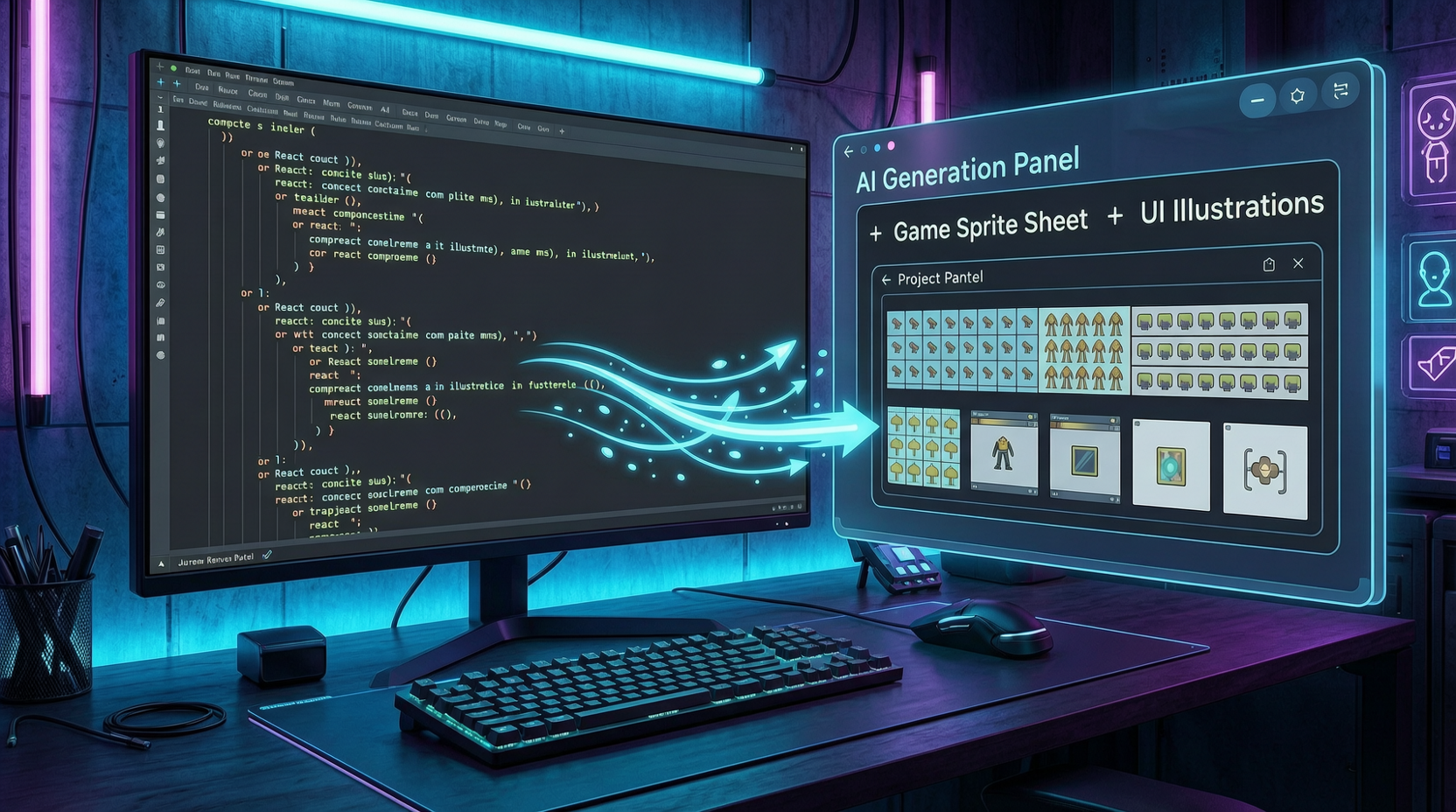
Every frontend developer has been there: the page structure is written, components are built, you run it and look — it’s empty, missing an image.
Maybe an Empty State needs a placeholder illustration, a Feature Card needs a small icon, or a Demo page needs a set of mock thumbnails. Previously, you’d switch to an image generation tool, rewrite the prompt, download the image, rename it, drag it into the project directory, then go back to code and change the import. Once or twice is fine, but doing this repeatedly while building a product breaks your entire development rhythm.
Codex can now put this step directly back into the development workflow.
From “Draw Me a Picture” to “Integrate This Dev Asset Into the Project”
The key distinction: don’t treat this as “casually drawing a picture inside Codex,” but as “having Codex generate a development asset based on the current project and continue wiring it into the code.”
The former is just image generation. The latter patches a development breakpoint directly.
The most practical approach: when describing the visual asset you need in Codex, include the save path, component integration, and code modifications all together. Write the prompt as a development task, not as an image generation request.
Five Real Examples That Go Directly Into Projects
Empty State Illustration
Midway through page development, the Projects page is empty and missing an image. Just tell Codex:
Please generate an empty state illustration matching the current project UI style and integrate it into the current page. The use case is when the Projects page has no projects. Image requirements: 4:3, light background, clean SaaS UI style, containing an empty folder, a “create project” card, and a small plus button. No readable text, no brand logos. Save to
/public/images/empty-projects.png, reference it in the ProjectsEmptyState component, and maintain the current Tailwind styling.
Codex generates the image, saves the file, and modifies the component reference — all in one conversation. The point isn’t “making it look pretty” — it’s making the page state complete.
Feature Card Small Illustration
A landing page feature card needs a small illustration. Clear dimensions (1:1, fits a 320px-wide card top), low visual complexity requirement, specific use case — this is exactly where Codex shines.
Mock Thumbnails / Demo Content
A Video Projects page needs 6 thumbnails to fill demo content. Codex can generate a batch of unified 16:9 thumbnails, save them to the specified directory, and update the mockProjects data so each project references its thumbnail. The page instantly goes from “empty” to “almost real.”
Sprite Sheet for Game Prototypes
Building a 2D dungeon game prototype and need a character sprite sheet. Tell Codex to generate pixel art with transparent background, 4 action sets of 4 frames each, then have it update the animation config based on the sprite sheet dimensions and wire up idle, walk, attack, and hurt animation states in Player.ts.
Game prototypes are especially suited for this usage. Codex isn’t just “drawing a character” — it generates the sprite sheet + updates config + wires up logic, end to end.
Status Illustration Set
Need 6 status illustrations (processing, success, failed, no connection, locked, empty) for task result pages. After generation, wrap them into a StatusIllustration component that automatically selects the right image based on a status prop — turning it into a component library asset reusable across every page.
When It’s Worth Using (and When It’s Not)
Worth using: The closer to code, the better. Empty States, Feature Cards, Mock Thumbnails, Sprite Sheets, Status Illustrations — these are “small sets of critical dev assets” that integrate directly into components or config files after generation.
Not recommended: Batch marketing materials (50 ad images, dozens of cover iterations), brand hero visuals. These consume heavily and require high consistency — better to use an API or a dedicated design workflow.
One sentence: use it for “small sets of critical assets” inside product development. You don’t need a gallery — you need pages to finish faster, demos to run sooner, and components to become usable quicker.
Four Checks Before Going Live
Generated images don’t mean you can ship blindly. At minimum, check:
- Any incorrect text
- Any real brands, trademarks, or logos
- Style consistency across multiple images
- Compliance with product brand and copyright requirements
Solo product developers can now patch these development breakpoints directly inside Codex. No tool switching, no waiting, no context loss — that’s the real step forward.