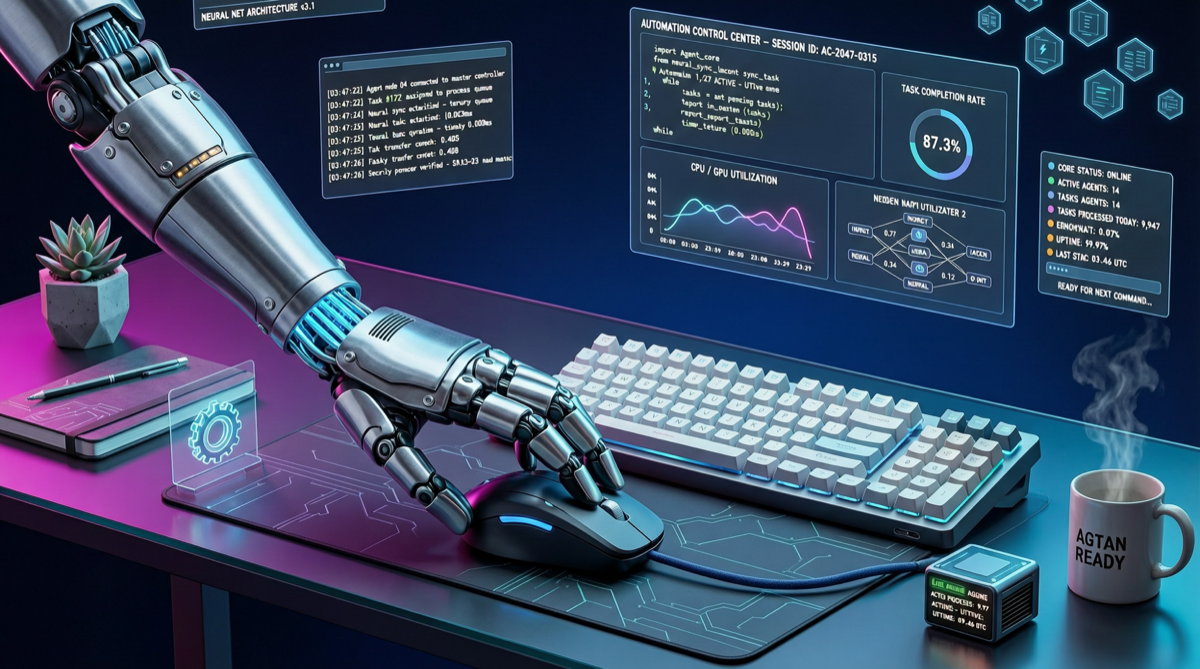
The Pain Point: AI Agents Can Chat, But Can’t Operate Your Computer
Past year’s AI agent progress focused on “what it can do” — writing code, researching, calling APIs. But one fundamental need remains poorly addressed: letting agents directly control the desktop.
Not API calls, not scripts, but operating like a human — moving the mouse, clicking buttons, typing text, dragging files. This is the core of the Computer Use paradigm.
trycua/cua was built to solve this as open-source infrastructure.
Solution Breakdown
Core Capabilities
| Component | Function | Status |
|---|---|---|
| Sandboxes | Isolated desktop environments for safe agent operation | ✅ macOS/Linux/Windows |
| SDK | Python SDK for quick CUA integration | ✅ Available |
| Benchmarks | Standardized Computer Use capability evaluation | ✅ Built-in |
| Training Framework | Train Computer Use models with real operation data | ✅ Available |
Comparison with Alternatives
| Solution | Open Source | Cross-Platform | Sandbox | Benchmarks | Community |
|---|---|---|---|---|---|
| CUA (trycua) | ✅ | macOS/Linux/Win | ✅ | ✅ | 🔥 15K+ stars |
| Anthropic Computer Use | ✅ | Linux only | ❌ | ❌ | ⚡ Moderate |
| OpenAI Operator | ❌ | Web only | N/A | N/A | N/A |
| OS-Copilot | ✅ | Linux/Mac | ❌ | Limited | ⚡ Low |
CUA’s differentiation: not a single model, but complete infrastructure. From sandbox to SDK to benchmarks — a full Computer Use Agent development and deployment path.
Why It Matters
1. Desktop Automation Is the Next Agent Frontier
API calls aren’t enough anymore. Truly universal agents need GUI operation — filling forms, configuring software, handling screenshots, operating IDEs.
2. 15K Stars Means Ecosystem Formation
15K stars in one week shows intense community demand. CUA may become the de facto standard in Computer Use Agents.
3. Open Source Means Controllability
- Audit all agent operations
- Customize sandbox policies
- Train models with your own data
- Deploy locally without cloud dependency
Quick Start
pip install cuafrom cua import ComputerUseAgent
agent = ComputerUseAgent(
model="your-vlm-model",
platform="macos",
sandbox=True
)
result = agent.execute("Open browser, go to github.com, search 'CUA'")Use Cases
- RPA replacement: AI agents replacing rule-driven RPA
- QA automation: Automated GUI testing for complex interactions
- Remote operations: Agent-controlled remote desktop for system configuration
- Data entry: Automated form filling in legacy systems
CUA represents a clear trend: AI agent boundaries are expanding from API layer to the entire desktop.