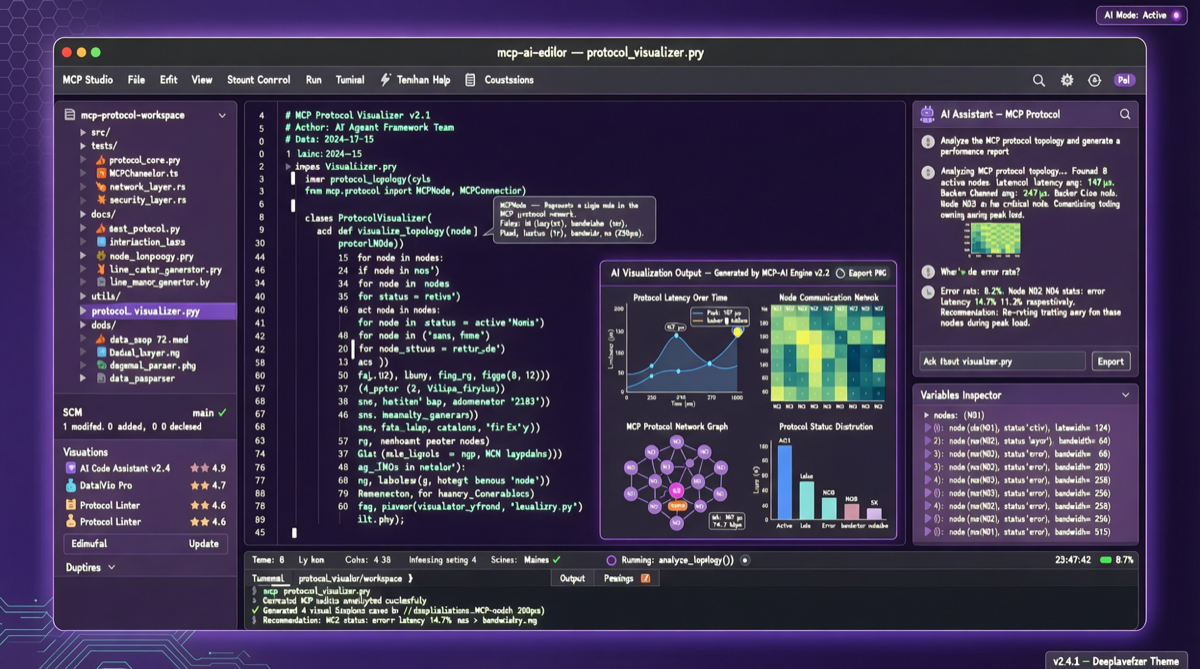
MCP (Model Context Protocol) has faced one fundamental limitation since its birth: it only does text in / text out. Cursor 2.6 fixes this.
MCP Apps: When the IDE Starts Rendering UI
Cursor 2.6’s MCP Apps feature means MCP server output is no longer limited to text — interactive UI components can now render directly inside the IDE.
Currently supported render types:
| Component Type | Use Case | Example |
|---|---|---|
| Amplitude charts | Data analytics and product metrics | Display user behavior data directly in the dashboard |
| Figma designs | UI/UX collaboration | View and reference designs while coding |
| tldraw whiteboards | Brainstorming and flowcharts | Draw architecture diagrams while writing code |
Team Marketplace: Enterprise Private Plugin Ecosystem
For Teams/Enterprise users, Cursor 2.6 also launched Team Marketplace:
- Enterprises can build private MCP plugins
- Unified distribution and management within teams
- Ensures AI tool usage complies with enterprise security policies
Impact on AI Programming Tools
| Tool | MCP Support | UI Rendering | Enterprise Control |
|---|---|---|---|
| Cursor 2.6 | Apps | Charts/whiteboards/designs | Team Marketplace |
| VS Code + Copilot | MCP Server | Text only | Limited |
| Windsurf | MCP | Text only | No |
| Zed | Partial | Text only | No |
Cursor is evolving from “the best AI code editor” to “the best AI workspace.”
MCP Ecosystem Impact
Cursor MCP Apps may become a turning point for the MCP ecosystem:
- More MCP servers will start outputting structured UI data
- Other IDEs and editors may follow this pattern
- MCP protocol specs may need to expand to the UI description layer