The Pain Point
Claude Code, Cursor, GitHub Copilot and other AI coding tools are smart enough to handle most programming tasks—but they also frequently make “shouldn’t-have-made” mistakes.
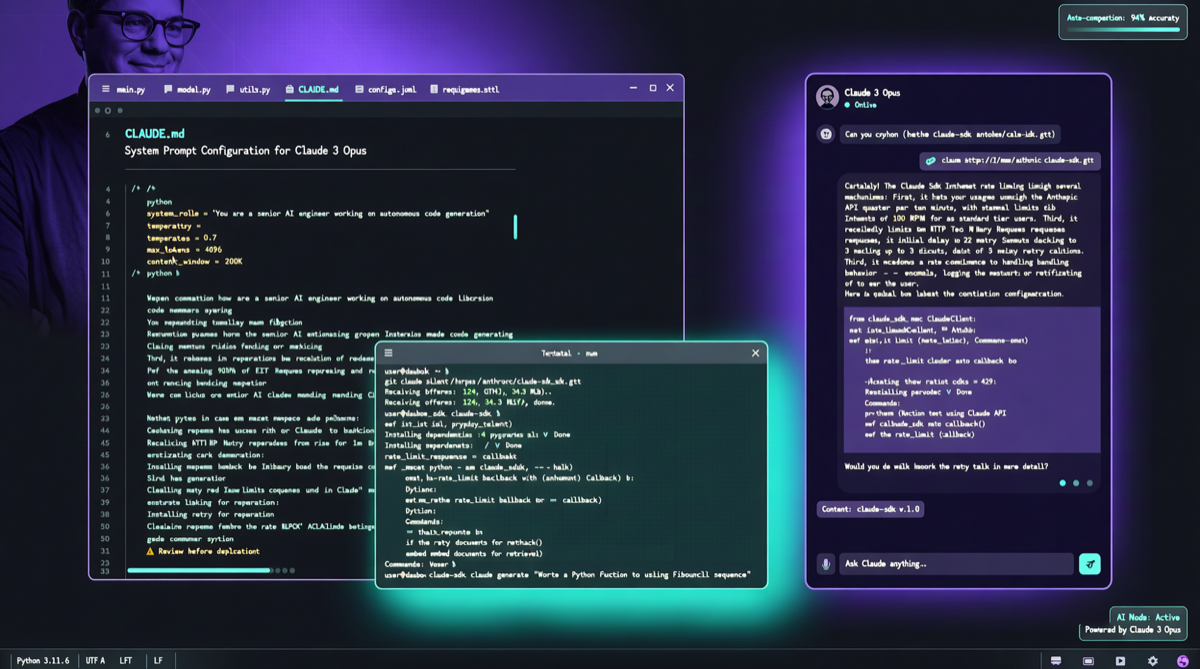
Andrej Karpathy systematically observed typical LLM coding pitfalls over the past months and compiled these observations into a CLAUDE.md file. Community member forrestchang packaged it as a reusable skill set, and it surpassed 102,000 stars on GitHub within a week.
This isn’t a “tool”—it’s a “code of conduct.” Telling AI coding assistants “what NOT to do” is often more valuable than “what TO do.”
Core Rules Breakdown
The core logic of Karpathy Skills: LLM coding problems aren’t about “not smart enough,” but about “behavioral pattern bias.” Here are key rule categories:
1. Don’t Over-Abstract
LLMs tend to create abstraction layers for every function, even when the project just needs a simple script.
2. Don’t Skip Tests
LLM-generated code often “looks like it runs” but lacks test coverage. The skill file mandates:
- Every new function must come with at least one test case
- When modifying existing code, check if tests pass first
- Don’t delete tests that “seem redundant”
3. Don’t Assume Dependencies Are Available
LLMs frequently reference packages not yet installed or deprecated APIs. Rules require:
- Check package.json / requirements.txt before referencing new dependencies
- For uncertain APIs, consult documentation rather than “generating from memory”
- Version locking: don’t use
*orlatest
4. Don’t Ignore Error Handling
This is the most common defect in LLM coding:
| Error Type | LLM Default Behavior | Karpathy Rule |
|---|---|---|
| Network requests | Assumes always succeeds | Add timeout, retry, error callbacks |
| File operations | Assumes file exists | Check existence, handle missing case |
| User input | Assumes correct format | Validate, sanitize, reject invalid input |
| Concurrent operations | Assumes no race conditions | Add locks or atomic operations |
5. Maintain Consistent Code Style
LLM-generated code style is often inconsistent across contexts. Rules require:
- Follow the project’s existing naming conventions
- Don’t mix different styles in the same file
- When modifying code, keep the surrounding code’s style
Why 102K Stars?
This project’s explosive growth reflects three trends:
- Claude Code’s proliferation: More developers use Claude Code for daily coding, but default behavior is often “almost right”
- Engineering of Prompt Engineering: From “manually tuning prompts” to “solidifying best practices with CLAUDE.md”
- Karpathy’s influence: As a top technical evangelist in AI, his systematic observations on LLM coding behavior carry natural persuasiveness
How to Use
Method 1: Put in Your Project
# In your project root
curl -O https://raw.githubusercontent.com/forrestchang/andrej-karpathy-skills/main/CLAUDE.md
# Or copy content to your existing CLAUDE.md
Method 2: Global Claude Code Config
# Global effect (all projects)
mkdir -p ~/.claude
cp CLAUDE.md ~/.claude/CLAUDE.md
Method 3: Combine with Other Skills
This project can be combined with mattpocock/skills (48K stars, “Skills for Real Engineers”):
| Project | Focus | Best For |
|---|---|---|
| Karpathy Skills | LLM coding behavior correction | Reduce LLM-generated bugs |
| Matt Pocock Skills | TypeScript/engineering best practices | Improve code quality |
| Both combined | Behavior + quality | Best results |
Limitations
Karpathy Skills isn’t a silver bullet:
- It doesn’t replace code review: AI still needs human review
- More rules = stronger constraints: Some scenarios may need temporary rule disabling
- LLMs are evolving: As models improve, some rules may become redundant
- Project differences: Different projects have different coding standards, requiring customization
Action Items
- Today: Put CLAUDE.md in your Claude Code project
- This week: Observe AI coding behavior changes, record which rules are most effective
- This month: Customize and add/remove rules based on your project characteristics
- Ongoing: Follow Karpathy and other tech leaders’ new observations on LLM coding behavior
The next leap in AI coding tools isn’t “smarter”—it’s “more reliable.” Karpathy Skills represents a pragmatic path: rather than waiting for models to learn not to make mistakes on their own, first tell them which pitfalls to avoid.