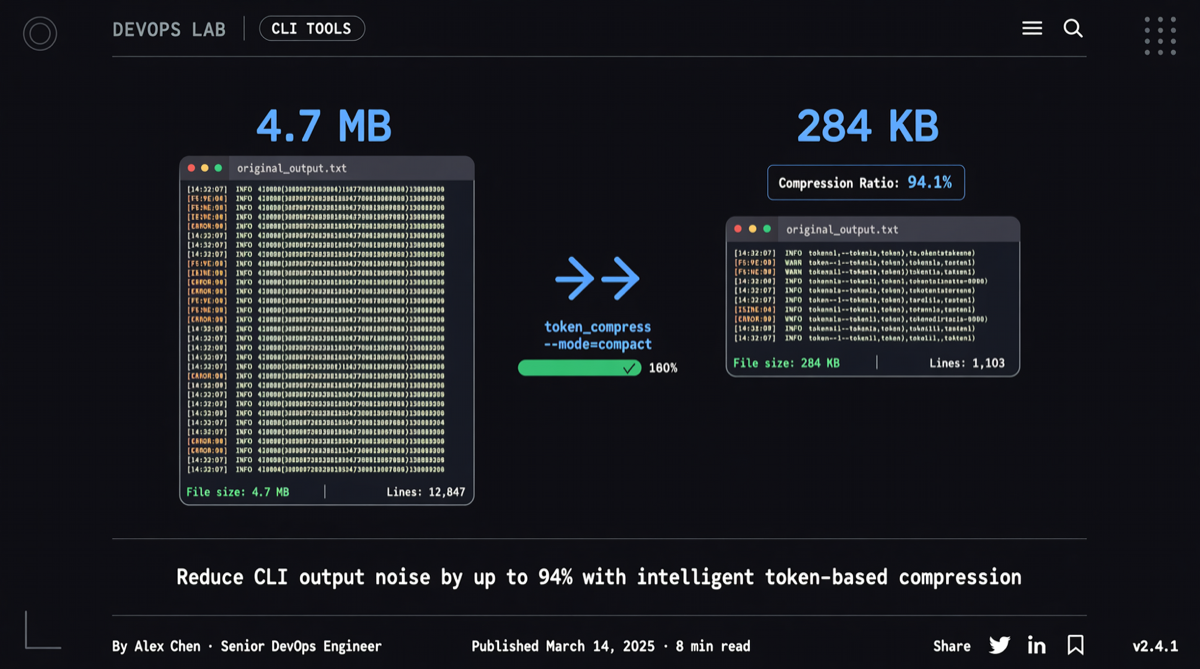
When coding with Claude Code, have you ever wondered: why does git status gobble up 2,000 tokens?
Here’s the thing: every time an AI tool runs commands like git status, npm test, or cargo build, it stuffs the full terminal output verbatim into the context window. A single cargo test failure can easily spit out 200+ lines and 25,000 tokens. After a few rounds, the context window fills up, and API costs rise along with it. The AI tool itself doesn’t care about all that redundant information — it only needs to know which tests failed and which git files changed.
RTK was born to fill exactly this gap.
Core Idea: Insert a Filter Layer Between AI and Terminal
RTK (rtk-ai/rtk) is a CLI proxy tool written in Rust, already at version 0.28.2. What it does is straightforward: intercept commands issued by AI tools, compress the output, and feed it back.
According to the README, in a 30-minute Claude Code session:
| Command | Frequency | Standard Output | After RTK Compression | Savings |
|---|---|---|---|---|
| ls / tree | 10x | 2,000 | 400 | -80% |
| git status | 10x | 3,000 | 600 | -80% |
| git diff | 5x | 10,000 | 2,500 | -75% |
| cargo test | 5x | 25,000 | 2,500 | -90% |
| pytest | 4x | 8,000 | 800 | -90% |
| docker ps | 3x | 900 | 180 | -80% |
| Total | ~118,000 | ~23,900 | -80% |
No magic here, just four techniques: smart filtering (strips comments, whitespace, boilerplate text), aggregation (groups files by directory, groups errors by type), truncation (keeps critical context, removes repetition), and deduplication (collapses duplicate log lines with a count marker).
Hook Mechanism: AI Tools Are Completely Unaware
RTK’s most interesting design is its auto-rewrite hook. After installation, it intercepts and rewrites Bash commands before the AI tool sends them:
Claude  --git status-->  RTK  -->  git
  ^                     |          |
  |   ~200 tokens       |  filter  |
  +---- (filtered) -----+----------+
Claude still issues git status, but RTK rewrites it to rtk git status before execution, returning the compressed result to Claude. The entire process is completely transparent to the AI — it has no idea the output has been rewritten.
RTK supports 12 AI tools: Claude Code, GitHub Copilot, Cursor, Gemini CLI, Codex, Windsurf, Cline/Roo Code, OpenCode, OpenClaw, Kilo Code, Google Antigravity. Installation is unified via rtk init -g, with corresponding flags for different tools.
Beyond Compression: Observability Built In
RTK also ships with a suite of token savings analytics tools:
rtk gain— view savings statisticsrtk gain --graph— ASCII chart showing trends over the last 30 daysrtk discover— discover commands not yet covered by RTKrtk session— view RTK adoption rate across sessions
For teams heavily using AI coding tools, this data maps directly to API costs.
Caveats
Two limitations to be aware of:
- Hooks only apply to Bash command invocations. Claude Code’s built-in Read, Grep, and Glob tools don’t go through the Bash hook, so they won’t be auto-rewritten. You’ll need to use explicit shell commands or
rtk read/rtk grep. - Native Windows environments don’t support the auto-rewrite hook and fall back to CLAUDE.md injection mode. Full support is available under WSL.
Quick Start
# Homebrew
brew install rtk

# Or install directly
curl -fsSL https://raw.githubusercontent.com/rtk-ai/rtk/refs/heads/master/install.sh | sh

# Install hook for your AI tool
rtk init -g  # Claude Code / Copilot

# Restart your AI tool and test
git status  # automatically rewritten to rtk git status
The project is MIT licensed, has 39.6k stars, 863 commits, a core team of three, and the latest commit was 2 days ago. For anyone spending tens of dollars a day on API fees from AI coding tools, the ROI of this tool is nearly immediate.